
Indie dev efficiency4 min read
A Sprite Looks Blurry in the Browser. Is the Downloaded PNG Damaged?
Control the file and display conditions before treating an enlarged preview or screenshot as evidence of PNG damage.
Control the file and display conditions before treating an enlarged preview or screenshot as evidence of PNG damage.
Identify oversized selections, background connections, and genuine occlusion. Test manual boxes and cleanup on sample slices, and know when to return to the source artwork.
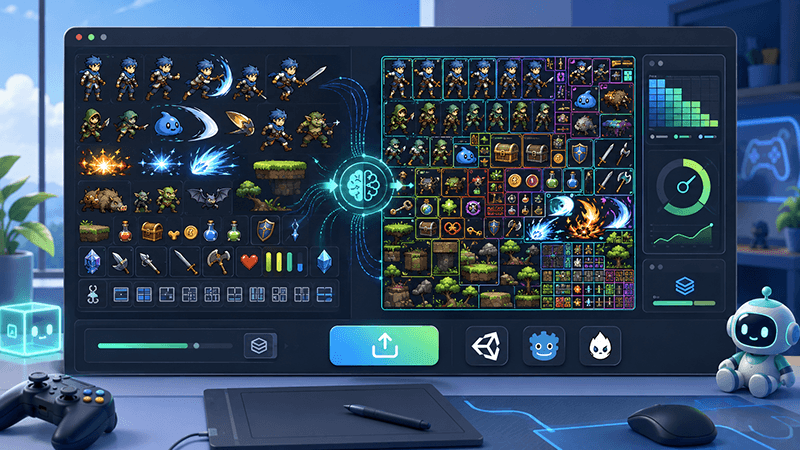
Learn how automatic sprite slicing and one-click ZIP export can help indie game developers turn character sheets, icon collections, and AI-generated 2D artwork into organized PNG assets faster.
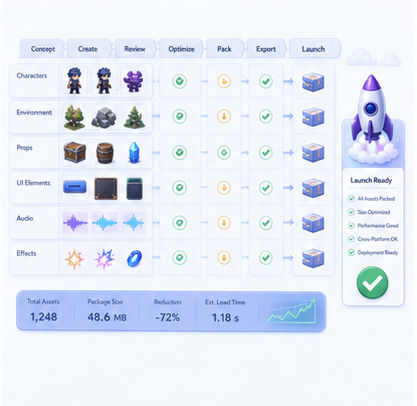
Before an indie game goes live, raw art must become clean, named, packed, tested, and engine-ready. This checklist explains a practical asset pipeline for small teams preparing a public launch.
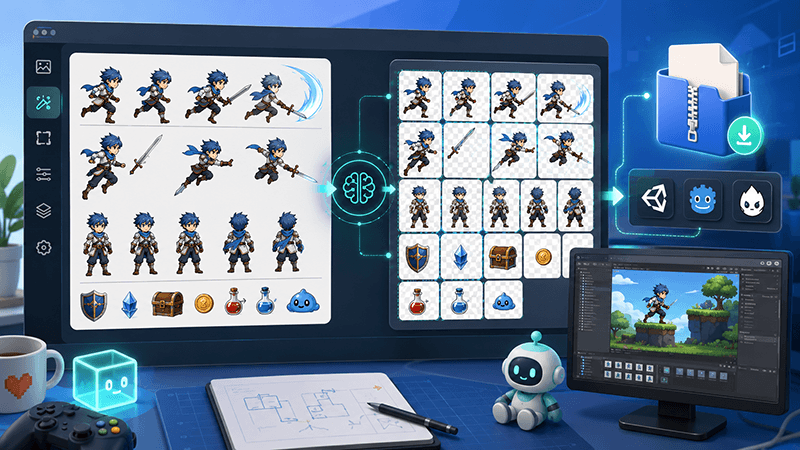
A practical workflow guide for turning raw 2D images into sliced PNG files, downloading them as a ZIP package, and using those files to create sprite sheets for Unity, Cocos, Godot, and custom game engines.
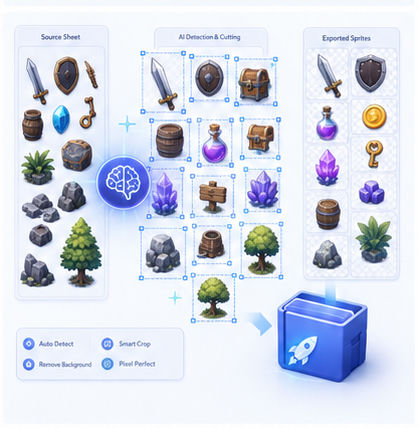
Game icons and prop sheets often arrive as white-background images. This guide explains how AI Sprite Cutter helps transform them into transparent, organized, engine-ready PNG assets.