
A Sprite Looks Blurry in the Browser. Is the Downloaded PNG Damaged?
Control the file and display conditions before treating an enlarged preview or screenshot as evidence of PNG damage.
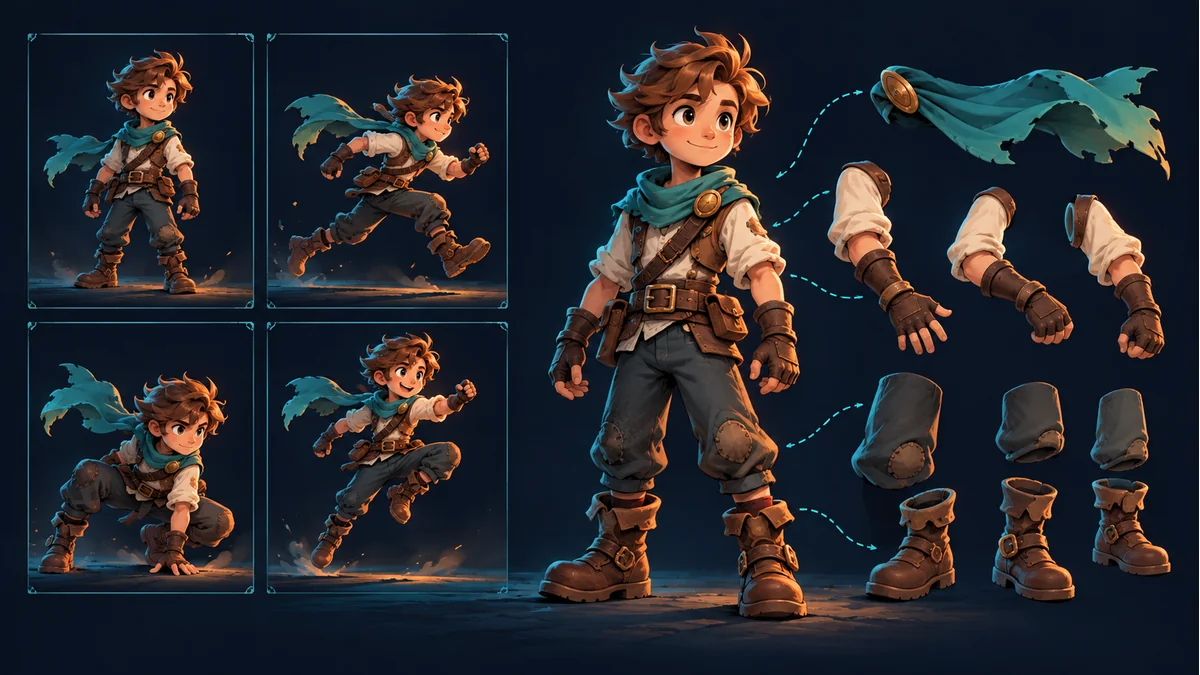
The AI-generated cover illustrates character poses and parts. It is not pixel-art test material, a scaling comparison, or a sharpness measurement.
A sliced sprite looks soft in a browser. Does it need slicing again? Download the same file first. An enlarged display and the pixels stored in a PNG are different evidence.
Keep the file rather than substituting a screenshot
Preserve the downloaded PNG and record its actual dimensions and revision. A screenshot includes layout, display scaling, and compositing; it is not a substitute for source-pixel inspection. Comparing an old download with a new preview changes more than display conditions.
Record natural and displayed dimensions separately
The MDN image-rendering reference explains how scaling affects display, including layout-driven scaling and user zoom. A soft display does not establish changed source pixels. A sharp display does not establish added detail.
For a hypothetical 32×32 file, a 128×128 CSS display is four times its width and height; a 100×100 display is 3.125 times. This is size arithmetic, not a physical-device measurement or a browser experiment performed for this article.
Change only display conditions in the comparison
- Inspect the same downloaded file at natural dimensions with a known viewing scale.
- Record displayed dimensions and browser zoom.
- For pixel art, compare integer enlargement with other sizes without recompressing the file.
- Inspect actual filtering, scale, and display conditions in the target project.
Integer-scale comparisons reduce variables; they do not guarantee physical-pixel alignment everywhere. Device pixel ratio, transforms, and rendering conditions can still matter. Natural-size display is not automatically one source pixel per physical screen pixel.
Judge each art style by its intended appearance
Pixel art may need hard edges. Painted characters may intentionally contain gradients and partially transparent edge pixels. Do not impose one sharpness preference on all assets, or use this smoothly painted cover as a pixel-art benchmark. A display rule cannot restore source detail already lost.
If a different page rendering policy is needed, its owner should validate the actual context. This article does not announce a new Tooliva filtering control, and browser styles are not game-engine texture import settings.
Return to slicing or export when file evidence points there
If actual dimensions, silhouettes, or transparent pixels differ from the intended source, inspect cropping, resizing, encoding, and export. When another cut is needed, process a copy in the Sprite Cutter, keep the original, and compare under the same conditions. Avoid repeatedly generating assets in response to an enlarged screenshot alone.
If the disagreement is only about changing 72 to 300, separate density from pixel dimensions first. Record file dimensions, displayed dimensions, zoom, observations, and pending checks instead of simply saying that the PNG is blurry.
Recommended tools
Automatic Sprite Slicing and ZIP Export: A Faster Way to Prepare 2D Game Assets
Learn how automatic sprite slicing and one-click ZIP export can help indie game developers turn character sheets, icon collections, and AI-generated 2D artwork into organized PNG assets faster.
From AI Sprite Cutter to Sprite Sheet Maker: A Complete 2D Asset Workflow
A practical workflow guide for turning raw 2D images into sliced PNG files, downloading them as a ZIP package, and using those files to create sprite sheets for Unity, Cocos, Godot, and custom game engines.
AI Sprite Cutter: How Indie Game Developers Can Split 2D Game Assets Faster
A practical guide for indie game developers, 2D artists, and prototype teams. Learn how an AI sprite cutter can split character sheets, UI icons, white-background assets, and AI-generated artwork into clean PNG files for Unity, Cocos, Godot, and sprite sheet workflows.
Ready to try "A Sprite Looks Blurry in the Browser. Is the Downloaded PNG Damaged?"?
Use our online tools to apply this tutorial to your indie game project right away.