
Mirror, Transform, or Warp a Spine Part? Define What Must Stay Fixed
A hypothetical cuff-and-bracer example helps separate geometric adjustments from missing artwork and distinguishes image mirroring from playing an animation backward.
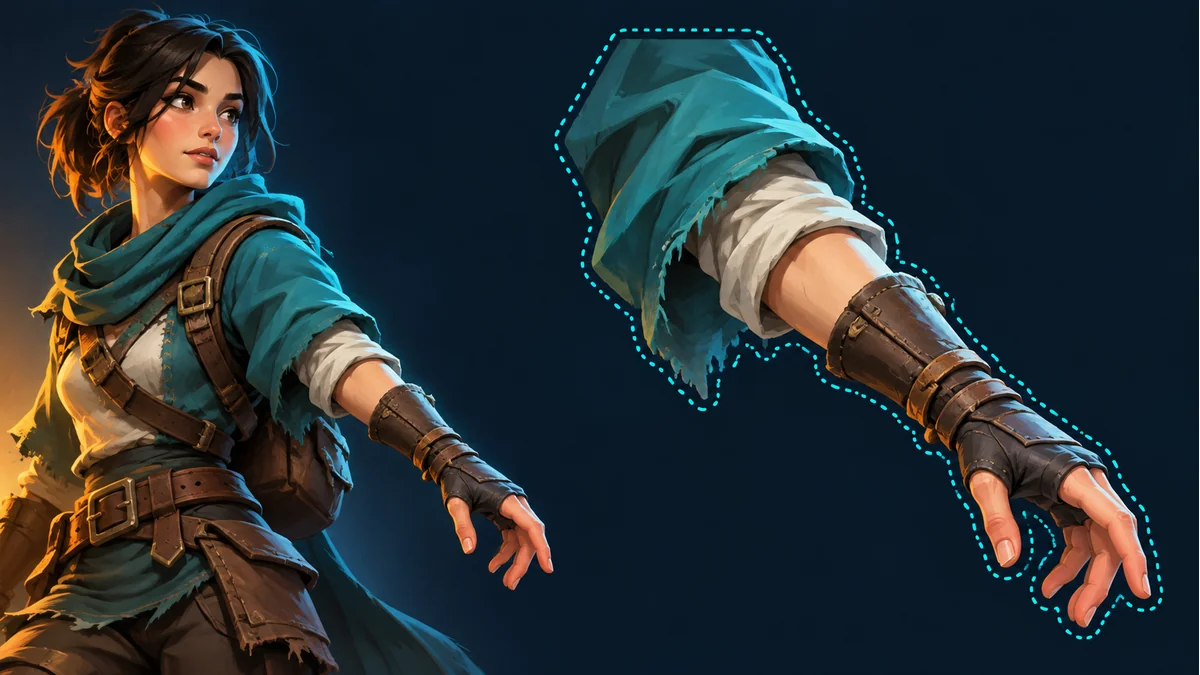
The reused AI cover illustrates a character and cuff. It is not a Warp test, an actual edit comparison, or a product screenshot.
A reversed bracer, an entire forearm sitting away from its joint, and one small cuff contour that does not fit can all be described as a bad part. They call for different observations before choosing an adjustment. Start with what should change and what must remain recognizable.
The public Spine Workbench guide shows transforms, horizontal and vertical mirroring, and Warp within detail adjustments. It also asks users to return to animation preview afterward. The decision process here is manual; it does not introduce undocumented mesh controls, automatic snapping, or a guaranteed repair.
Write down two constraints
Consider a hypothetical forearm with a cuff and decorated bracer. The cuff should meet the upper arm, while the bracer should not become visibly elongated. These are separate constraints. Scaling the entire part until the cuff connects may also enlarge the hand. Changing a local contour may distort decoration that previously looked reasonable.
In Spine Workbench, confirm the resource, selected part, and actual template action. Distinguish the character's own left side from the left side of the screen. Keep a note or reference image of the starting state rather than assuming an automatic recoverable version exists.
Check orientation before reshaping
If the picture faces the wrong way relative to its reference, establish whether horizontal or vertical mirroring is appropriate. Inspect meaningful features such as the cuff, palm, or grip, rather than the bounding rectangle alone. Mirroring can also reverse decorative details, so a connection that now lines up is only one part of acceptance.
This changes the selected image's orientation. It does not mean the animation plays backward, nor does it establish the movement direction of the whole character. Reverse playback and runtime facing belong to separate animation and project checks.
Check the whole-part relationship next
When the artwork shape is reasonable but the entire part is misplaced or sized poorly, inspect the transform controls actually available in the current interface. Establish orientation, then assess size and placement. Avoid changing the proportions of the entire hand merely to compensate for a small cuff difference.
Change one principal condition and revisit the original action. Check whether the connection improved and whether the hand, bracer, or neighboring parts gained a new mismatch. The motion calibration checklist provides the broader animation review.
Consider Warp for a remaining local shape mismatch
Once orientation and the overall relationship are reasonable, a remaining local shape issue may justify assessing Warp as shown in the guide. State the intended region and the area to preserve: for example, improve the cuff fit without visibly stretching the whole bracer decoration.
That is a decision criterion, not a promise that every part can satisfy both constraints. If the contour, texture, or joint relationship becomes less convincing, stop expanding the edit and reassess the reference and source. One attractive still pose should not justify uncontrolled reshaping.
Do not substitute deformation for missing artwork
If the source selection excluded existing cuff pixels, inspect the original-image selection first. If the required artwork is absent from the source itself, assess part rework. Neither transforms nor Warp should be treated as a guarantee that missing painted content will be restored. The source-selection checklist helps separate that problem.
Record why the adjustment was accepted
- The real resource, part, and action inspected.
- The reason: orientation, whole-part relationship, or local shape.
- The constraints retained, such as the connection and decoration proportions.
- The result across the original action and other planned, available actions.
A local contour lining up is not the same as accepting the complete moving part. Review actual exports in the target project as well; this workflow makes no unsupported engine or runtime-version compatibility claim.
Ready to try "Mirror, Transform, or Warp a Spine Part? Define What Must Stay Fixed"?
Use our online tools to apply this tutorial to your indie game project right away.