
Spine Parts Overlap Only in Motion? A Calibration Checklist
A practical motion-checking routine for shoulders, elbows, knees, and other joins, with a small record that separates alignment, selection boundaries, and artwork problems.
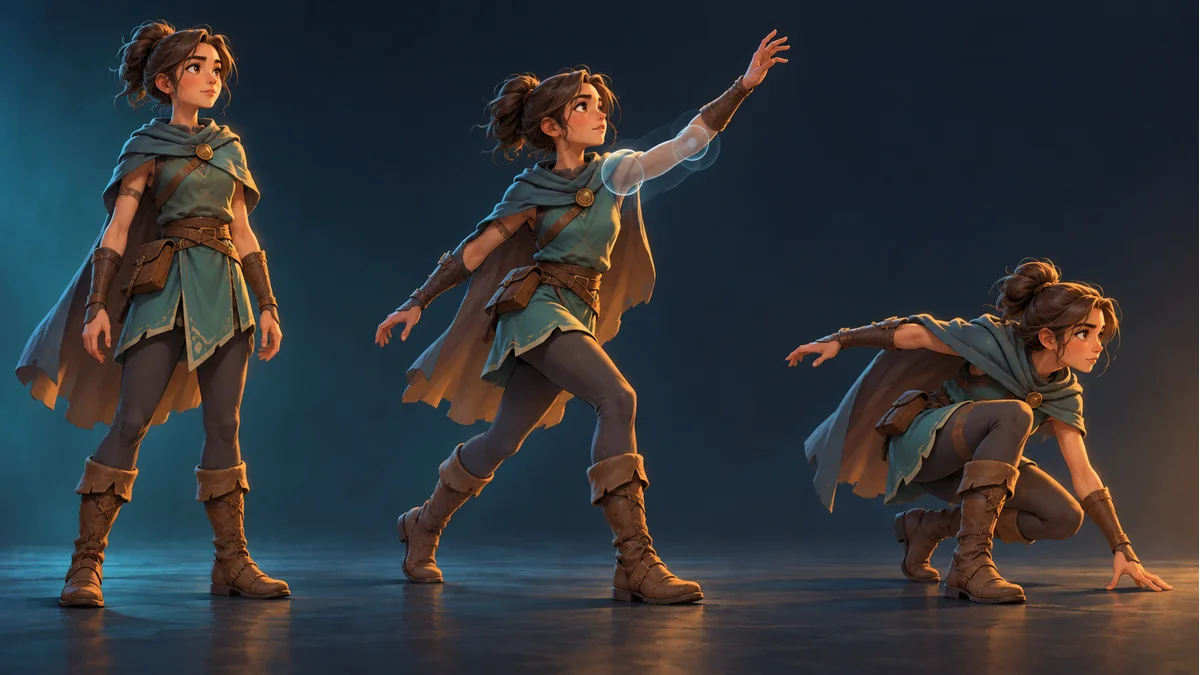
The cover is an AI-generated inspection concept, not a product screenshot or evidence that a particular template includes all three poses.
A sleeve can meet the forearm in a standing pose yet reveal a gap when the arm rises. A leg can look convincing at rest while its knee area overlaps awkwardly during movement. A still image is not enough to accept the resource. Start with a matching animation on the template and the current resource, identify the part and the troublesome phase, and only then choose an adjustment.
This routine follows the calibration and detail-adjustment workflow in the Spine Workbench illustrated guide. The inspection notes below are a suggested manual practice, not an automatic diagnostic feature.
Make the comparison repeatable
Open the resource in Spine Workbench and select the same available action in the template and resource previews. Comparing an idle template with a moving generated character mixes two different conditions and can make an ordinary pose difference look like misalignment.
- Note the resource, animation, and selected part name. Use the actual object names to avoid ambiguous left-versus-right descriptions.
- Watch the complete action before focusing on the phase where the problem appears. Pause or frame-stepping availability depends on the current interface.
- Inspect actions that the chosen template actually provides and that your project needs. Editing appearance does not establish that a new animation exists.
Follow the joins, not just the silhouette
Look at identifiable connections: head to torso, upper arm to forearm, or thigh to lower leg. Describe a relationship you can revisit. “A gap opens between the cuff and forearm during the raised-arm phase” is more useful than “the character looks wrong.” Clothing may obscure a join, so one hidden region is not sufficient evidence of a bone or drawing-order fault.
Then note whether the symptom persists throughout the action or appears only when limbs cross or the body turns. These are different observations; neither alone proves the cause.
Choose an entry point from the visible symptom
- The artwork is complete but points, scales, or sits incorrectly: select that part and use the documented detail-adjustment tools, checking transforms and horizontal or vertical mirroring against the template.
- The outline is clipped or includes neighboring artwork: inspect the original-image selection first. Scaling the whole part will not recover pixels excluded from its selection.
- The source artwork itself is unsuitable: consider part rework. Moving or mirroring an image cannot create missing painted content.
If the apparent issue is occlusion, compare the same action before deciding whether it concerns shape, placement, or display behavior in the target project. This article does not assume an undocumented runtime draw-order editor exists in the workbench.
Change one main condition, then revisit the original action
For a cuff that separates from the forearm, first confirm the selected object. Check orientation before judging size and placement. The guide also demonstrates Warp for local shape changes, but that does not make it a universal fix for overlap.
After each adjustment, return to the action that exposed the problem. Mirroring, scaling, moving, and repainting in one pass makes it hard to identify which change helped or introduced a new issue. Keep your own screenshots or notes if useful; do not assume a particular automatic rollback system is available.
Keep a six-item inspection note
- Object: resource and part name.
- Condition: action and the phase being inspected.
- Symptom: exact gap, displacement, or outline issue.
- Change: the single main condition adjusted this round.
- Original-action result: whether the initial symptom remains visible.
- Related-action result: whether other intended actions reveal new problems.
A good-looking still is not the endpoint if the complete action remains unexamined. For hand-and-weapon issues, continue with the weapon grip alignment guide. After calibration, inspect the exported resource in the target project as well; passing the workbench preview does not verify every runtime environment.
Ready to try "Spine Parts Overlap Only in Motion? A Calibration Checklist"?
Use our online tools to apply this tutorial to your indie game project right away.