
PSD Preview Looks Right but a Layer Export Differs? Compare Three Stages
Identify the intended deliverable and the first stage where it differs, rather than comparing an isolated element with an entire composition and assuming export failed.

The cover is an AI-generated composition-and-component concept. It is not an actual PSD parsing result or evidence that a particular layer effect was reproduced.
A button in the source design contains a panel, border, and glow, but the downloaded layer contains only an icon. First establish whether the requested deliverable is the complete button or that isolated element. A complete composite preview does not mean every single layer contains the entire composition.
The public PSD Layer Exporter instructions distinguish composite preview from exportable pixel layers and recommend preparing rasterized delivery copies for complex artwork. The sequence below is an inspection method, not a compatibility test for every PSD structure, text layer, or effect.
Identify the intended output
- A complete button or decorative combination: confirm the delivery content includes all required visual components.
- An isolated icon, text element, or panel: do not expect it to contain unrelated layers automatically.
- A reference preview: communicates the finished appearance without necessarily being the runtime layer asset.
“The export differs from the preview” is not specific enough. State what the output should contain and confirm the selected object. Do not assume an undocumented group-merging or effect-rendering feature is available.
Record three different observations
- Source reference: the actual version and intended appearance confirmed in the authoring tool.
- Browser composite preview: the overall preview of the PSD currently selected in the exporter.
- Single-layer output: the particular layer file selected and downloaded this time.
Compare the first two to confirm the intended document and note whether the overall preview already differs. Then compare the desired export object with the third observation. An isolated icon and the complete button composition are not the same comparison target.
If the overall preview already differs
Check the file version, expected appearance, and parsing state actually shown by the tool. The public guidance recommends RGB 8-bit and rasterized preparation for complex layers, but one preview does not establish which specific effect is unsupported.
Keep the editable source and prepare a small delivery copy for inspection. For text, layer styles, smart objects, or blending, establish the real support and handoff requirements. Do not promise pixel-identical reproduction or overwrite the original design merely to test an export.
If the preview looks reasonable but the layer is unexpected
Confirm the exported layer and whether the required border, background, or decoration belongs to another object. If the deliverable is the whole combination, return to the source to prepare suitable delivery content. Downloading one component should not be assumed to merge other layers automatically.
If a clearly prepared pixel layer still has an unexplained difference, retain that one sample and its observations for further investigation. There is little value in repeatedly exporting every PSD before the single-layer comparison is understood.
Inspect background-format issues separately
If the main difference is an unwanted solid background, check PNG versus JPEG and the background settings. That symptom does not necessarily share a cause with a missing decorative layer. The PSD transparency checklist helps separate those questions.
Hand over a small reproducible example
- Source version and intended object.
- Actual composite-preview appearance.
- Selected layer and output format.
- What was expected and what is missing or changed.
- Whether the editable master and a separate delivery copy are available.
These are manual inspection notes, not new configuration fields required by the platform. The broader PSD layer handoff guide covers batch preparation. Establish the object and the first differing stage before expanding the export scope.
Recommended tools
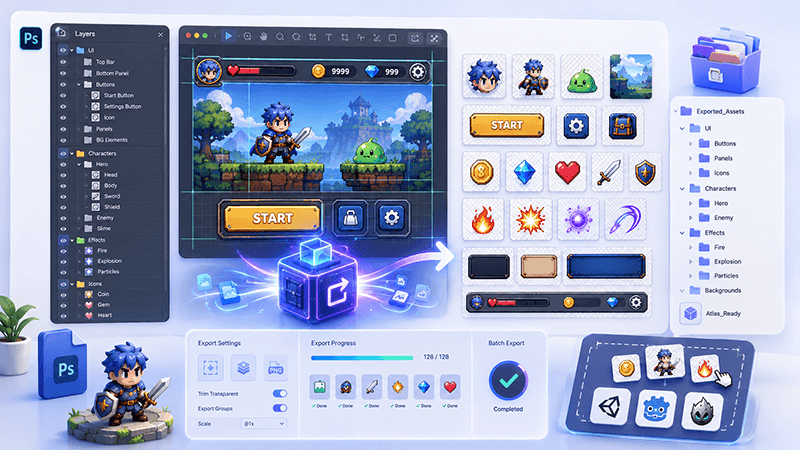
PSD Layer Exporter Guide: Export Game UI Assets from Photoshop Files
Learn how a PSD layer exporter helps game developers extract buttons, panels, icons, characters, and UI elements from Photoshop files faster.
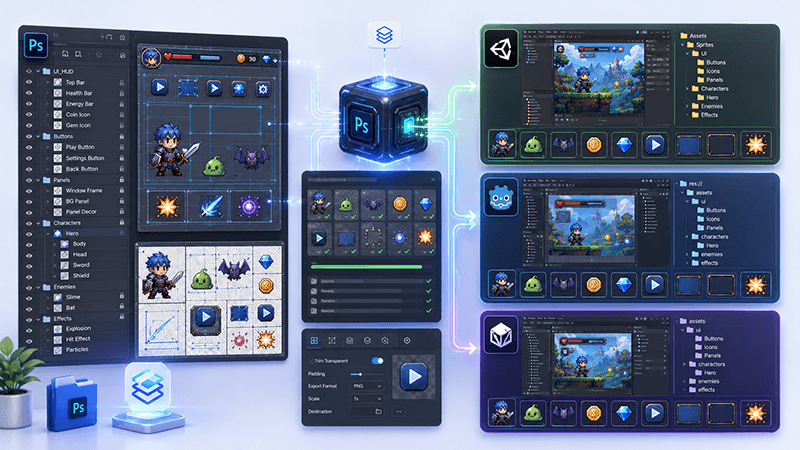
PSD to Game Engine Workflow: Prepare UI Assets for Unity, Cocos, and Godot
Learn how to convert PSD design files into clean game engine assets for Unity, Cocos, and Godot with better naming, folders, PNG export, and QA checks.
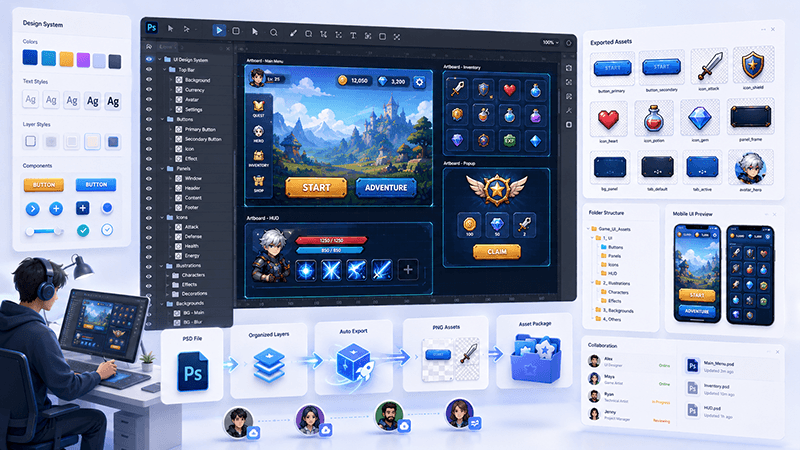
How to Batch Export PSD Layers to PNG for Game Development
A practical workflow for batch exporting PSD layers to transparent PNG assets for mobile games, UI screens, icons, and 2D production pipelines.
Ready to try "PSD Preview Looks Right but a Layer Export Differs? Compare Three Stages"?
Use our online tools to apply this tutorial to your indie game project right away.