
SFX Bytes Downloaded but Decoding Failed? Check the Complete File
decodeAudioData expects complete audio-file data, not arbitrary transport chunks. Separate request, file and decode outcomes.
A request returns bytes, but a game sound fails to decode. Identify whether those bytes are a complete audio file, a partial transfer or an error document before adjusting volume or generating another sound.
File input is not an arbitrary transport chunk
The MDN decodeAudioData reference describes asynchronous decoding of audio-file data in an ArrayBuffer into an AudioBuffer. It requires complete file data rather than arbitrary fragments.
Calling it for each read chunk is therefore not a streaming decoder design. This concerns integrations using that API, not a claim about Tooliva's implementation or an existing product fault.
Record three independent outcomes
- Request: retain the final status, redirect destination and content type without logging credential-bearing URLs.
- File: record received bytes, source revision and an inspection for wrong content or truncation.
- Decode: preserve the actual success or error; on success, inspect duration, channels and sample rate.
A successful HTTP response does not establish valid audio. A login document or business-error JSON can also contain bytes. Headers alone are not a substitute for inspecting content.
Narrow the failure with one controlled copy
Keep a known playable original and test the complete file within the receiver's supported formats. Compare it with the business path's actual input. For range requests or chunked reads, the owner must establish when a complete valid file is available. Concatenating unrelated pieces is not a repair strategy.
Completeness does not imply support for every codec. If the complete control still fails, inspect encoding, container, target-browser support and the real error instead of blaming every failure on missing fragments.
Check playback and memory after decoding
The decoded AudioBuffer memory checklist concerns a different representation. If decoding succeeds but sound is absent, inspect context, connections and playback state rather than repeatedly downloading the same file.
Keep one export revision from the SFX tool for the actual game's acceptance test. No truncation or browser-compatibility experiment was performed here, no generic streaming player is supplied, and universal format support is not promised.
Recommended tools
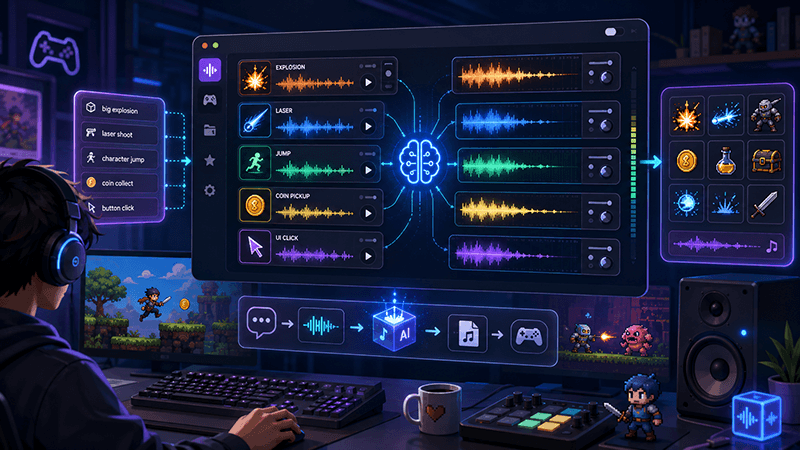
AI Game SFX Generator: A Practical Guide for Indie Game Developers
Learn how an AI game SFX generator helps indie developers create fast, usable sound effects for UI, coins, weapons, magic, horror, retro games, and rapid prototypes.
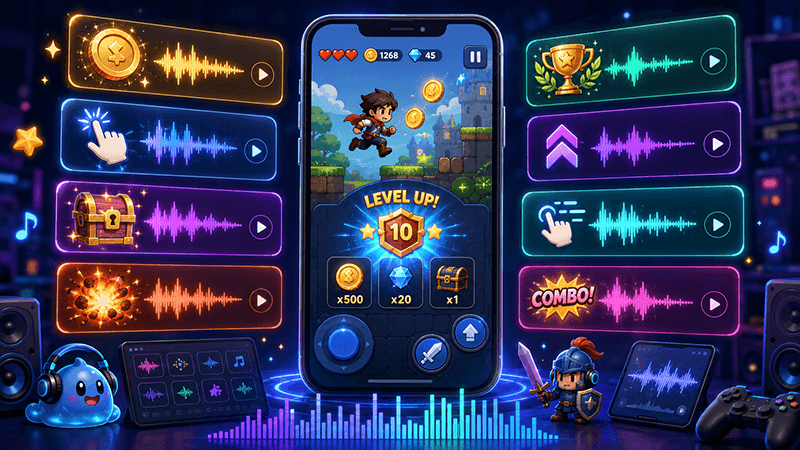
AI SFX Generator vs Sound Library: Which Is Better for Game Audio?
Compare AI SFX generators and traditional sound libraries for indie game audio. Learn when to generate custom effects, when to use libraries, and how to combine both workflows.
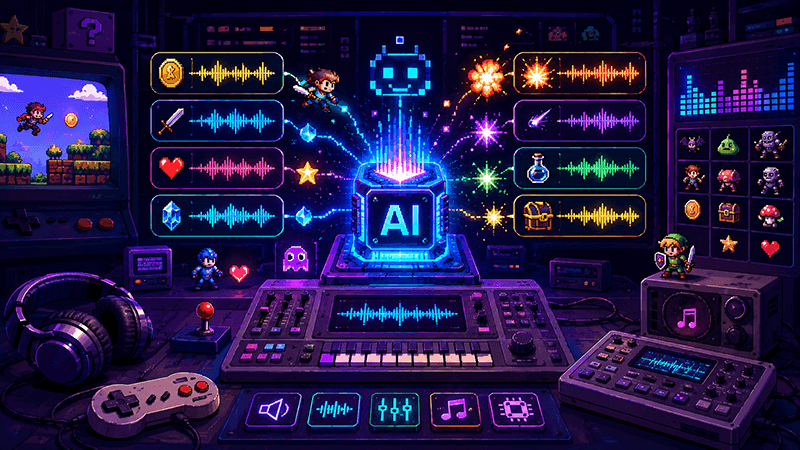
Best Sound Effects to Create First for an Indie Game Prototype
A practical checklist of the most important game sound effects indie developers should create first, including UI clicks, pickups, hits, rewards, errors, transitions, and completion cues.
Ready to try "SFX Bytes Downloaded but Decoding Failed? Check the Complete File"?
Use our online tools to apply this tutorial to your indie game project right away.