
Small SFX File, Larger Memory Use? Separate Download Bytes from AudioBuffer
A file's byte size is not the decoded PCM payload. Read actual buffer length and channels before inspecting cached copies.
A small sound downloads successfully, yet loading the game uses more memory than expected. Identify encoded bytes, decoded samples or the whole browser process before diagnosing a leak. One kilobyte figure does not describe all three.
An AudioBuffer is another representation
The MDN AudioBuffer reference describes non-interleaved 32-bit floating-point PCM, with separate channel storage. length counts sample frames per channel, not the sum of samples across all channels.
For this representation, estimate sample payload as length times numberOfChannels times four bytes. Object overhead, decoder workspace and other allocations are excluded. This is not operating-system resident memory.
Check a conditional example
Assume exactly two seconds at 48,000 sample frames per second and two channels. The length is 96,000; sample payload is 96,000 × 2 × 4 = 768,000 bytes, or 750 KiB. Those values are assumptions, not default export properties or measured results.
Starting with actual length means duration must not be multiplied again. Define the quantities before interpreting a large number as a reason to recompress the asset.
Read the decoded properties
The MDN decodeAudioData guide states that decoded data is resampled to the context rate. A source-file label does not automatically supply the resulting buffer's rate or length.
For two WAVs with different disk sizes, use the separate file-size checklist for rate, depth and channels. Its payload model concerns another representation, not this decoded buffer.
Count actual buffers and owners
- Fix the input and decoding conditions; record real length, channels and rate.
- Identify independent decoded results and their retained references.
- Separate playback instances sharing data from actual sample copies and other nodes.
- Observe controlled loading, replay and scene exit against the intended release policy.
Ten plays do not establish ten independent PCM copies. Clearing one variable does not guarantee an immediate drop in process memory. Use real references and suitable profiling instead of one system-monitor screenshot.
Accept the asset and cache policy separately
Retain one version from the SFX tool for the receiving project's tests. Reducing download bytes does not automatically shrink decoded payload with unchanged frames, channels and representation.
No browser heap test or universal cache cap is supplied. Choose retention from real data, reuse and scene behavior, then verify the intended sound and playback experience.
Recommended tools
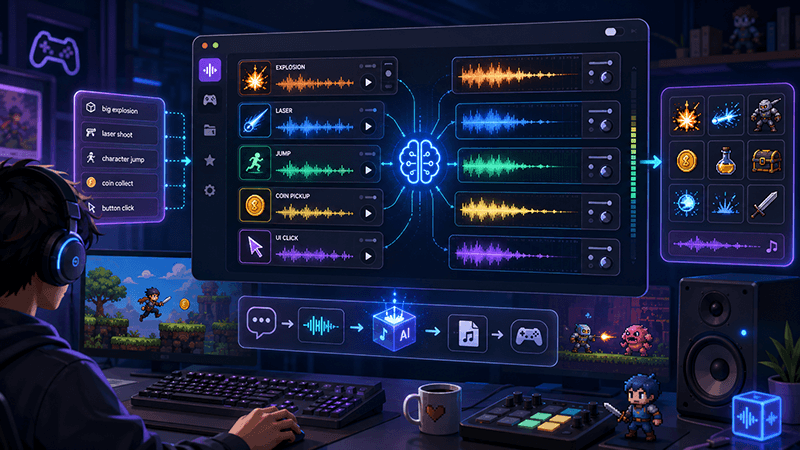
AI Game SFX Generator: A Practical Guide for Indie Game Developers
Learn how an AI game SFX generator helps indie developers create fast, usable sound effects for UI, coins, weapons, magic, horror, retro games, and rapid prototypes.
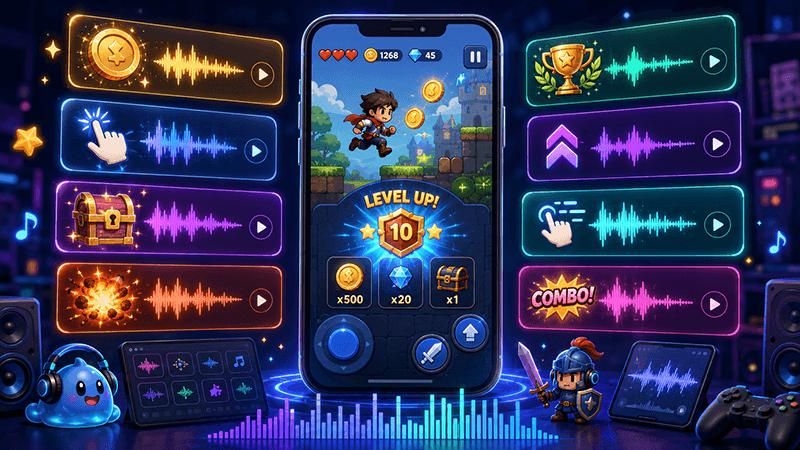
AI SFX Generator vs Sound Library: Which Is Better for Game Audio?
Compare AI SFX generators and traditional sound libraries for indie game audio. Learn when to generate custom effects, when to use libraries, and how to combine both workflows.
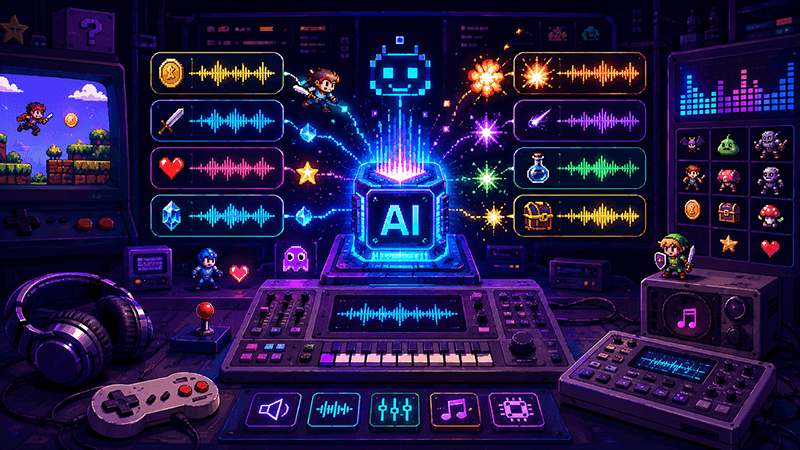
Best Sound Effects to Create First for an Indie Game Prototype
A practical checklist of the most important game sound effects indie developers should create first, including UI clicks, pickups, hits, rewards, errors, transitions, and completion cues.
Ready to try "Small SFX File, Larger Memory Use? Separate Download Bytes from AudioBuffer"?
Use our online tools to apply this tutorial to your indie game project right away.