
A 4×4 Sprite Sheet Has 14 Images: Can You Delete the Two Blank Cells?
Map source cells to the intended playback sequence and compare duration models before removing blank PNGs from an animation.

The reused AI cover is a character-pose concept. It is not a 4×4 source sheet, a blank-frame sample, or a slicing test.
A four-by-four sheet contains fourteen visible images and two transparent cells at the end. That could represent fourteen playback positions with unused layout space, or sixteen positions with an intentional invisible interval. Transparency alone does not establish the right answer.
The Sprite Animation Frame Tool provides grid splitting, frame-list inspection, and animation preview. The review below is manual. It does not assume automatic intent detection or undocumented per-frame duration controls.
Separate three meanings of blank
- Unused layout space: the action has fourteen positions and the remaining grid cells are only packing space.
- An intentional invisible frame: an effect or object should disappear during part of the sequence, so that position still has timing meaning.
- A slicing or content error: the grid, margin, selection, or source version is wrong and an expected picture became empty.
Do not apply the same correction to all three. Replacing an intentionally transparent effect frame with the previous visible picture would keep the effect visible instead of allowing it to disappear.
Calculate both possible interpretations
Assume left-to-right, top-to-bottom order has been confirmed, every playback position has equal duration, every position occupies one full frame interval, and there are no additional holds. Fourteen positions at 14 FPS take 14÷14 = 1 second. Sixteen positions at that same rate take 16÷14, approximately 1.143 seconds.
If the intended cycle instead contains sixteen positions at 16 FPS, removing two while retaining 16 FPS produces 14÷16 = 0.875 seconds. These are conditional arithmetic examples, not measured tool playback. The frame count and duration guide explains the timing assumptions.
Establish which positions participate before adjusting FPS. Grid capacity, visible-image count, and the number of timed positions are different quantities.
Map cells to the intended sequence
Record each relevant source position, its exported filename, its intended role, and the decision to retain or exclude it. Cells fifteen and sixteen may initially be marked “transparent, intent unconfirmed.” That is more accurate than silently deleting them. This numbering is a manual note, not a substitute for real action grouping or source order.
When one sheet contains several actions, establish the cells belonging to each action separately. The capacity of the complete sheet is not the frame count of one animation, and the end of one row should not automatically flow into a different action on the next row.
Compare source pixels and playback
Check whether the corresponding source position and exported PNG agree. Make sure faint content was not mistaken for a fully empty image. Then inspect the transition from the final intended position back to the first: is there an unwanted disappearance, a hold of the wrong length, or a jump to another action? Use the inspection capabilities actually available in the current interface.
A detector focusing on visible regions cannot establish that an undetected transparent position has no timing role. If the creator's intention remains unknown, retain the original sheet and current outputs instead of overwriting the master.
Delete only confirmed unused positions
Exclude a cell after confirming it is layout space and verifying the resulting order and duration. If it is intentionally invisible, preserve the corresponding time in the real playback workflow. When the target importer cannot express the intended representation, agree on a supported handoff rather than assuming metadata will restore all timing automatically.
If the source contains artwork but the split does not, repair the split conditions. Deleting the broken output would conceal the problem. The broader sprite-sheet splitting guide covers layout and export inspection.
Keep the retained and excluded positions, reasons, timing model, and target-project observations together. Transparent pixels describe an image; participation in playback is a separate sequence-design decision.
Recommended tools

Automatic Sprite Slicing and ZIP Export: A Faster Way to Prepare 2D Game Assets
Learn how automatic sprite slicing and one-click ZIP export can help indie game developers turn character sheets, icon collections, and AI-generated 2D artwork into organized PNG assets faster.
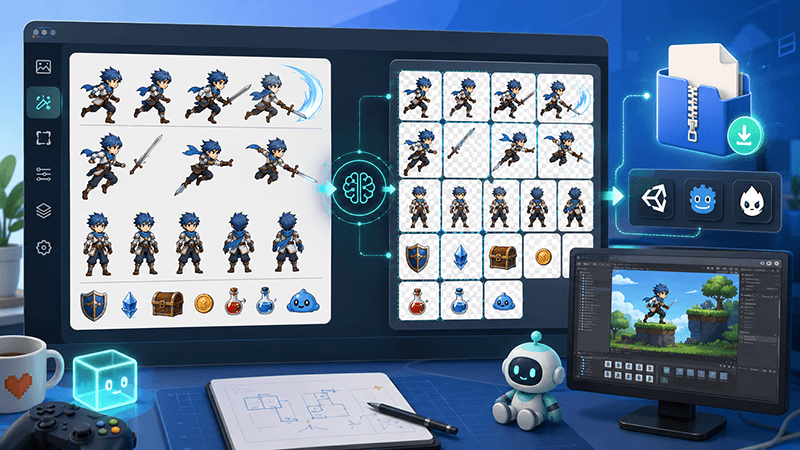
From AI Sprite Cutter to Sprite Sheet Maker: A Complete 2D Asset Workflow
A practical workflow guide for turning raw 2D images into sliced PNG files, downloading them as a ZIP package, and using those files to create sprite sheets for Unity, Cocos, Godot, and custom game engines.
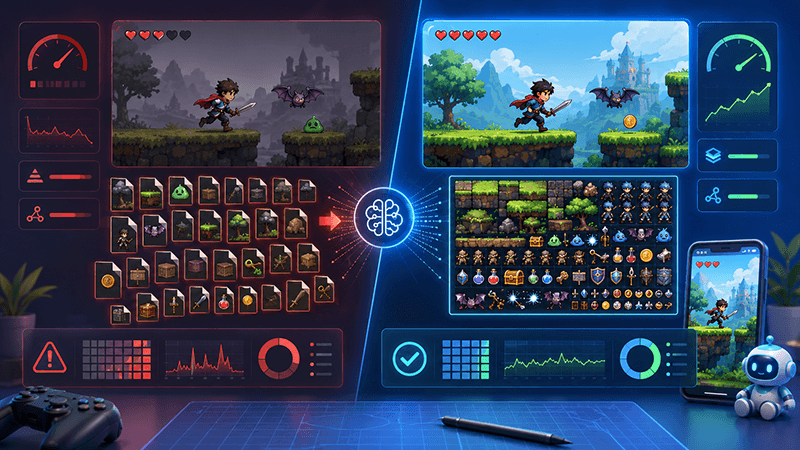
Smart Sprite Sheet Packer: A Practical Guide for 2D Game Developers
Learn how a smart sprite sheet packer helps indie game developers combine PNG assets into clean texture atlases with metadata for Unity, Cocos, Godot, and custom 2D game engines.
Ready to try "A 4×4 Sprite Sheet Has 14 Images: Can You Delete the Two Blank Cells?"?
Use our online tools to apply this tutorial to your indie game project right away.