
Spine Two-Bone IK: Diagnose an Elbow That Bends the Wrong Way
Hold the target still, compare both bend directions in a reachable pose, and check the keyed and exported results.
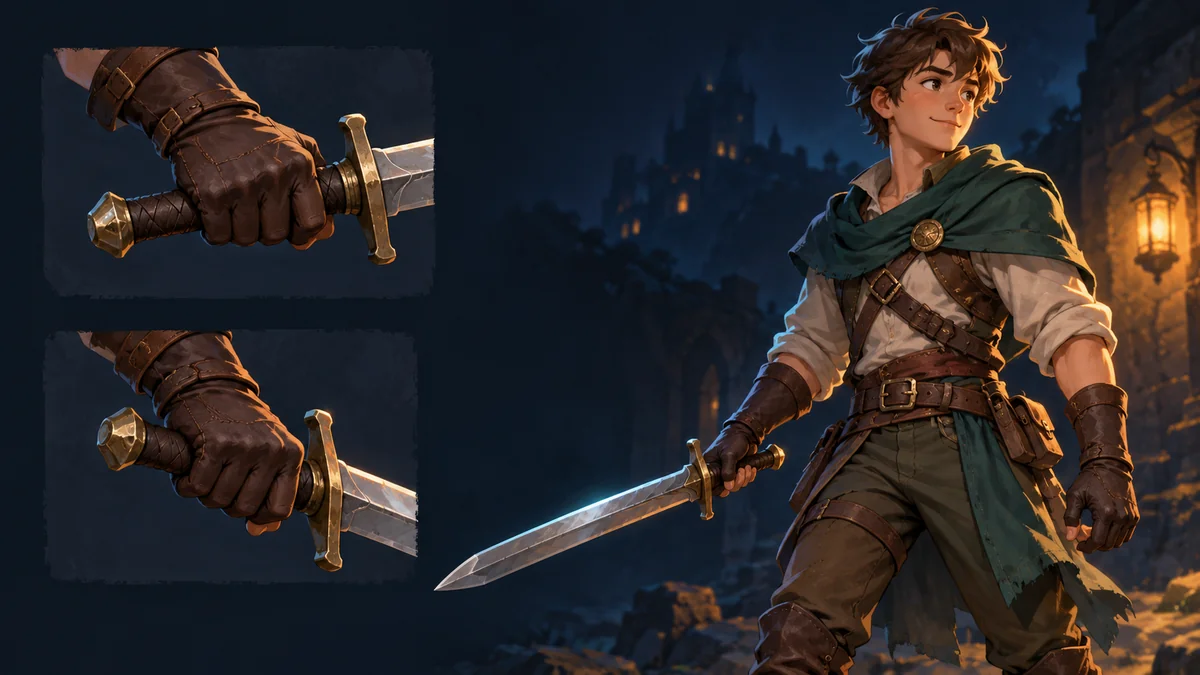
The sword hand reaches the grip, but the elbow folds across the character’s chest after the swap. Moving the target can make the silhouette look better while shifting the hand off the intended contact point. Check whether the hand location is correct before changing the pose.
Compare both sides at the same target
The Spine IK constraint guide describes Positive for two-bone IK and says the bend direction can be keyed. In a copy of the project, select the upper arm and its child forearm on the constraint. Choose a reachable target position where the elbow is clearly bent, then hold the target, parent transforms, lengths and mix constant while comparing the two settings.
Capture the hand contact and elbow silhouette together. Repeat at a nearby reachable position. A nearly straight limb makes the two results hard to distinguish, so move back into a comfortably bent pose before deciding which setting the shot needs.
Separate three possible faults
When the hand stays on target and the elbow changes sides, the comparison isolates the bend setting. If the hand misses, confirm the target and effective mix, and check whether the limb can reach that point. If the bones match the expected pose but the sleeve or weapon looks reversed, inspect the attachment or skin with the passing rig settings intact.
If only one segment of an animation fails, compare the setup pose with the frames on either side of the change. Inspect the keyed IK settings there. Capture the animation name and frame when comparing editor playback with an exported preview so the receiving team can replay the same case.
Record a grip test that travels with the asset
Keep two screenshots for the same grip position, the expected elbow side, your contact tolerance and the verified playback frame. Open compatible exported assets in the Spine Workbench using the workbench guide as needed. Make constraint changes in the Spine editor. When the target itself shifts with its parent, use the target-coordinate check before attributing the shift to bend direction.
Ready to try "Spine Two-Bone IK: Diagnose an Elbow That Bends the Wrong Way"?
Use our online tools to apply this tutorial to your indie game project right away.