
A Spine Target Drifts from the Pointer? Check Parent Coordinates
Screen points, skeleton-world points and parent-local points are different inputs. Identify the destination coordinate space before writing a target bone position.
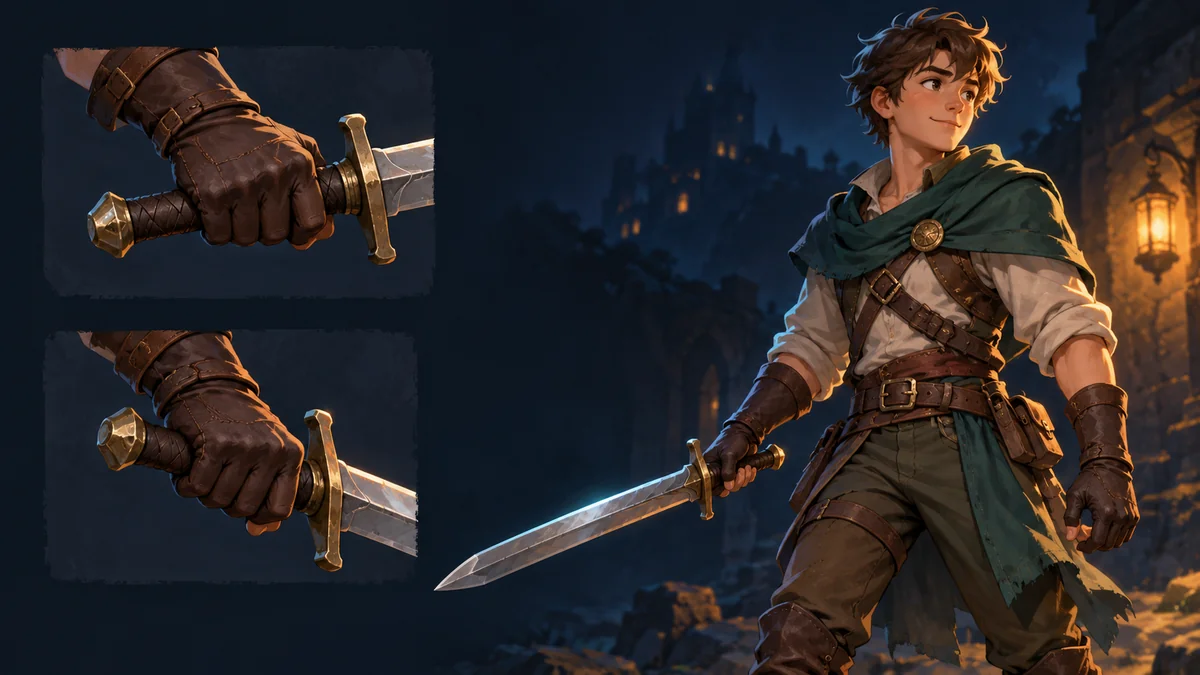
An arm target appears to follow the pointer until the character moves or flips. Inspect coordinate conversion before treating the symptom as a bad grip or source image. This concerns bone positioning in an external runtime, not an advertised mouse-driven IK editor in Workbench.
Name the space of every point
The Spine runtime skeleton guide describes a world transform computed from a bone's local transform and its parents. Its world system is the coordinate system containing the root bone. That does not automatically mean browser screen pixels or the scene coordinates returned by an engine camera.
Keep separate fields for the original screen or container point, the skeleton-world point expected by the integration, and the parent-local point to be written. Camera transforms, container offsets and display scaling belong to the actual integration chain, not a universal cross-engine formula.
Choose the object that owns the destination space
When an interface expects a child's local x/y relative to its parent, transform the desired world point into the parent's local space. The current worldToLocal reference says the result is local to the object on which it is called. Calling it on the target bone itself can therefore answer a different question from calling it on the parent.
The current API also documents operations such as worldToParent. Older runtimes and language bindings may organize these objects differently. Use the installed version's equivalent contract instead of copying conceptual names as universally runnable SDK code. A root without a parent needs its integration's own handling.
Two arithmetic controls for an offset-only fix
These are two-dimensional coordinate examples, not engine measurements. Suppose the parent only translates to (100,50), with no rotation, scale or shear. A world target of (130,70) corresponds to parent-local (30,20).
Now add parent scale -1 on X, keeping the other conditions. The relationship is world x = 100 - local x, so the correct local x is -30. Subtracting 100 from 130 still gives 30 and places the target on the other side. Rotation, shear and nontrivial inheritance need the correct inverse transform rather than more hand-added offsets.
Validate timing after the space is correct
Use transforms belonging to the current pose. Applying animation may rewrite local values, while constraints affect the final result. Recompute world transforms through the runtime's supported flow instead of consuming last-frame data. The constraint and part-offset checklist helps separate coordinate-space errors from update-order errors.
- Freeze pose and parent transforms, recording one point's input and converted output.
- Change character position, then mirrored scale separately, checking each result.
- Restore animation and constraints and locate the first stage that overwrites the intended value.
- Retain the receiving project revision and target identity instead of moving source art to compensate for a coordinate bug.
Keep the template and asset revision in Spine Workbench as an appearance baseline; the receiving project still owns target-control acceptance. No pointer-following project experiment was run here. The illustration shows grip relationships only.
Ready to try "A Spine Target Drifts from the Pointer? Check Parent Coordinates"?
Use our online tools to apply this tutorial to your indie game project right away.