
Spine Only Translation Still Moves the Child Bone Origin
Test a zero and nonzero offset to separate the child bone’s world position from the direction of its axes.
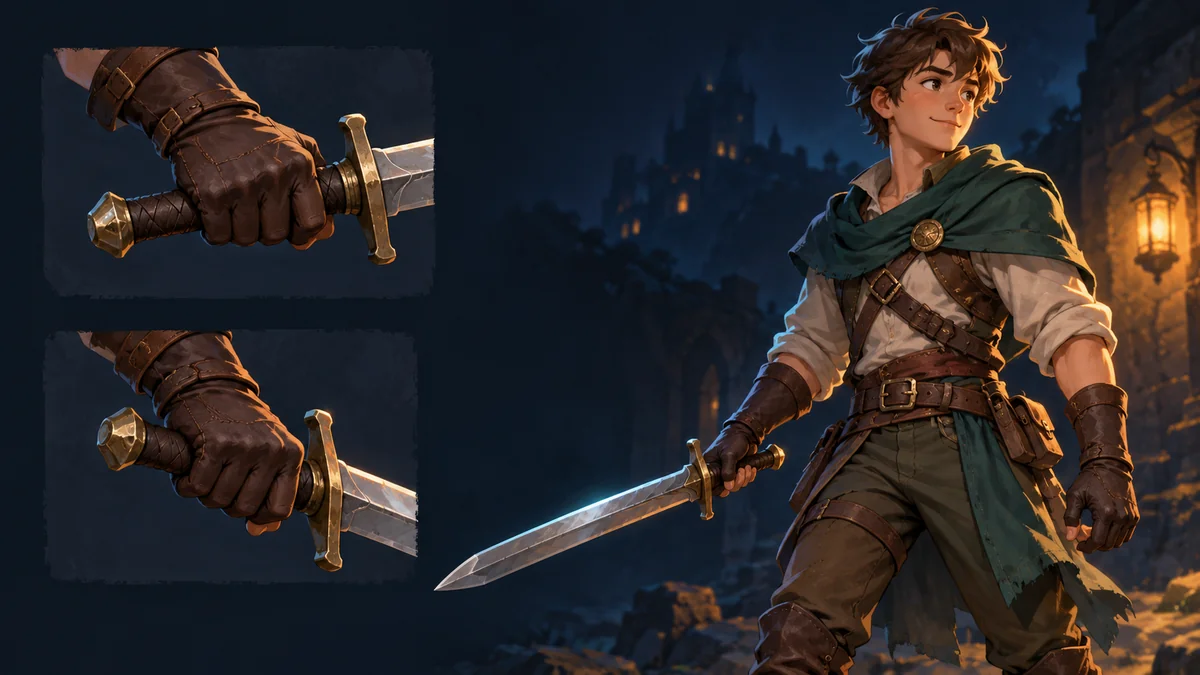
A prop stays upright after you change its bone to Only Translation, yet its anchor still moves around the hand as the parent rotates. Mark the anchor and draw a short axis from it. The two marks tell you which part of the transform is changing.
Compare a zero and nonzero offset
Build a two-bone test with no constraints, a neutral skeleton transform and the parent at the origin. Give the child a local offset of (10, 0), rotate the parent from 0° to 90°, and record the child origin and axis direction in both frames. Then repeat with an offset of (0, 0). The official Spine reference computes the world position through the parent matrix before choosing the axes for the inheritance mode.
In a positive-angle coordinate system that rotates +X into +Y, the first origin moves from (10, 0) to (0, 10). The zero-offset origin stays put in this control. Measure the production runtime rather than assuming the scene uses the same axis convention.
Decide where the prop is meant to attach
If the item must stay on a fixed point relative to the character, define the intended anchor in the rig and inspect its position separately from its orientation. Restore skins, reflections and constraints one at a time once the plain chain behaves as expected. The related diagnostic guide covers converting a desired target position into parent-local coordinates.
Pass the origin and the axes to the next team
Record the parent angle, local offset, world origin, axis direction and runtime version. Review compatible artwork in the Spine Workbench and use the receiving runtime for the numeric position check.
Ready to try "Spine Only Translation Still Moves the Child Bone Origin"?
Use our online tools to apply this tutorial to your indie game project right away.