
Use Outfit A with Weapon B in Spine? Define the Mix-and-Match Contract
Define which source contributes each part instead of treating whole-skin selection, slot replacement and composition as the same operation.
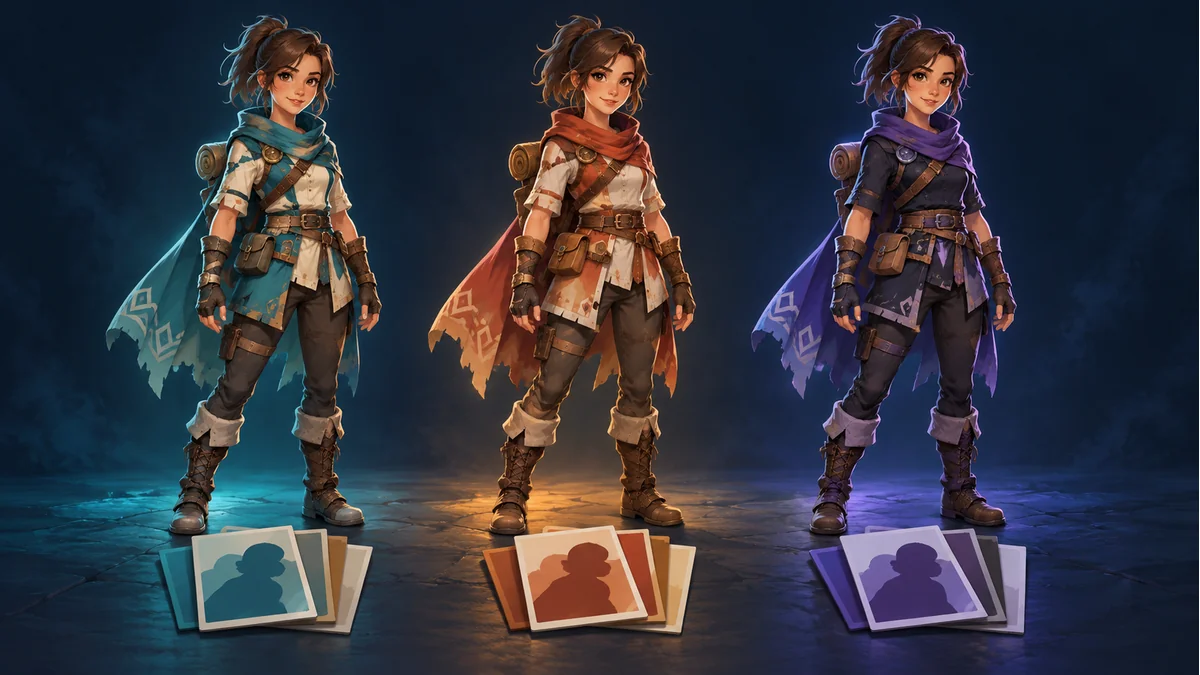
The AI-generated cover illustrates character variants. It is not an actual mixed outfit, exported skin set, or runtime composition test.
The team wants A's clothing with B's weapon. Copying PNGs into one folder does not establish the required combination. First identify how skins organize attachments and how the receiving project constructs this particular result.
Does a skin represent a whole appearance or one item?
The official Spine Skins guide describes whole-character skins and skins grouped by item or body part. Its runtime mixing approach creates a skin and adds contents from multiple skins, in coordination with the actual data organization and integration.
If A and B each contain the complete character, decide what each contributes. Even item-based clothing and weapon skins need to match the intended skeleton and structure. Equal image dimensions or similar silhouettes do not establish that compatibility.
Describe the target with an ownership record
- Target part: clothing, weapon, or another component.
- Source: package revision and exact full skin name, beyond a color nickname.
- Ownership: confirmed slot or attachment organization, with unknowns left for the project owner.
- Expected selection: A, B, or intentionally absent.
Suppose clothing comes from A and the weapon from B, but both also contain body entries. Decide which source supplies the overlapping content. This is an example handoff record, not a platform import format or a verified template structure.
Make overlapping selections explicit
Sources may address the same slot or attachment entry. Ask the integrator how the actual composition handles overlap rather than assuming filename order or copying an image last determines the intended result.
The official Spine Slots guide describes one visible attachment, or none, per slot at a time. Simultaneously equipping two weapons requires an appropriate supported structure; composition is not automatic creation of new mount points. See the separate single-slot attachment explanation for replacement versus simultaneous equipment.
Accept the combination in one consistent package
Have the project owner record the actual composition and runtime, beyond a final screenshot. Confirm that clothing and weapon come from the intended sources, then inspect connections, draw order, and visible attachments in the planned animations.
If the game switches to other combinations, inspect those transitions as required. This article provides no untested cross-engine code or universal overwrite order.
Check workbench export and game composition separately
Use Spine Workbench and its public guide to identify completed resources from the same template and the actual exported skin names. Multi-skin export does not establish arbitrary equipment-system partitioning; inspect the package and receiving contract.
Validate one precisely specified clothing-and-weapon combination before extending the set. This is a handoff and integration method, not a mixing experiment performed here or a guarantee of cross-template compatibility.
Ready to try "Use Outfit A with Weapon B in Spine? Define the Mix-and-Match Contract"?
Use our online tools to apply this tutorial to your indie game project right away.