
Spine Transparent Space Still Costs Frames? Test the Mesh Hull
Compare a rectangular hull and a closer silhouette with fixed art and motion, while measuring CPU and GPU costs separately.
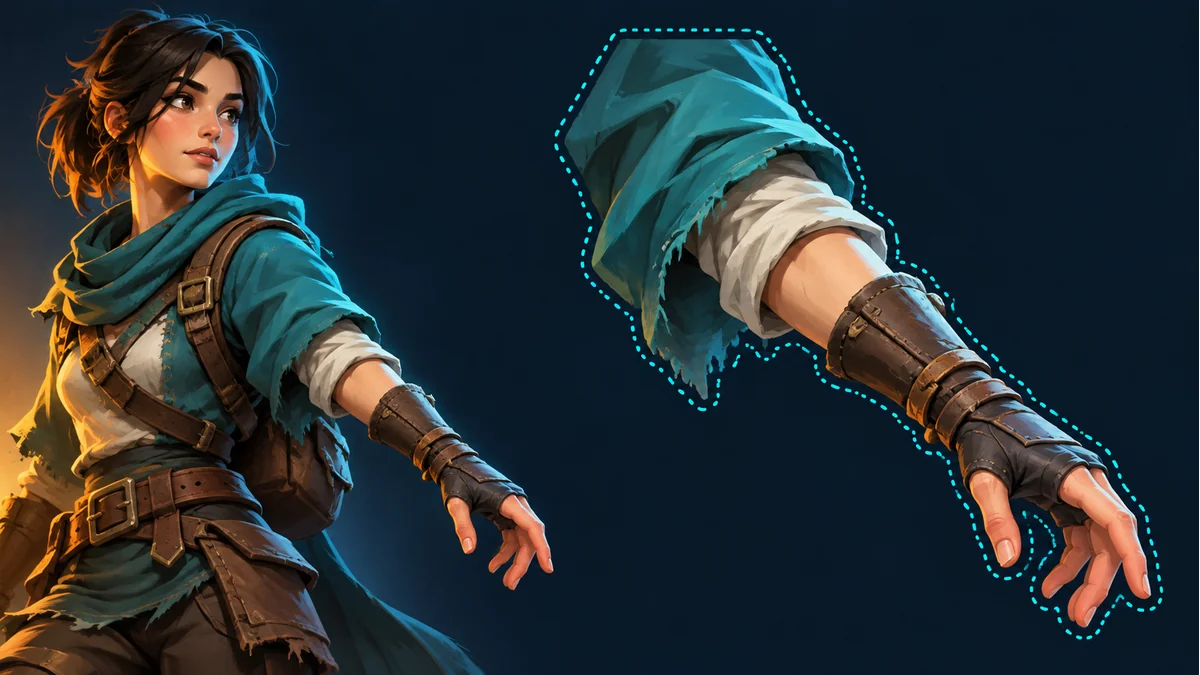
A sprite contains a large transparent border and compresses well on disk, yet a crowd of these characters slows the scene. Record the device, render resolution, on-screen character size and instance count. Download size alone does not describe the screen area that rendering must process.
Make a controlled comparison
The official reference explains that pixels outside a mesh hull are not drawn, which can help a fill-rate-limited scene. Keep the texture and animation fixed while comparing the existing rectangular hull with a closer visible silhouette in a project copy. Log any changes to vertices and weights. This is a practical comparison with known differences, rather than a claim that only one variable changed.
Protect the visual result first
Inspect extreme animation poses for clipped hair, weapons and soft alpha edges. Then hold the camera and instance count steady while capturing CPU time, GPU time, draw calls and frame time. Repeat at larger screen coverage and with more overlap. A GPU improvement that follows reduced coverage supports further fill-rate investigation. A CPU change needs its own analysis using the related diagnostic guide. These are test criteria, not benchmark results reported by this article.
Keep a useful handoff
Repeat captures on the same target device, including a small single character and large overlapping instances. Preserve the original rig before rebuilding a hull. Avoid adding excessive vertices or cutting visible pixels just to make the outline tighter. The Spine Workbench can help review compatible artwork in motion. Perform mesh editing in the Spine project and confirm performance in the target engine.
Ready to try "Spine Transparent Space Still Costs Frames? Test the Mesh Hull"?
Use our online tools to apply this tutorial to your indie game project right away.