
Same Spine Vertex Count, Same CPU Cost? Check Bone Influences
Vertex count is only one metric. Separate submitted geometry from vertex transforms and inspect bone influences before judging CPU cost.
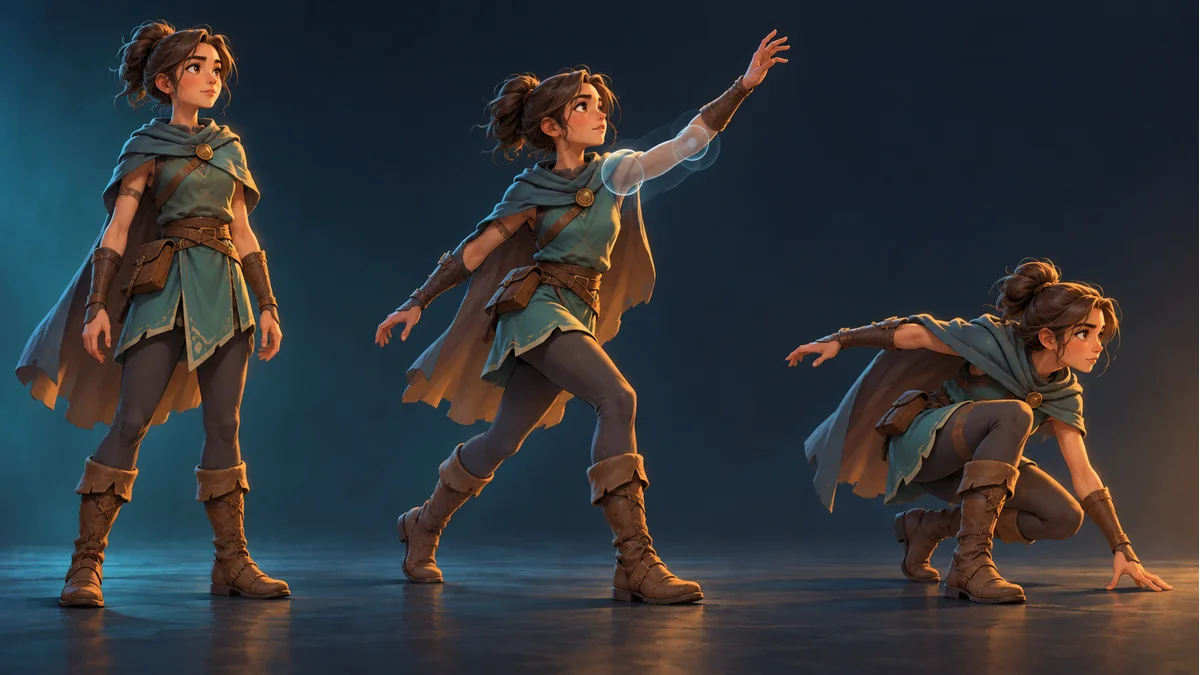
Two characters have similar mesh vertex counts, yet one costs more CPU in a crowd scene. Do not exclude mesh computation solely because the point totals are close. PNG download size, geometry and per-frame vertex transforms describe different work.
Read the two metrics separately
The official Spine Metrics guide distinguishes visible vertices from vertex transforms. Vertex count and the number of bones with weight for each vertex determine the transform count. One geometry total can hide different influence patterns.
This does not identify weights as your bottleneck or convert an editor metric into runtime milliseconds. Preserve the real device, runtime, character count and animations in the comparison.
Build a controlled scene record
- Fix the target device, runtime version, visible character count and test movement.
- Record visible meshes, vertices and weighted bone influences. Avoid comparing a fully visible character with a partly hidden one.
- Have the integration owner check actual update frequency and unintended duplicate work.
- Separate CPU phases, rendering work and frame time before choosing an optimization.
A PNG's kilobytes cannot be converted directly into those timings. There is no universal maximum influence count prescribed here for every vertex or platform.
Reduce influences only after identifying the cost
Keep a project copy and list the affected parts, vertices and required movements. The official guide notes that pruning may reduce transforms. Removing influences can also change deformation, so do not apply an unverified threshold across the asset library.
Change one confirmed region, then compare cost and visual quality under identical conditions. Review shoulders, elbows and capes through their required movements. A good still pose is not an animation acceptance test.
A smaller number is not the whole objective
If evidence points to fill rate, drawing batches or unrelated application work, investigate that branch instead of continually simplifying weights. Do not sacrifice useful motion to improve a metric that is not limiting the application.
Keep the observed values, measurement conditions and visual differences. If no test has run, mark the result pending rather than inventing a frame-rate improvement.
Keep source preparation and runtime acceptance distinct
Retain the template, resources and export batch in Spine Workbench with its guide. Image calibration is not a weight editor or a target-engine profiler.
The receiving project owns the performance test; the animation owner still accepts the resulting appearance and movement. This article supplies a bounded investigation, not a CPU benchmark performed on your project.
Ready to try "Same Spine Vertex Count, Same CPU Cost? Check Bone Influences"?
Use our online tools to apply this tutorial to your indie game project right away.