
Can a Same-Size PNG Reuse a Spine Mesh? Check the Shared Structure
Separate canvas dimensions from the mesh contract before a change for one appearance affects other linked variants.
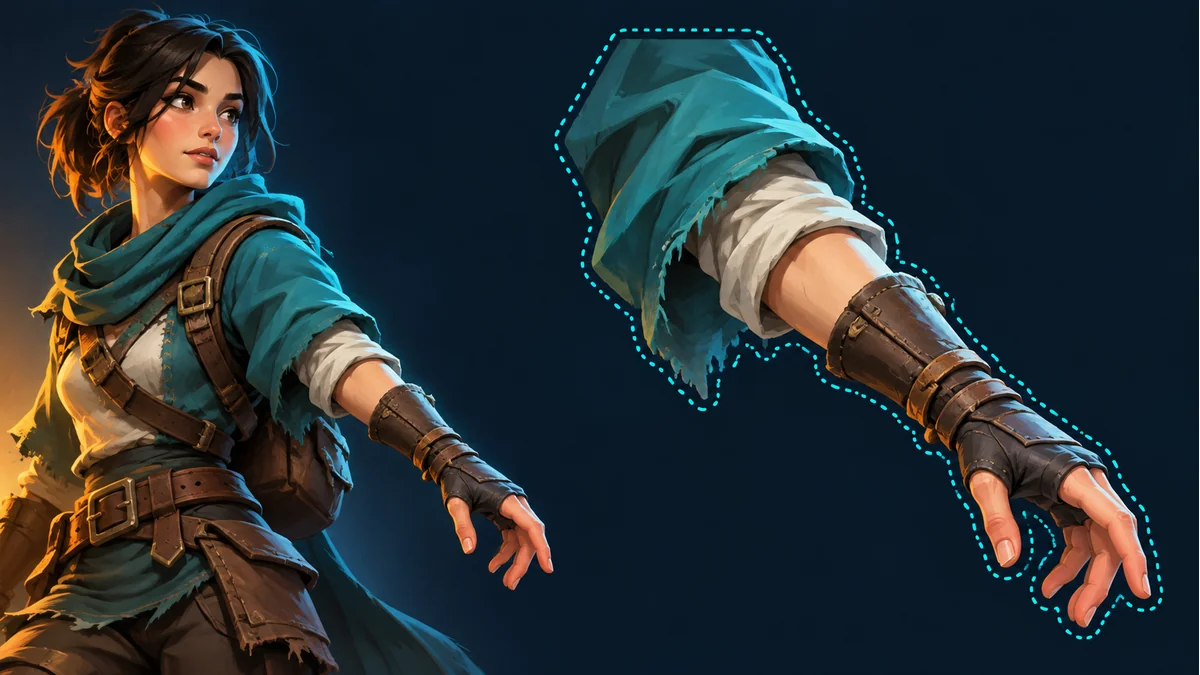
The AI-generated cover illustrates a character and a part outline. It is not a mesh wireframe, weight map, or verified replacement test.
Both part images are 512×512, yet a replacement distorts the cuff or loses a new decoration. Equal dimensions describe the image grid, not compatibility with the existing Spine mesh. Identify the actual attachment type before deciding what can be reused.
Confirm that a mesh is actually involved
Ask the project owner to identify a region attachment, independent mesh, or linked mesh in the real project or a tool supporting its format. Deformation alone does not establish a sharing relationship. Do not improvise a binary-data editor to change the package.
A linked mesh shares more than an image name
The official Spine Mesh guide describes linked meshes sharing vertices, edges, texture coordinates, and weights with their source. Source-structure edits therefore affect linked meshes too. Linking is not automatic contour generation for an arbitrary replacement image.
The same width and height do not establish matching cuff, palm, or decoration positions. If new artwork moves the cuff within the canvas, the original mapping and deformation relationships do not learn that design change from a filename. A longer decorative piece may also extend outside the geometry actually being rendered.
Classify the artwork change
- Mostly color or material: the silhouette and internal landmarks remain close, but deformed texture appearance still needs checking.
- Shifted content on an equal-size canvas: inspect alignment and reference space rather than treating dimensions as proof.
- Changed silhouette or connection structure: assess whether existing geometry and binding can represent it before supplying only another image.
These are evaluation branches. The first is not guaranteed to work, and different appearances do not automatically require independent meshes. Follow the actual project capabilities and delivery requirements.
List affected variants before changing the source
Record the source mesh, linked appearances, package revision, and intended change. Moving source vertices to improve B may also change A and other linked objects. Preserve a project copy before editing shared structure whose scope is unclear.
Whether to align the artwork, reassess the mesh, or have the project owner change the sharing relationship depends on the real project. This article supplies no untested mesh-editing recipe and does not treat geometry changes as PNG renaming.
Review related appearances under the same animation
Keep the package and animation fixed while inspecting the cuff connection, silhouette, and texture distortion, then check other planned animations. After a shared-source edit, a still pose of B is insufficient; add related appearances to regression checks. This is a proposed checklist, not an engine experiment performed here.
Identify source resources and animations in Spine Workbench using its guide. Image transforms or Warp in the workbench are not an external Spine project's linked-mesh or weight editor. For image adjustment decisions, see transform, mirror, or Warp, keeping the two levels distinct.
Ready to try "Can a Same-Size PNG Reuse a Spine Mesh? Check the Shared Structure"?
Use our online tools to apply this tutorial to your indie game project right away.