
An Upper-Body Spine Track Stops the Walk? Inspect What Is Actually Keyed
A layered animation affects keyed properties, not the body region implied by its name. Compare each track alone and together before changing art or mix settings.
A walk works on its own, but adding a wave or attack stops the legs. An animation named upper-body does not establish an upper-body-only scope. Inspect the actual timelines and keyed properties used by the loaded export.
A name is not a body mask
The official Spine layering guide explains that a higher track can override only what its animation keys. Its entry alpha can mix with the lower-track result. Inspect the exported keys rather than relying on the final motion seen in the editor.
A clip intended only to raise an arm may also contain fixed-pose keys for the legs. Those keys can write leg properties during layered playback. Alpha can change the contribution, but does not remove unwanted keys or provide a universal repair for every timeline type.
Use three controlled comparisons
- Play only the lower walk, fixing export revision, observation interval and character instance.
- Play only the intended overlay and inventory keyed bones, slots and properties. A stationary part can still have keys.
- Run the two together and record track indices, actual entries, alpha and overwritten properties.
These are acceptance steps to perform, not a project experiment already conducted for this article. If the legs have no direct keys in the overlay, inspect shared ancestors, constraints and other programmatic writers instead of asserting that extra keys must be the cause.
Separate simultaneous layers from transition mixing
Multiple tracks playing together and changing animations on the same track involve different state. Establish whether the defect persists during stable layered playback or appears only on entry and exit before changing alpha, mixDuration and animation data together.
Removing an overlay is not an automatic reset of every property. See the clear-track and exit-behavior checklist for retained poses. Define the receiving project's intended lower-layer, empty-animation mix or other exit behavior rather than resetting the entire skeleton every frame.
Hand over evidence the owner can verify
Record animation name, track, keyed properties, shared ancestors and intended behavior. Any key cleanup should occur in a preserved project copy under its owner's review, followed by acceptance of the walk, combination and exit pose. Moving part artwork does not correct a track writing the wrong property.
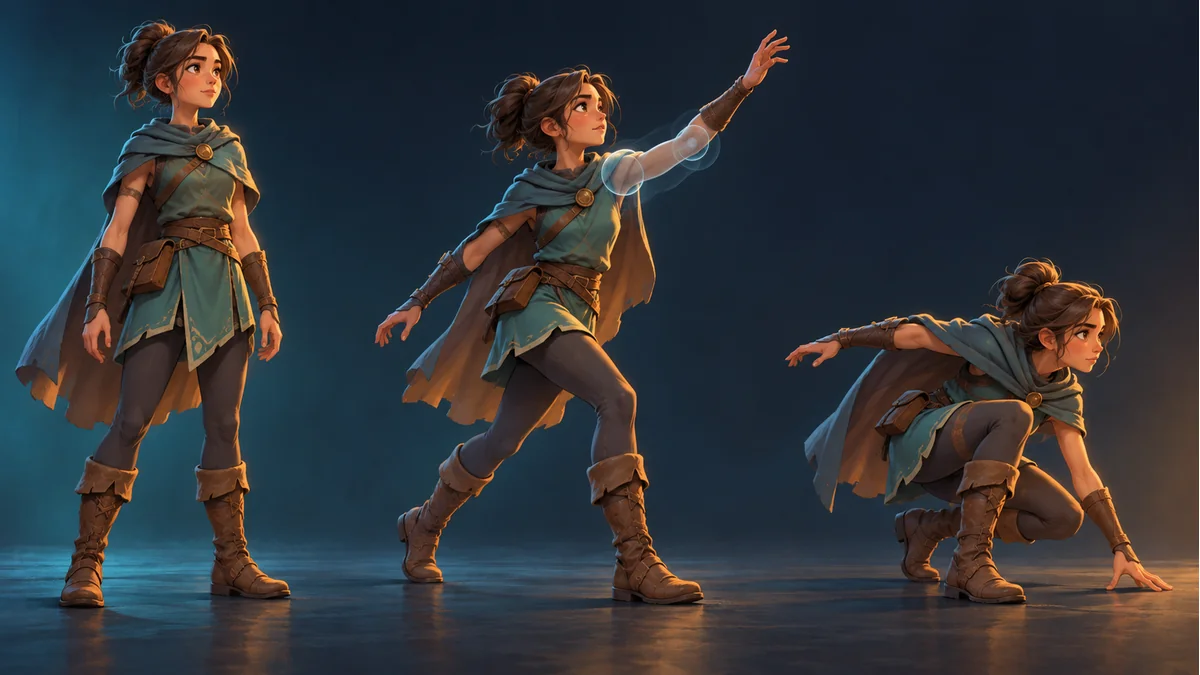
Keep template, assets and a motion baseline in Spine Workbench using its illustrated guide. This concerns layering in an external Spine runtime, not an advertised full timeline or track editor in Workbench. The artwork illustrates poses only.
Ready to try "An Upper-Body Spine Track Stops the Walk? Inspect What Is Actually Keyed"?
Use our online tools to apply this tutorial to your indie game project right away.