
Spine Still Holds Its Pose After clearTrack? Define the Exit Behavior
Clearing a track and restoring a pose are different outcomes. Define whether the character should freeze, reveal a lower track or return to setup.
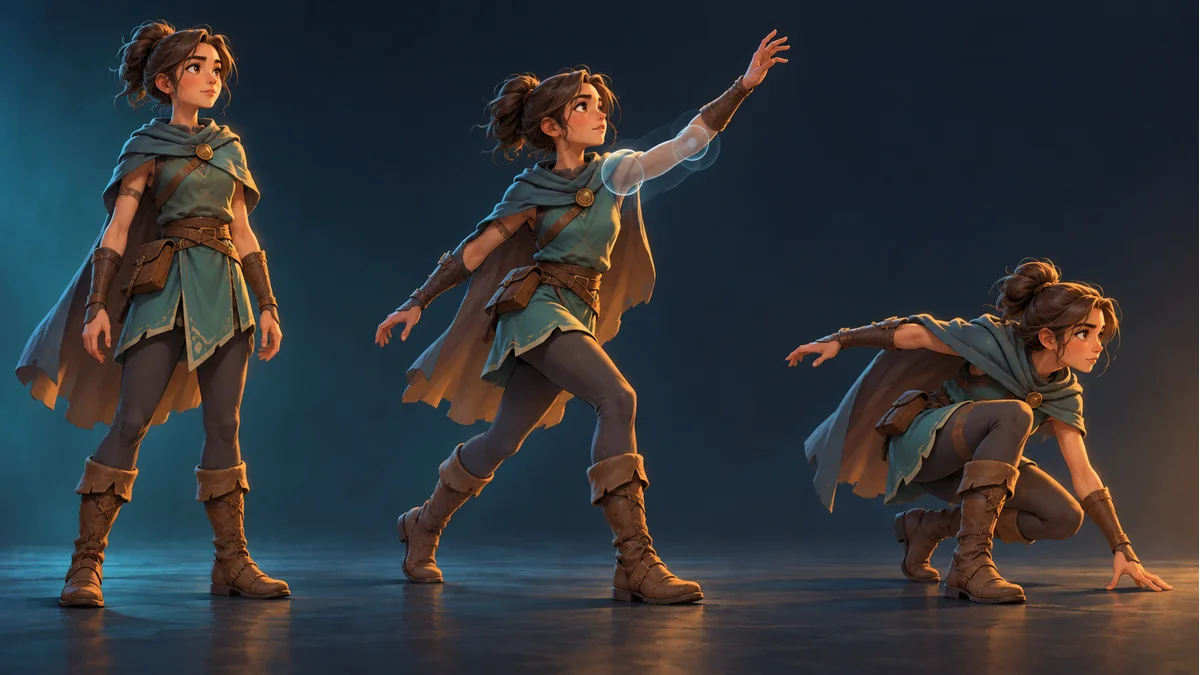
The attack stops, but the arm stays raised after clearTrack. Before replacing the art, establish whether the integration only removed an animation or also restored the state required by the design. Stopping a writer and restoring its previous values are different requirements.
Choose a specific exit result
Should the character hold the final pose, reveal a lower-track movement, play a named idle or return to setup pose? Agree on one outcome before describing the screen as wrong. An upper-body aiming layer over walking is a useful example: restoring the entire skeleton is not the same as letting the legs keep walking.
Keep the expected behavior in the handoff with the affected track and properties. A vague requirement to reset everything makes it difficult to distinguish a successful exit from an unrelated change.
Read the actual stopping method
The current Spine 4.3 API reference states that clearTrack removes animations from a track while leaving the current pose. Mixing out through an empty animation can return affected values to lower tracks or setup pose. Check the API and update requirements of the runtime version actually installed.
This is not a universal code patch or a recommendation to reset the whole skeleton whenever an action ends. A wrapper's differently named stop method needs its own documented contract.
Trace one exit in a test copy
- Keep the original export and record runtime version and the responsibility of every active track.
- Identify the affected track index and properties before the exit.
- Perform one exit, then record whether that track cleared and whether the lower movement still updates.
- Select a bounded exit strategy with the integration owner and identify who supplies each resulting value.
This is a proposed comparison, not a measurement performed here. If the pose keeps changing after clearing, investigate other tracks, application writes and constraints instead of assuming that a retained value explains everything.
A full reset every frame can disturb other state
It can interfere with manual attachment choices and concurrent movement. Establish the property boundary before choosing a reset. Observe the completed update cycle as well: the state inside an exit callback is not necessarily the pose displayed after other writers run.
This checklist focuses on ownership after track removal. It does not prescribe animation-to-animation mix tuning, replace a transition design or guarantee the same method signature across engines.
Accept all the exit paths with an unchanged asset
Retain the template and export batch from Spine Workbench using the guide. A source preview does not validate the receiving project's track lifecycle.
Cover first entry, interruption, natural completion, re-entry and an active lower-track movement. Record the expected and actual pose for each. The acceptance condition is the agreed exit behavior, not a successful function call alone.
Ready to try "Spine Still Holds Its Pose After clearTrack? Define the Exit Behavior"?
Use our online tools to apply this tutorial to your indie game project right away.