
Spine Walks in Place: Missing Motion or the Intended Movement Contract?
Identify who supplies travel before treating a stationary walk preview as an export defect.
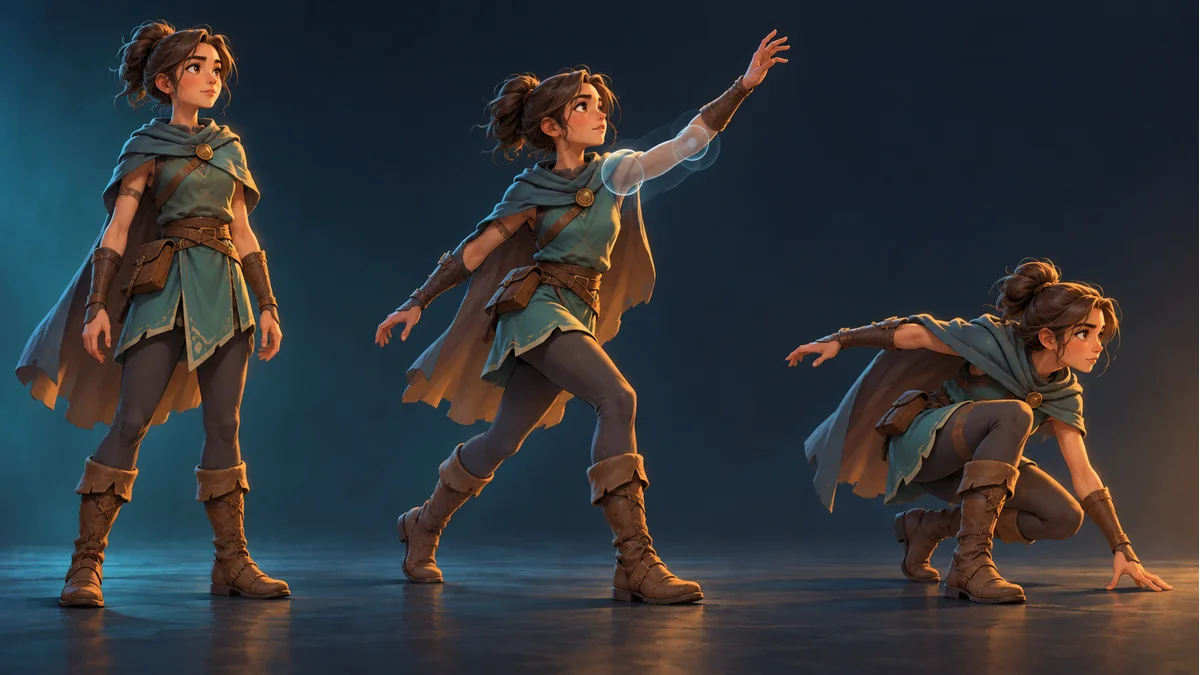
The AI-generated cover illustrates character poses. It is not a walking trajectory, root-bone dataset or game movement test.
The legs are walking, but the character stays in place. Does that mean the export lost its movement? First establish whether the project expects an in-place cycle or animation-driven travel. A walking pose does not, by itself, give the scene object a displacement.
Assign responsibility for travel
One project may use animation for the body pose and game control logic for movement. Another may extract motion from animation data. Ask the integrator which contract applies. An animation named walk does not settle that question.
If an in-place loop is intentional, a stationary preview can be correct. Do not add the same offset to every image part just to make the preview travel, or treat a position reset at a loop boundary as an artwork defect without examining the motion contract.
Track three different objects
- The scene object that the receiving project uses for position, heading or movement.
- The skeleton hierarchy and root bone: which local transforms change over time?
- The rendered body and feet: what pose and ground-contact result is visible?
The official Spine runtime skeleton guide distinguishes local and world transforms and explains how parent transforms affect bones. Its bone world coordinate system is the one in which the root bone is positioned. Do not treat that as the game scene object's global coordinate system without confirming the conversion.
Moving legs, a changing bone coordinate and a moving rendered character are different observations. Have the integrator name the object and coordinate space being recorded rather than substituting a screenshot for movement-state evidence.
Use two controlled comparisons
- Keep the same resource, animation and playback speed. Where the project permits, hold the scene container in place and record what the skeleton and image do.
- Keep the animation fixed and observe the project's actual movement flow. Record the container position, whether animation displacement is extracted, and whether separate control logic also moves it.
This is a proposed diagnostic comparison, not an engine test performed for this article. A responsible integrator should use a test scene or project copy, document the conditions and retain the normal movement setup.
Separate double travel, no travel and foot sliding
If animation displacement and game control logic both move the character, check whether the project applies the same intended travel twice. If neither supplies travel, a walking pose alone cannot be expected to move the scene object. These are investigation branches, not a diagnosis of an uninspected export.
If the object moves but the feet slide, also compare movement speed with the animation rhythm, actual scale and ground-contact design. That differs from a scene object that never moves at all. No universal stride length or movement-speed constant is provided here.
Accept the motion contract before adjusting parts
In the Spine workbench, follow the illustrated guide and choose an animation the template actually provides. Comparing template and resource poses does not configure a character controller or motion extraction in the target game.
Record the resource batch, exact animation name, travel owner, tracked object and coordinate space, playback speed and loop-boundary result. For local problems such as a sleeve gap or detached grip, use the same-animation part-calibration checklist. Part-image adjustment is a separate task from scene movement.
Ready to try "Spine Walks in Place: Missing Motion or the Intended Movement Contract?"?
Use our online tools to apply this tutorial to your indie game project right away.