
A Trimmed Spine Part Moves? Check Original Size and Atlas Offsets
Removing transparent space does not remove the original reference space, and restoring padding cannot repaint accidentally clipped artwork.
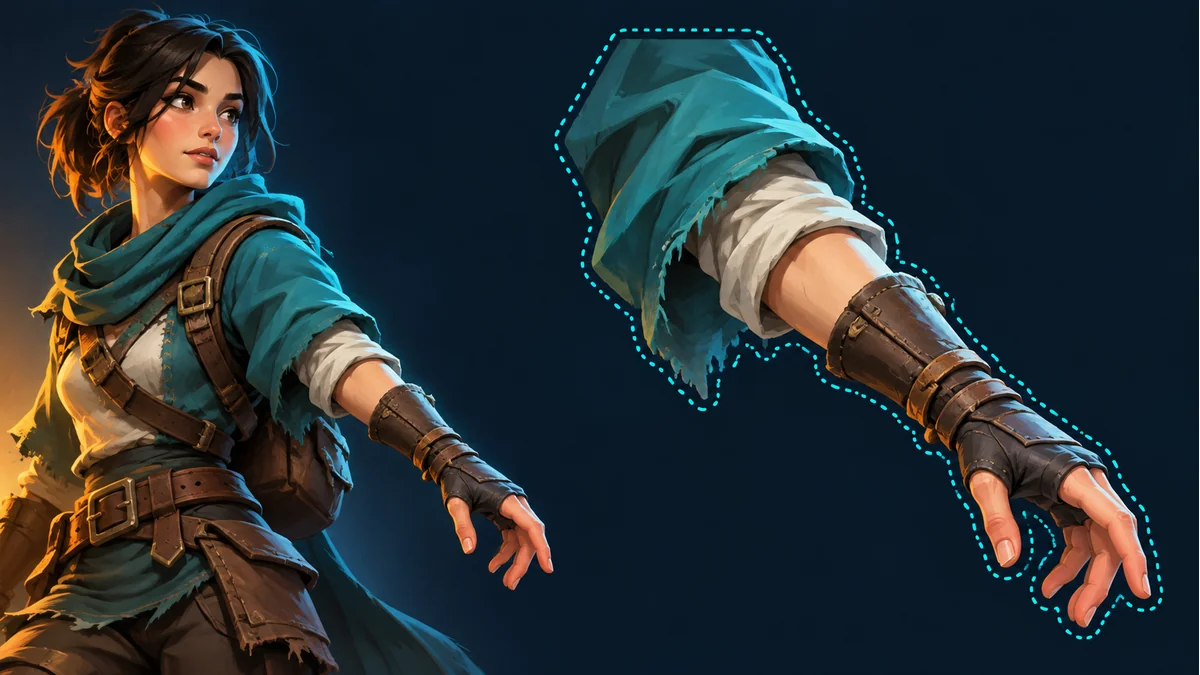
The AI-generated cover illustrates a character and part boundary. It is not a pixel-accurate selection, trimmed atlas output, or coordinate measurement.
A packed part is a smaller rectangle than its original image. Placing that crop by its top-left corner makes it appear displaced. First distinguish removed transparent space from missing artwork, then check whether the consumer retains the original size and trimming offsets.
Keep three pieces of information separate
The official Spine atlas format guide distinguishes packed dimensions, original image dimensions, and trimming offsets. Rendering a trimmed region must account for the removed space. Its documented offsets include whitespace stripped from the left and bottom, not an arbitrary interface's top-left coordinates.
Check the actual format and runtime rather than writing a homemade loader. JSON metadata from different tools is not interchangeable merely because it shares a file extension.
An unrotated rectangle example
Assume an original 100×80 canvas and a packed 60×40 content rectangle, with 10 pixels removed from the left and 20 from the bottom. The remaining right margin is 100−10−60=30 pixels, and the top margin is 80−20−40=20 pixels.
This paper model has no rotation, scale change, or mesh deformation. It illustrates reference space, not a general Spine vertex-position formula. Do not copy a bottom-left offset into an engine pivot field, and do not mistake these numbers for a measured Tooliva export.
Trimming is not a new pivot design
If the workflow confirmed to support the package already interprets atlas metadata, load the matching data and textures together first. Avoid externally centering the crop or adding padding while leaving the original offsets unchanged. Duplicate compensation can make the comparison meaningless.
When independent images are required, agree whether the recipient expects restored canvases or crops accompanied by position metadata, including the coordinate convention. A temporary preview position is not an agreed final pivot.
Removed space is different from missing pixels
Transparent padding can represent reference space; it cannot repaint a sleeve or sword tip that was accidentally excluded. For an incorrect source selection, return to Spine Workbench and follow the guide to inspect the source-image selection instead of hiding the loss with offsets.
Compare the same part, animation, and export batch. A smaller crop does not establish a skeleton defect. A correct workbench preview also does not prove that the target project consumed every required field correctly.
Record the input and coordinate agreement
- Original size, packed size, and actual trimming offsets, or explicitly unknown values.
- Whether the region is rotated and which data batch is loaded.
- Whether the recipient expects canvases or crops plus metadata.
- The connection in the original animation and any new differences in other planned actions.
For packing orientation, see atlas rotation versus character direction. The goal is to establish reference space, not to prescribe one offset that repairs every animation.
Ready to try "A Trimmed Spine Part Moves? Check Original Size and Atlas Offsets"?
Use our online tools to apply this tutorial to your indie game project right away.