
A Spine Part Is Sideways in the Atlas PNG. Is the Character Wrong?
Judge character direction from matching animation data, rather than making the atlas page look upright and breaking its references.
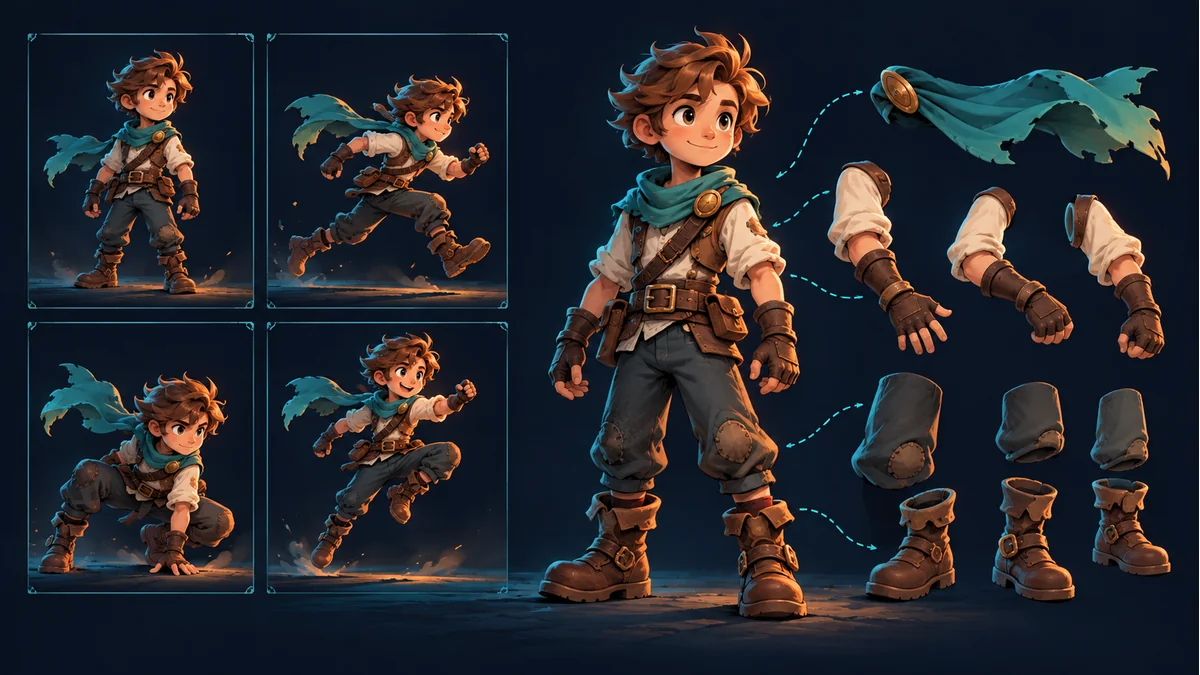
The reused AI-generated cover illustrates a character and separate parts. It is not an actual atlas page or evidence of rotated packing.
You open a large PNG from a Spine package and see an arm lying sideways. After rotating those pixels to look upright, the project no longer displays the part correctly. In this hypothetical case, storage layout and the direction of a part in animation were treated as the same thing.
An atlas page is a storage layout
The official Spine atlas format documentation includes region rotation information that a renderer must account for. The direction of pixels on a page is therefore not sufficient evidence that the animated character faces the wrong way.
Actual packages can also carry region dimensions and trimming information. This article does not propose a homemade region reader or a universal parser for every format version. Confirm the fields and values against the actual package and runtime.
Separate three observations
- Original page PNG: a sideways or inverted part describes the visible packing layout.
- Animation loaded with matching data: inspect the part through a workflow confirmed to support that package.
- A manually cropped rectangle: without accounting for rotation and other metadata, its orientation may differ from the rendered attachment.
A raw crop is not a valid substitute for observing the loaded animation. State whether the report concerns a whole page, an extracted rectangle, or the character in motion instead of calling all three a rotated image problem.
Keep the original package intact
Preserve the delivery and check a separate copy containing the same batch of skeleton data, atlas, and page images. Do not rotate pixels inside a page and save over it while continuing to use the old coordinates and region information. Making the crop look natural does not preserve those references.
If repacking is required, use a workflow confirmed to support the resource, update the related data together, and verify the result in the target project. Simply assembling PNGs again does not establish that the animation remains valid.
Investigate geometry when the animation itself is wrong
Return to Spine Workbench and compare the template and current resource in the same animation, following the illustrated guide. Check the actual part's direction, connection, and size. The documented mirror and transform controls address that geometry branch, not arbitrary atlas storage layout.
If the workbench looks as intended but the target project differs, ask the integrator to verify the loaded batch, atlas interpretation, and runtime environment. A sideways manual crop is not enough reason to regenerate the character.
Keep four items in the handoff
- The same export batch and the paths actually loaded.
- The page name, region name, and observed rotation information.
- The part as seen on the page, in a raw crop, and in the actual animation.
- Real project errors and checks that remain unresolved.
If the required output is a sequence of complete character frames, obtain those frames first rather than treating scattered parts as animation frames. See atlas PNGs versus animation sheets. A clear handoff is not a cross-engine compatibility test.
Ready to try "A Spine Part Is Sideways in the Atlas PNG. Is the Character Wrong?"?
Use our online tools to apply this tutorial to your indie game project right away.