
Several PSDs Have a close Layer. How Do You Avoid Export Name Collisions?
Treat the final path as the output identity and preserve a mapping across source documents, export copies, and engine references.

The AI-generated cover illustrates a composite and separate elements. It is not an actual PSD structure or a batch-export overwrite test.
A close layer in home.psd and another in reward.psd may represent different buttons. If the handoff leaves only close.png without context, the recipient cannot reliably identify its source. Map source layers to destination paths before combining exports. This article does not diagnose an overwrite defect in the current tool.
The same layer label does not establish the same resource
Record the source PSD, group path, layer name, and actual purpose or state for each delivery object. Group paths matter because one document can repeat the same short label inside different dialogs. Record normal or pressed only when those states actually exist.
Include the document version. Repeated labels may describe different revisions of one button or different page resources. Decide which case applies before choosing what to retain.
Check collisions at the final destination
Suppose both source layers are mapped to close.png in the same output directory. That destination collides. With agreed destinations home/close.png and reward/close.png, the directory is part of the identity. If the recipient requires flat files, a separate agreement might use home_close.png and reward_close.png.
These paths are proposed handoff conventions, not a promise about the exporter's ZIP layout. Do not assume it always preserves groups, adds numbers, or warns about duplicate names. If the receiving system ignores case, check Close and close according to that system's rules too.
Test a small batch outside the source
The public PSD Layer Exporter description supports multiple PSDs, selecting exportable pixel layers, and ZIP output. Start with a few target layers and inspect the actual output before expanding the batch. A suggested mapping table is not a new tool configuration interface.
Keep the original PSDs and use an independent export directory. Before renaming source layers, check dependent collaboration scripts and agreements. If files are renamed after export, preserve the original-output-to-destination mapping and check the consumer's references. Avoid blind replacement in a live asset directory.
Keep four fields in the handoff
- Source identity: PSD version and full group/layer path.
- Purpose: page, component, and actual state.
- Destination identity: directory plus filename.
- Result: export presence, image contents, and consumer reference.
If two sources map to one destination, decide whether sharing one resource is intentional. Otherwise change the plan. Random suffixes such as final2 do not create a repeatable update relationship.
A matching count is only the first check
Receiving two files for two planned objects does not prove that they are the correct pair; both could contain the same button. Open each image against the mapping, then check transparency and dimensions. Base the expected count on selected exportable layers, not every layer in the PSD.
For a missing output, retain the batch and mapping and inspect selection, parse status, and actual ZIP paths before blaming name collisions. See the PSD export workflow for basic operations. Acceptance requires the source, output, and reference to agree, not merely a successful ZIP download.
Recommended tools
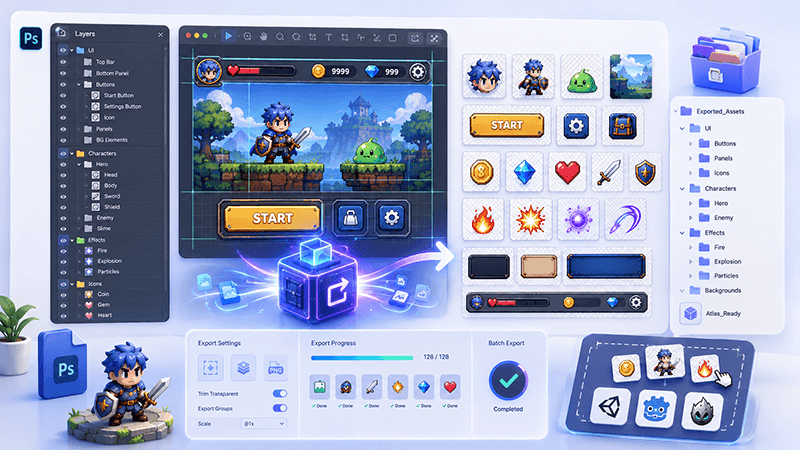
PSD Layer Exporter Guide: Export Game UI Assets from Photoshop Files
Learn how a PSD layer exporter helps game developers extract buttons, panels, icons, characters, and UI elements from Photoshop files faster.
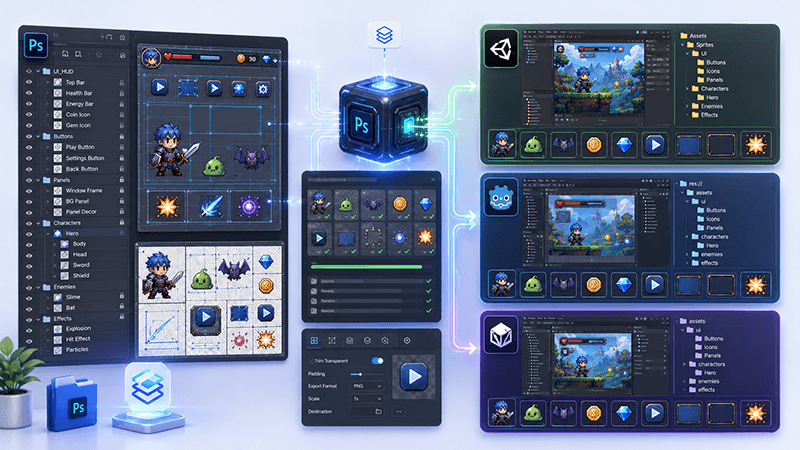
PSD to Game Engine Workflow: Prepare UI Assets for Unity, Cocos, and Godot
Learn how to convert PSD design files into clean game engine assets for Unity, Cocos, and Godot with better naming, folders, PNG export, and QA checks.
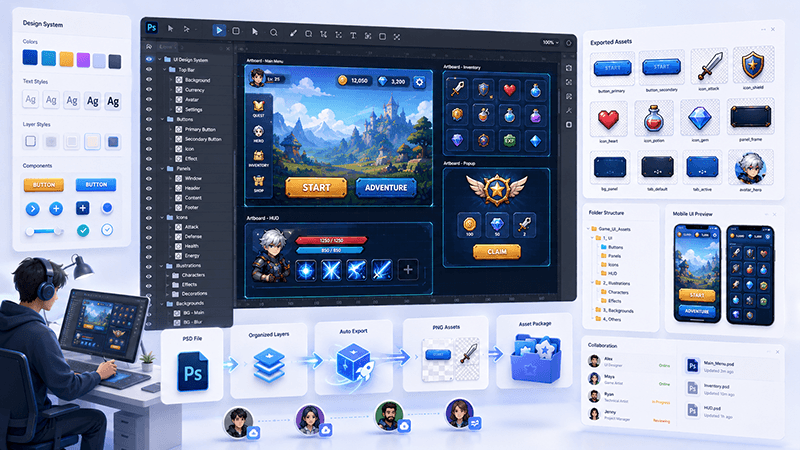
How to Batch Export PSD Layers to PNG for Game Development
A practical workflow for batch exporting PSD layers to transparent PNG assets for mobile games, UI screens, icons, and 2D production pipelines.
Ready to try "Several PSDs Have a close Layer. How Do You Avoid Export Name Collisions?"?
Use our online tools to apply this tutorial to your indie game project right away.