
Indexed PNG Has Hard Edges? Check Palette Alpha
Compare decoded pixels in the RGBA original and indexed PNG to locate transparency loss before or after engine import.
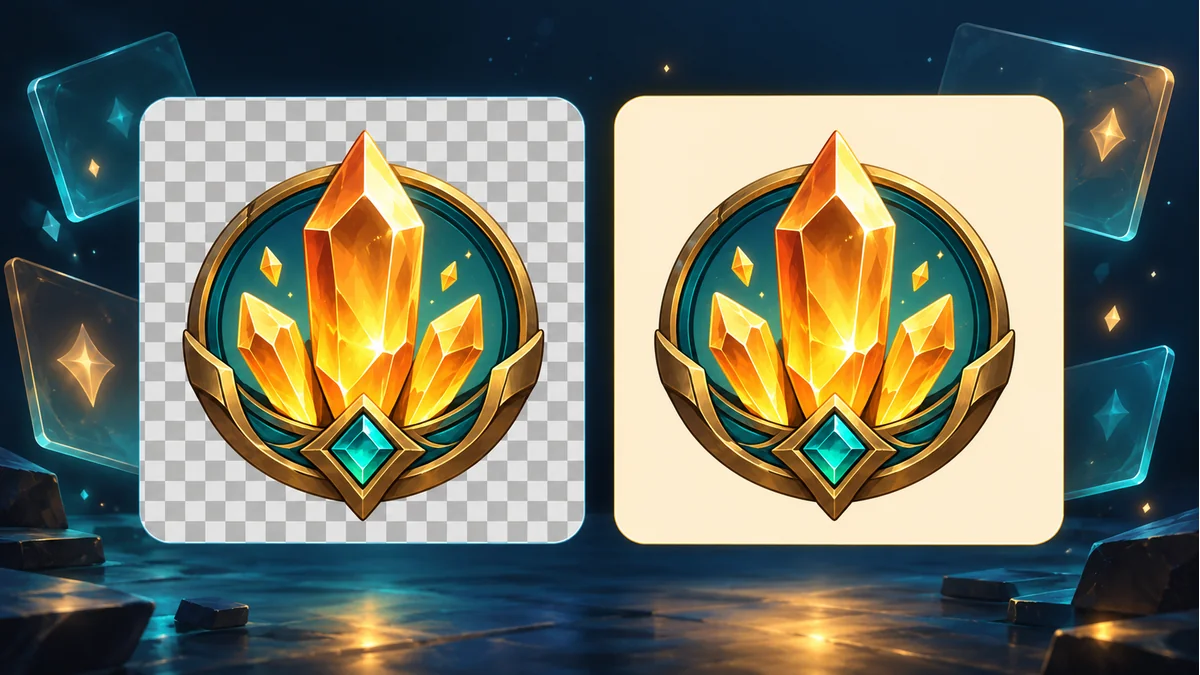
A crystal badge has a soft outline in the master artwork, but the reduced PNG looks harsh on a dark menu. Retain the original RGBA file and the indexed candidate. Keep dimensions and preview scale constant so the comparison can isolate a change in the asset.
Read alpha after decoding the file
The W3C PNG specification specifies that an indexed image can store alpha values per palette entry. Entries beyond the supplied transparency table are treated as opaque. Intermediate alpha is possible, so verify the values in the delivered file before blaming indexed color as a format.
Decode both versions to RGBA and choose fixed sample coordinates for background, edge, and body. Suppose those points have alpha values 0, 96, and 255 in the original, and 0, 255, and 255 in the candidate. The edge sample already changed before engine import. Compare the color values and nearby samples as well, since preserved alpha can coexist with visible color banding.
Follow the first stage where the result changes
Keep the original from the PSD Layer Exporter and make an indexed candidate with an encoder that supports the needed palette options. If the master export already lacks transparency, start with the related diagnostic guide. If only the indexed file differs, compare encoder settings or retain the original format for that asset.
When both decoded edges look acceptable, inspect the result inside the game on light and dark backgrounds. Record the imported source filename, texture format, and blending setup. That establishes whether the shift first appears in the receiving pipeline.
Agree on an acceptance sample
Record dimensions, bytes, the chosen edge coordinates, and screenshots on both backgrounds. Include the parts that depend most on gradual transparency, such as the shadow, glow, and fine outline. Use the reduced file only after it meets the art requirement in the target game.
Recommended tools
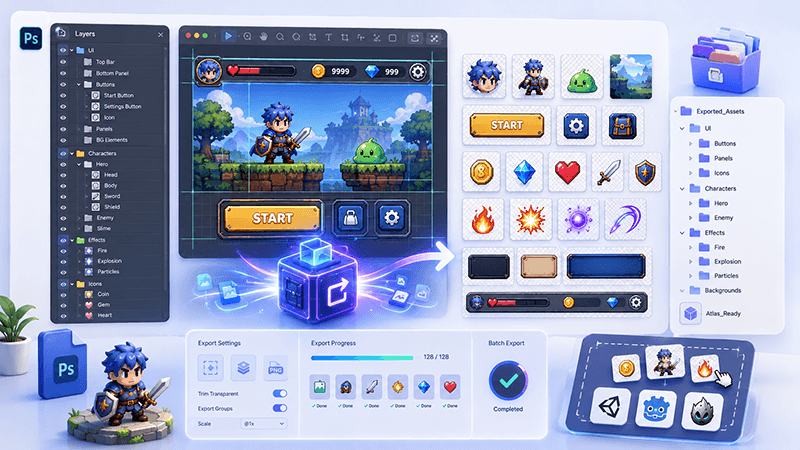
PSD Layer Exporter Guide: Export Game UI Assets from Photoshop Files
Learn how a PSD layer exporter helps game developers extract buttons, panels, icons, characters, and UI elements from Photoshop files faster.
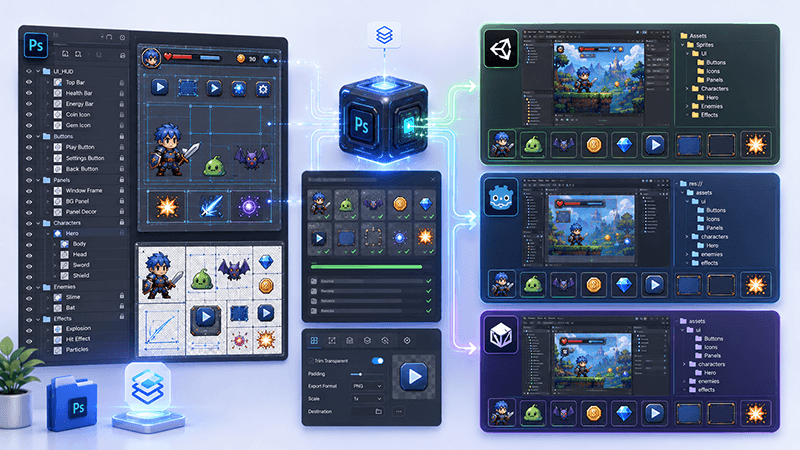
PSD to Game Engine Workflow: Prepare UI Assets for Unity, Cocos, and Godot
Learn how to convert PSD design files into clean game engine assets for Unity, Cocos, and Godot with better naming, folders, PNG export, and QA checks.
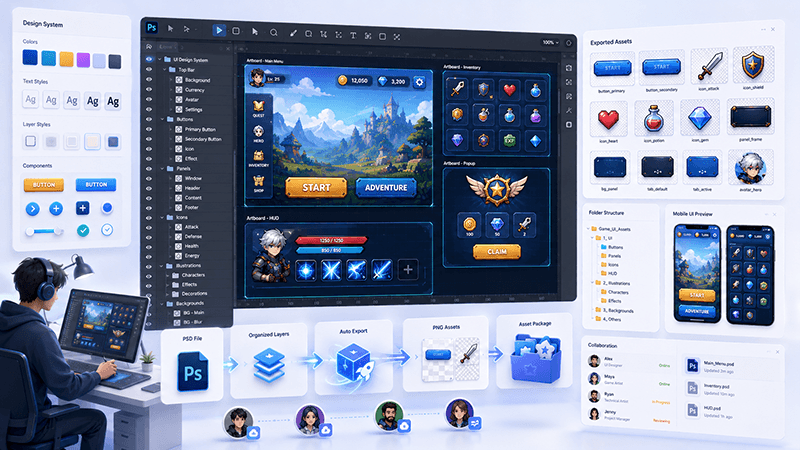
How to Batch Export PSD Layers to PNG for Game Development
A practical workflow for batch exporting PSD layers to transparent PNG assets for mobile games, UI screens, icons, and 2D production pipelines.
Ready to try "Indexed PNG Has Hard Edges? Check Palette Alpha"?
Use our online tools to apply this tutorial to your indie game project right away.