
Web Audio 变速后音效切片错位,怎样设置 start 的 offset
分开计算播放时刻、源音频起点和源片段长度,用固定倍速样例核对实际输出。
想从十秒音效的第五秒开始播放,把速度调为两倍后却取错了片段。先确认目标是源文件中的哪个时间点,再检查传给 start 的三个参数。调度时间、源音频位置和听到的输出时长需要分别记录。
把三个参数写开
按 官方资料,when 使用 AudioContext 的时间坐标;offset 指向源音频位置,按音频本身的时间计算;duration 指定要播放多少秒源内容。播放速度加倍不会把第五秒这个起点自动改成 2.5 秒。有关何时开始播放,可继续看 相关排查指南。
做一个不会越界的样例
准备至少十秒、在第五秒附近有可辨认标记的测试音频。创建新的 AudioBufferSourceNode,关闭循环,将 playbackRate 固定为 2,并让 detune 保持 0。安排 start(context.currentTime + 0.2, 5, 2)。这里等待约 0.2 秒后取源音频第五到第七秒,固定倍速下输出长度约一秒。该数值来自参数关系,不是本站设备实测。
核对失败属于哪一层
分别记录调用时的 currentTime、offset、duration、速率和缓冲区总长度。先用速率 1 确认标记,再用速率 2 比较起点内容和输出长度。每次播放创建新源节点,保持同一个已解码缓冲区;若还叠加速率自动化或循环,需要单独验证,不能照搬固定倍速算式。可从 音效生成工具 获取候选游戏音效,在实际播放器完成片段与时间验收。
推荐使用本站工具
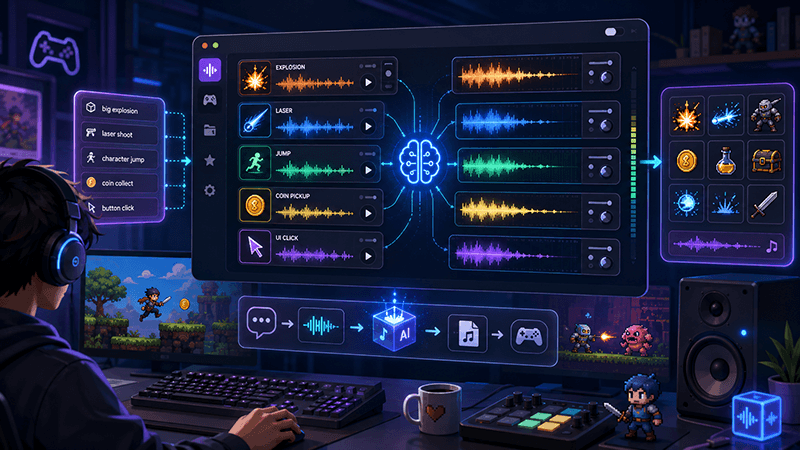
AI Game SFX Generator: A Practical Guide for Indie Game Developers
Learn how an AI game SFX generator helps indie developers create fast, usable sound effects for UI, coins, weapons, magic, horror, retro games, and rapid prototypes.
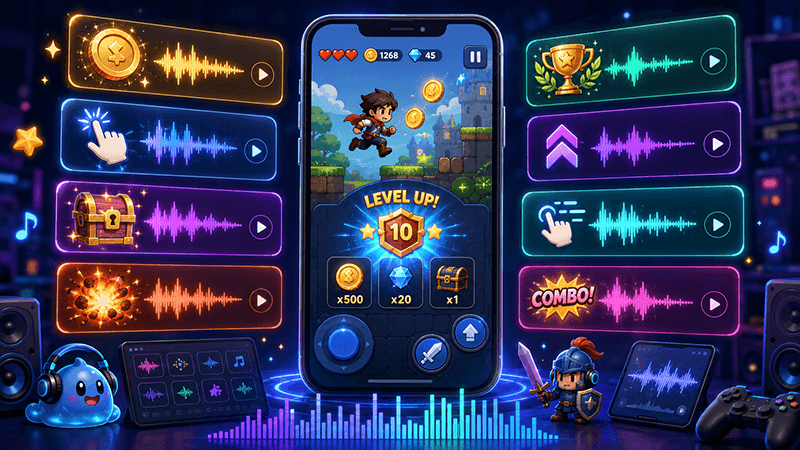
AI SFX Generator vs Sound Library: Which Is Better for Game Audio?
Compare AI SFX generators and traditional sound libraries for indie game audio. Learn when to generate custom effects, when to use libraries, and how to combine both workflows.
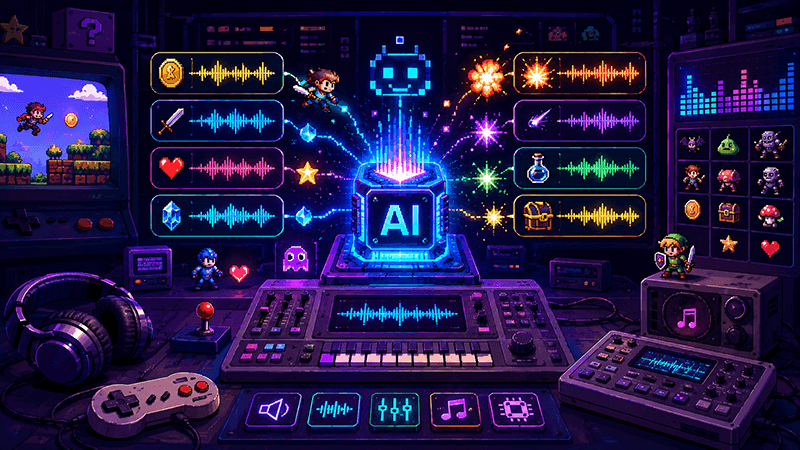
Best Sound Effects to Create First for an Indie Game Prototype
A practical checklist of the most important game sound effects indie developers should create first, including UI clicks, pickups, hits, rewards, errors, transitions, and completion cues.