
序列帧从 1 跳到 10?先核对文件名排序
用四帧测试判断文件名排序导致的错序,并用统一补零与清单验证交付。
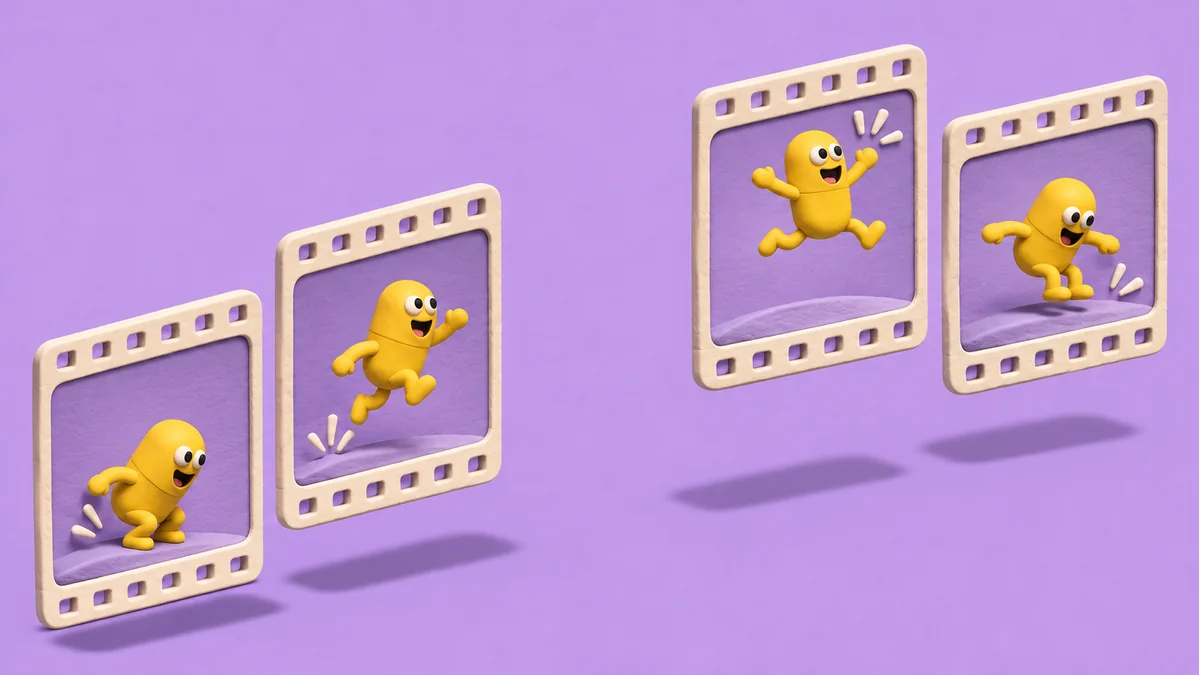
动作前半段突然跳到末尾,随后又回到早期姿态。先分辨是文件导入错序,还是帧率、锚点和动画状态造成的跳变。一个刻意包含两位数的四帧样例可以缩小排查范围。
让导入顺序可观察
取四张颜色或姿态明显不同的 PNG,命名为 jump_1、jump_2、jump_9 和 jump_10,扩展名统一。把素材放到单独目录,按目标项目正常方式导入。先记下预览中的顺序,再逐帧比对。按文件名字符串排序时,可能看到 1、10、2、9。按数字序号处理时,应看到 1、2、9、10。
统一命名并验证缺帧
- 给同一序列使用固定宽度,例如 0001、0002、0009、0010。正式交付预计超过三位数时,可直接选四位。
- 保留序号到源文件的映射。批量重命名应在空输出目录操作,防止新旧文件冲突。
- 重新导入,再查首帧、尾帧和从 9 到 10 的过渡。若实际管线按清单排序,同时核对清单顺序。
补零会让数字部分在同一前缀下有一致的字符串排序结果。若序号缺失,仍需核实是有意抽帧还是漏导。只有顺序正确后,才适合继续调帧率或修正锚点。
素材准备入口:打开 Tooliva 工具。上述验收应在自己的工作文件和目标环境中完成。
推荐使用本站工具
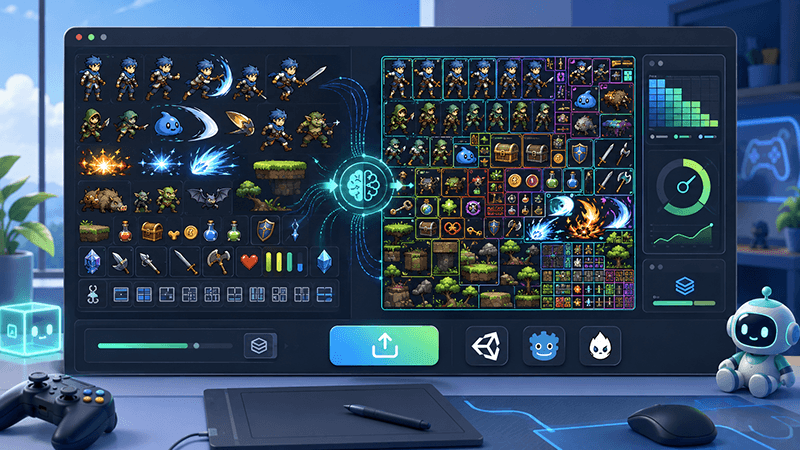
Automatic Sprite Slicing and ZIP Export: A Faster Way to Prepare 2D Game Assets
Learn how automatic sprite slicing and one-click ZIP export can help indie game developers turn character sheets, icon collections, and AI-generated 2D artwork into organized PNG assets faster.
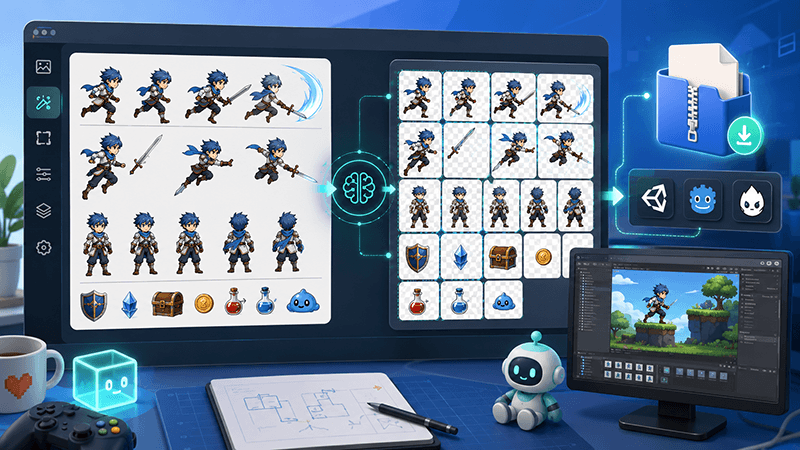
From AI Sprite Cutter to Sprite Sheet Maker: A Complete 2D Asset Workflow
A practical workflow guide for turning raw 2D images into sliced PNG files, downloading them as a ZIP package, and using those files to create sprite sheets for Unity, Cocos, Godot, and custom game engines.
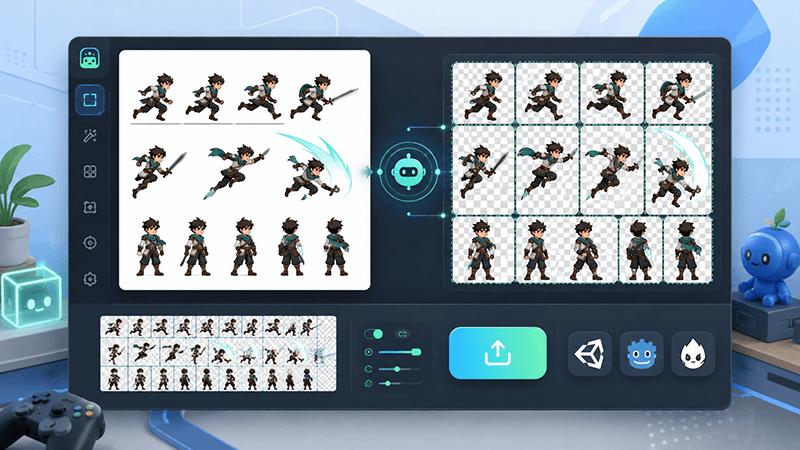
AI Sprite Cutter: How Indie Game Developers Can Split 2D Game Assets Faster
A practical guide for indie game developers, 2D artists, and prototype teams. Learn how an AI sprite cutter can split character sheets, UI icons, white-background assets, and AI-generated artwork into clean PNG files for Unity, Cocos, Godot, and sprite sheet workflows.