
Game Audio Will Not Resume? Separate AudioContext Suspend and Close
A temporary pause and an ended context have different contracts. Read the real state and asynchronous result before resuming or rebuilding.
Sound stops when a panel closes, then cannot resume when it opens again. Identify whether the operation targeted one playback instance or the entire AudioContext. A valid decoded file does not establish that the old context is usable.
Temporary suspension differs from closure
MDN's suspend reference describes pausing context time. Its resume reference describes restoration and a rejected Promise for an already closed context. These are not individual-sound volume controls.
The close reference describes releasing system audio resources and stopping processing. Referenced objects are not all automatically released. Closing a context and later resuming that same object is not equivalent to a temporary pause.
Define the control's actual contract
- Identify the context instance and its state before the action, distinguishing running, suspended and closed.
- Record the method actually called instead of inferring it from a button label.
- Wait for success or rejection before updating application and interface state.
- On reentry, establish whether a valid context continues or a defined initialization path creates new objects and connections.
This concerns integrations using Web Audio, not Tooliva's undocumented internals or a reported product fault. Browsers may expose other states or playback restrictions, so these three labels are not an unconditional recovery loop.
Separate a shared context from one sound
Suspending a shared context affects its audio flow; it is not necessarily a pause of one preview. Define ownership for music, effects and UI auditioning before one component closes an object that other features still use.
Resuming context time also does not replay an already-ended one-shot source. Use the separate buffer and replay-node checklist. Keep lifecycle and playback-instance records distinct instead of downloading again to hide state errors.
Accept the actual navigation path
Keep one sample from the SFX tool and test opening, suspension, resumption, exit and reentry, including real failure branches. Follow the browser's user-interaction requirements rather than bypassing playback protection.
Observe state, Promise outcomes and audible results before reviewing final cleanup. A resolved close does not mean process memory immediately reaches zero. No browser memory or battery experiment was performed here, and no universal reconstruction policy is supplied.
Recommended tools
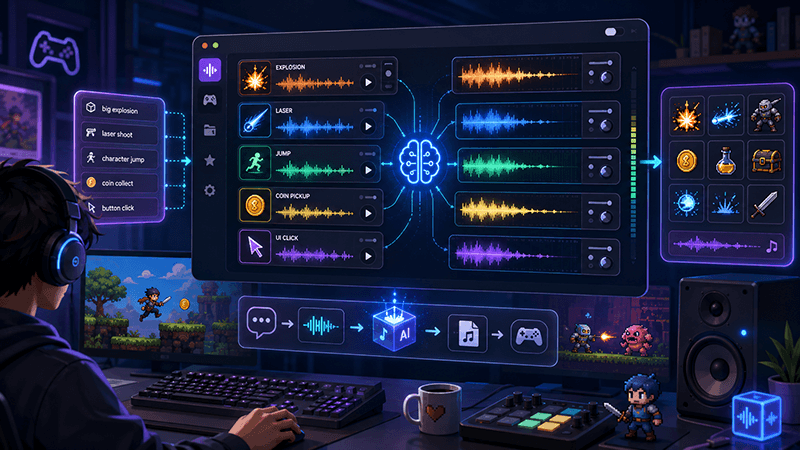
AI Game SFX Generator: A Practical Guide for Indie Game Developers
Learn how an AI game SFX generator helps indie developers create fast, usable sound effects for UI, coins, weapons, magic, horror, retro games, and rapid prototypes.
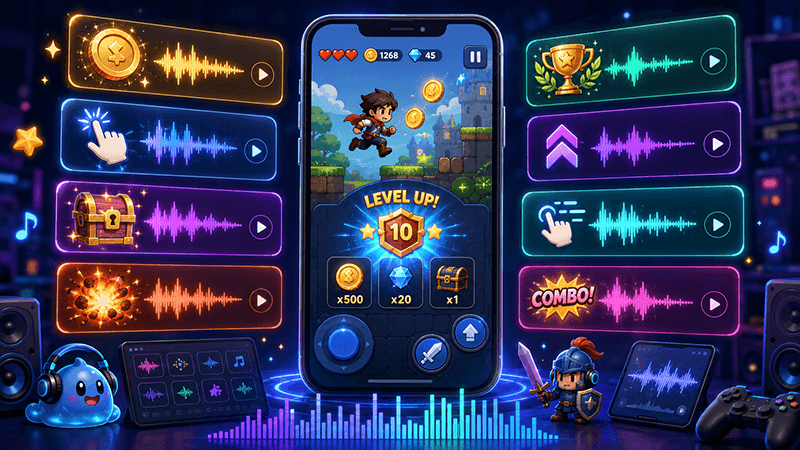
AI SFX Generator vs Sound Library: Which Is Better for Game Audio?
Compare AI SFX generators and traditional sound libraries for indie game audio. Learn when to generate custom effects, when to use libraries, and how to combine both workflows.
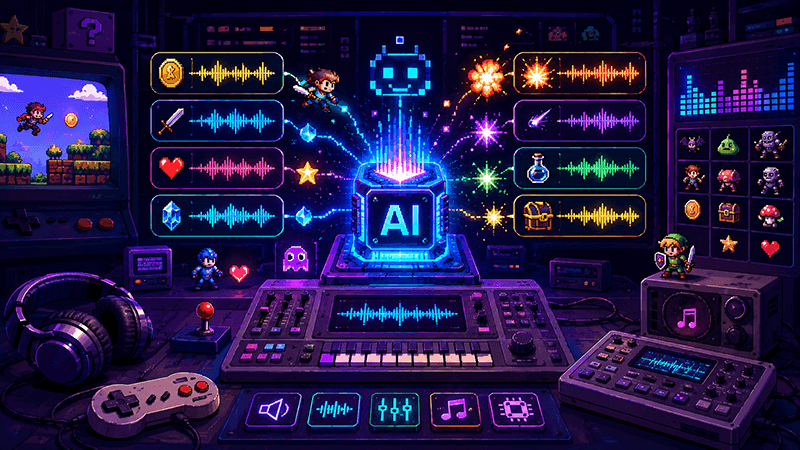
Best Sound Effects to Create First for an Indie Game Prototype
A practical checklist of the most important game sound effects indie developers should create first, including UI clicks, pickups, hits, rewards, errors, transitions, and completion cues.
Ready to try "Game Audio Will Not Resume? Separate AudioContext Suspend and Close"?
Use our online tools to apply this tutorial to your indie game project right away.