
Scheduled SFX Never Starts? Check the Web Audio Clock
Converting Date.now to seconds does not make it an audio-context timestamp. Separate a delay, a scheduled start and an offset inside the file.
A button should trigger a sound half a second later. No exception appears, but the sound never seems to arrive. Keep one unchanged file and trace where the scheduled start value came from before generating another asset.
Seconds can belong to different clocks
The MDN start reference defines when in seconds on the same coordinate system as AudioContext.currentTime. It is a scheduled time, not a relative delay from the call.
Dividing Date.now by a thousand changes its unit, not its clock origin. Consult the currentTime reference for the audio context's own time. Verify both the source of a timestamp and its unit.
Use a small arithmetic check
Suppose the context reads 12 seconds and the design asks for a 0.5-second delay. The corresponding scheduling value is 12.5 seconds, not 0.5. These are fictional values illustrating the contract, not a latency measurement from a device.
An offset inside the audio file is a separate requirement. Do not put a file offset into the scheduled start or delay the trigger to compensate for leading silence without first identifying which behavior needs to change.
Capture one controlled scheduling attempt
- Record the real playback API, context state and whether decoding has completed.
- At scheduling time, capture currentTime, intended delay, resulting when and the unit of each.
- Check source-instance lifecycle and output routing, retaining an immediate-play control.
- Observe a controlled attempt and distinguish an inactive context, a wrong timestamp and an output-path failure.
This is a diagnostic checklist, not a complete player implementation. If immediate playback is also silent, investigate context and playback permission first. A correct calculation does not by itself establish an audible output path.
A timer callback is not a synchronization measurement
Creating a source after a JavaScript timer fires and scheduling an already prepared source on the audio timeline are different implementations. Keep main-thread load, page state and player lifecycle in the test record. No fixed device latency or cross-browser timing precision is promised here.
If animation events drive sound, define what should happen to a late event. Immediate playback, dropping it and rescheduling it are design choices. Silently accumulating expired notifications can make a later test misleading.
Keep the source asset stable during acceptance
Choose one version in the SFX tool, preserve its export name and use that same file for immediate, delayed and repeated-trigger comparisons. A successful tool audition does not validate the receiving project's scheduling clock.
Record the requested delay, actual scheduling values, context state and audible result. Without measurement equipment, do not invent millisecond latency statistics. Return to asset generation only when the evidence identifies an asset problem.
Recommended tools
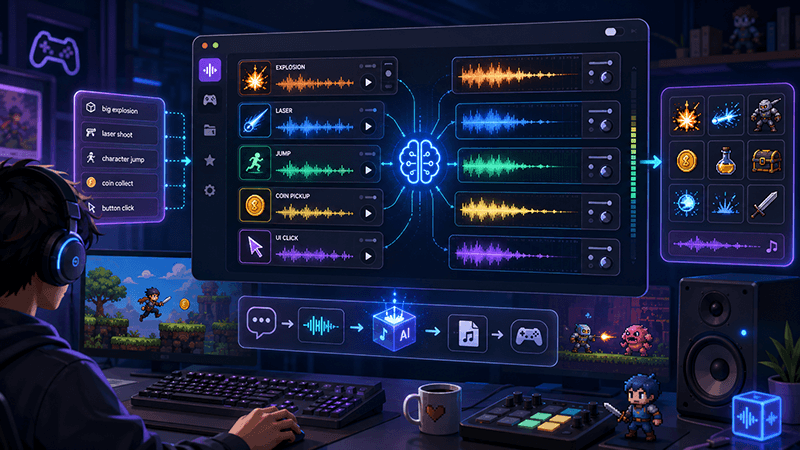
AI Game SFX Generator: A Practical Guide for Indie Game Developers
Learn how an AI game SFX generator helps indie developers create fast, usable sound effects for UI, coins, weapons, magic, horror, retro games, and rapid prototypes.
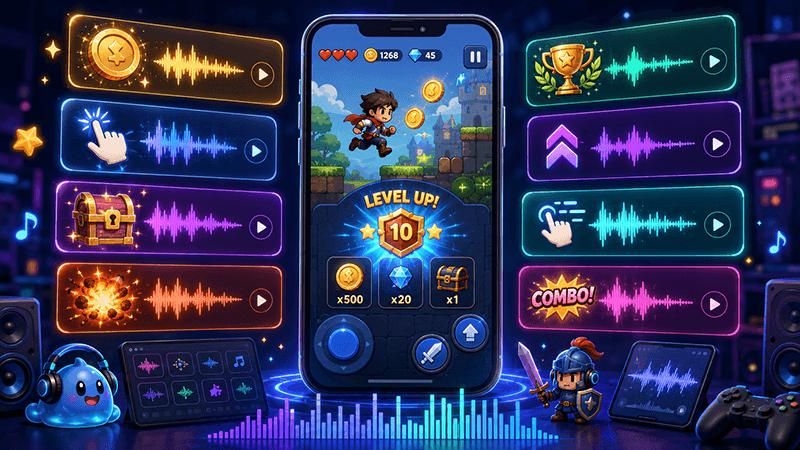
AI SFX Generator vs Sound Library: Which Is Better for Game Audio?
Compare AI SFX generators and traditional sound libraries for indie game audio. Learn when to generate custom effects, when to use libraries, and how to combine both workflows.
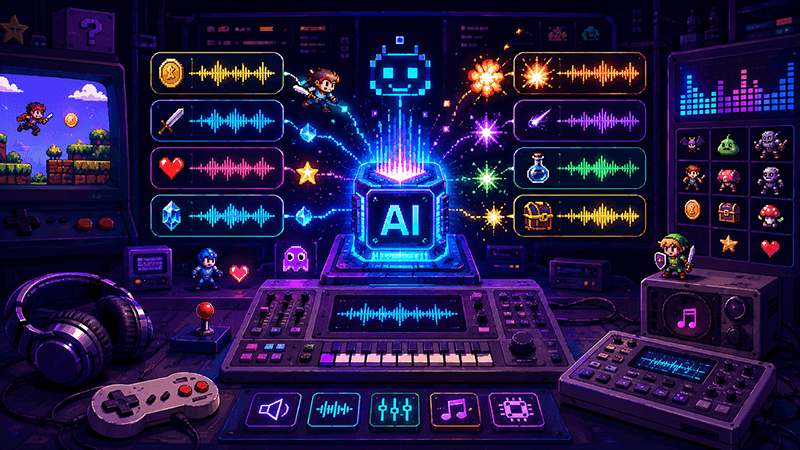
Best Sound Effects to Create First for an Indie Game Prototype
A practical checklist of the most important game sound effects indie developers should create first, including UI clicks, pickups, hits, rewards, errors, transitions, and completion cues.
Ready to try "Scheduled SFX Never Starts? Check the Web Audio Clock"?
Use our online tools to apply this tutorial to your indie game project right away.