
Test a Silent First Web Audio Play With a Real Click
Compare page load with a trusted click to narrow down autoplay gating and audio graph problems.
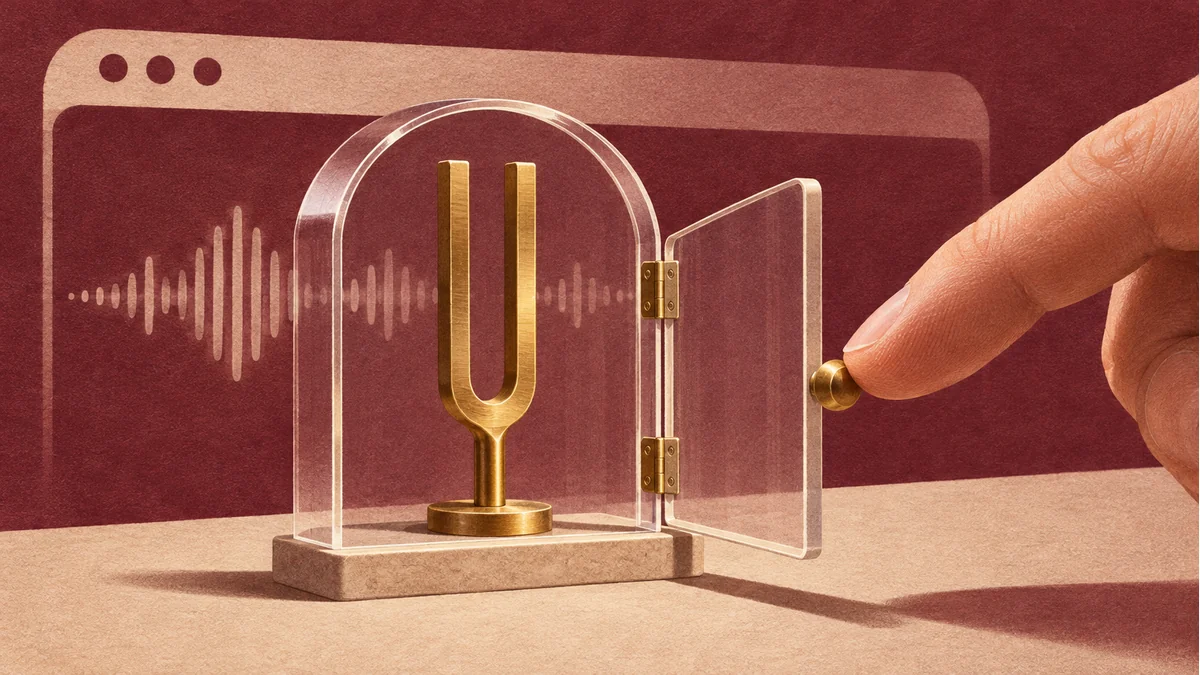
If the first sound is silent and a Play button works, test autoplay policy before replacing the file or rebuilding your audio graph. A site that already has playback permission may behave differently from a fresh profile.
Keep the clip and signal path fixed
Use a fresh browser profile and a short clip that you have already checked for decoding. Record the AudioContext state at page load. Add a visible Play button. Call resume inside its click handler, log the state and promise outcome, and schedule the comparison playback once the context is running. A scripted click is a poor substitute for the real gesture in this experiment.
Follow the observed result
- If the context starts suspended and the click produces sound, keep a clear user-initiated path and record the browser and site settings.
- If it is running and you still hear silence, inspect the decoded buffer, output connection, gain, and device mute setting. Compare a known-good clip through the same path.
- If only an embedded page fails, compare the same test as a top-level page and inspect the embedding page’s autoplay permissions.
For acceptance, check the first click after a fresh load and a second play in the same session. Repeat on a supported mobile browser and record what you can actually hear.
Prepare a sample with the Tooliva asset tool, then run the checks in your own project.
Recommended tools
AI Game SFX Generator: A Practical Guide for Indie Game Developers
Learn how an AI game SFX generator helps indie developers create fast, usable sound effects for UI, coins, weapons, magic, horror, retro games, and rapid prototypes.
AI SFX Generator vs Sound Library: Which Is Better for Game Audio?
Compare AI SFX generators and traditional sound libraries for indie game audio. Learn when to generate custom effects, when to use libraries, and how to combine both workflows.
Best Sound Effects to Create First for an Indie Game Prototype
A practical checklist of the most important game sound effects indie developers should create first, including UI clicks, pickups, hits, rewards, errors, transitions, and completion cues.
Ready to try "Test a Silent First Web Audio Play With a Real Click"?
Use our online tools to apply this tutorial to your indie game project right away.