
Web Audio copyToChannel: Check Sample Offsets and Capacity
Use an eight-frame stereo fixture to check which channel changes, where the patch starts, and what fits at the end.
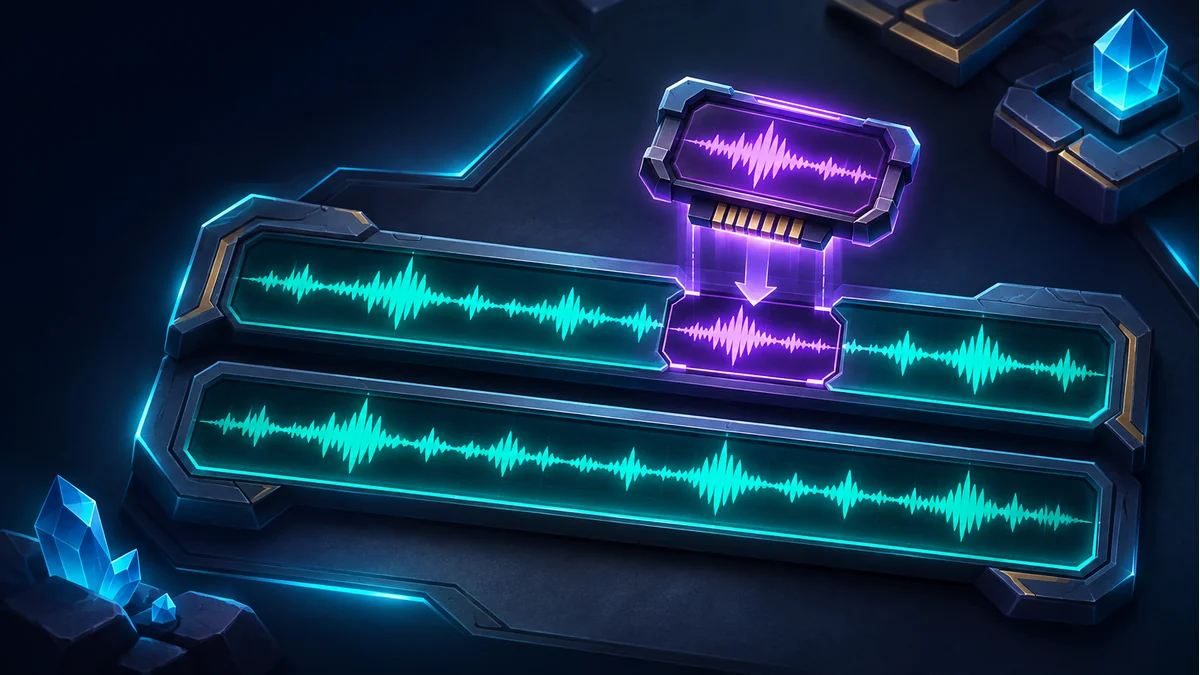
A patch to a browser game sound lands in the right place but loses its last few samples. Or it changes only the left channel when you expected both. Verify the buffer before listening: this test runs without audio playback and isolates writing from mixing and output routing.
Give each channel a recognizable pattern
const b = new AudioBuffer({length: 8, sampleRate: 48000, numberOfChannels: 2});
b.getChannelData(1).fill(-0.5);
b.copyToChannel(Float32Array.of(0.25, 0.5, 0.75), 0, 6);
console.log(Array.from(b.getChannelData(0)));
console.log(Array.from(b.getChannelData(1)));
Channel zero should contain six zeros followed by 0.25 and 0.5. There is no room for 0.75. Channel one should still contain eight copies of -0.5. The offset is a zero-based sample position within the selected channel. It is not a time in seconds or an index into interleaved stereo data. The copy overwrites the destination samples; it does not mix them or grow the buffer.
Check the capacity before the write
At 48 kHz, 12.5 milliseconds corresponds to 600 frames. Use the destination buffer's actual sample rate and choose a consistent rounding rule. Compare the source length with the space left after the offset. If the tail matters, allocate a long enough destination and copy the existing data before applying the patch. If truncation is intentional, report it in your own code.
Make the decision to patch one or both channels explicit, including what to do with a mono input. Once the arrays match, pick a representative effect from the Tooliva game sound effects generator and listen in the actual game player. The tiny diagnostic pattern checks placement and capacity, not clicks at the edit point or perceived loudness.
Recommended tools
AI Game SFX Generator: A Practical Guide for Indie Game Developers
Learn how an AI game SFX generator helps indie developers create fast, usable sound effects for UI, coins, weapons, magic, horror, retro games, and rapid prototypes.
AI SFX Generator vs Sound Library: Which Is Better for Game Audio?
Compare AI SFX generators and traditional sound libraries for indie game audio. Learn when to generate custom effects, when to use libraries, and how to combine both workflows.
Best Sound Effects to Create First for an Indie Game Prototype
A practical checklist of the most important game sound effects indie developers should create first, including UI clicks, pickups, hits, rewards, errors, transitions, and completion cues.
Ready to try "Web Audio copyToChannel: Check Sample Offsets and Capacity"?
Use our online tools to apply this tutorial to your indie game project right away.