
Check Pixels Per Unit When Two Unity Sprites Import at Different Sizes
Use a 64-pixel sprite to isolate import scale, slice dimensions and parent transforms.
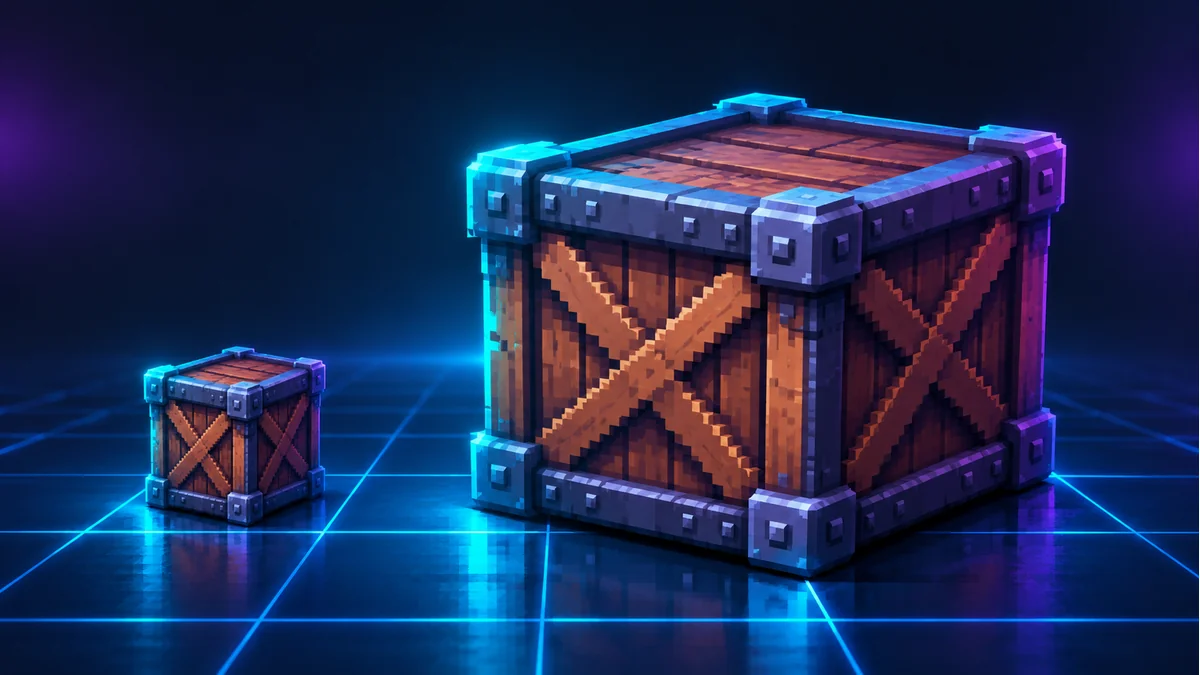
Two files have the same pixel dimensions but appear at different sizes in a Unity scene. Check the sprite importer’s Pixels Per Unit setting, the slice rectangle and the parent transform before resizing the artwork.
Measure a known sprite on one scene grid
Import two copies of a 64×64 test image. Use the full rectangle for each, with unit scale on the objects and their parents. Assign 32 Pixels Per Unit to A and 64 to B. The expected widths are two world units and one world unit respectively. Put both on the same scene grid and capture the import settings along with the measurement.
Find which variable differs on the production asset
- Check the actual sprite rectangle. Two sprites from the same atlas can have different slice sizes.
- Check import PPU, then examine the entire parent hierarchy. Compare under an unscaled parent if needed.
- Once the world size matches, check sharpness with the game camera. PPU changes the scale in the scene. Inspect the source artwork separately for missing pixel detail.
If the project uses a tile grid, include the agreed pixels and world units per tile in the atlas handoff so another developer can reproduce the import.
Prepare a sample with the Tooliva tool, then run the checks in the target environment.
Recommended tools
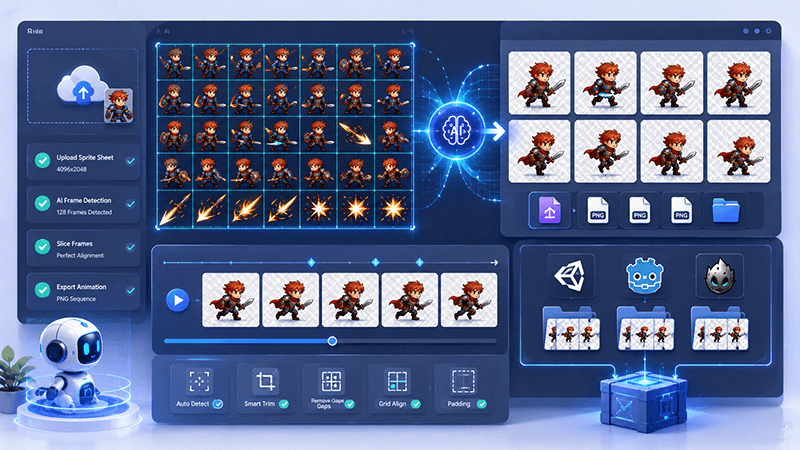
Sprite Sheet Splitter Guide: Extract Animation Frames for 2D Games
Learn how a sprite sheet splitter extracts clean animation frames from character sheets, VFX sheets, tiles, UI sprites, and AI-generated game assets.
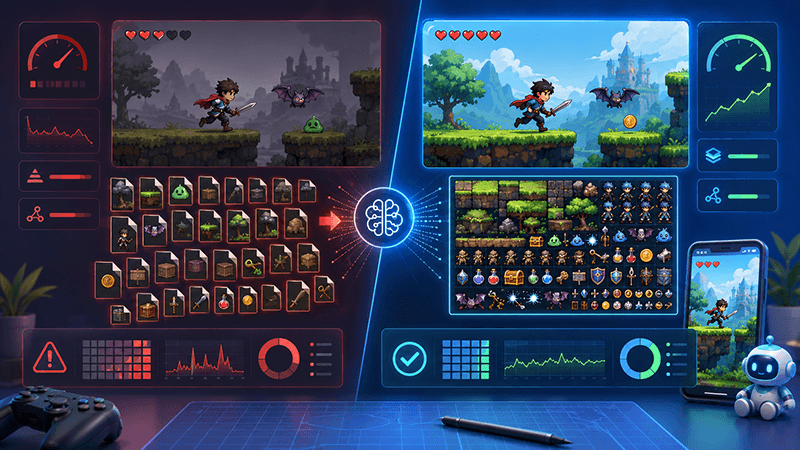
Best Sprite Sheet Packer Settings for Indie Game Assets
A practical SEO-friendly guide to sprite sheet packer settings, including atlas size, padding, trimming, extrude, rotation, metadata, and recommended export settings for 2D game assets.
Smart Sprite Sheet Packer: A Practical Guide for 2D Game Developers
Learn how a smart sprite sheet packer helps indie game developers combine PNG assets into clean texture atlases with metadata for Unity, Cocos, Godot, and custom 2D game engines.
Ready to try "Check Pixels Per Unit When Two Unity Sprites Import at Different Sizes"?
Use our online tools to apply this tutorial to your indie game project right away.