
Stereo SFX Sounds Thin in Mono? Check the Downmix Before Adding Gain
Use a fixed sample and an explicit mixing rule to investigate a weaker mono effect.
The AI-generated cover is a headphone and sound-wave concept. It is not a channel measurement, a phase scope or an audio test result.
A sound effect is clear in headphones but becomes thin after conversion to mono. Should you simply turn it up? First keep the file fixed and identify the actual channel-mixing rule. Playback permission, file size and summing left and right channels are separate questions.
Establish that the comparison uses the same sound
Keep the original export and a separate mono copy. Record the variant, duration, channel count, conversion tool and settings. Check that you did not select another effect, trim the tail or change playback speed at the same time. If playback itself is uncertain, start with the silent-preview checklist.
A weaker sound on a phone is not, by itself, evidence of cancellation during downmixing. Device response and playback level can also change what you hear. Compare the files and an explicitly defined mix in a controlled playback setup before attributing the result to a device.
One documented rule averages the channels
MDN's Web Audio channel rules specify M = 0.5 × (L + R) for stereo-to-mono downmixing with channelInterpretation set to speakers. Do not assume every engine, encoder or conversion setting uses that rule; discrete interpretation has different behavior.
Consider a purely arithmetic example. At one sample position, L = 0.6 and R = -0.6. Their average is zero. Nonzero values in both channels do not guarantee that the summed output retains the same magnitude. This is not a measurement of a Tooliva export, and it does not imply that an entire real effect cancels at every position.
Listen to each channel, then the defined mono mix
- In an audio tool that supports separate channel monitoring, audition the original left and right channels. Note whether each contains the required content.
- Record the actual downmix method. Listen to the converted copy under consistent, documented playback-level conditions, focusing on the intended transient, low end and tail.
- Compare with the original stereo version. If the difference warrants investigation, have the audio owner inspect the waveform and channel relationship rather than diagnosing phase solely from reduced volume.
If the channels sound useful separately but the mono mix loses content, investigate their relationship. That is a clue, not a substitute for inspecting the data. If every version is weak, check the source and playback conditions instead of forcing this diagnosis.
Gain alone cannot restore cancelled content
Turning up a mono file does not recover content already cancelled by summing; it can make the remaining material louder. Do not invert one channel across an entire asset library or automatically keep only the left channel. Selecting one side can discard information intended for the other.
Keep the original, mixing rule and time positions of the difference. The sound owner can then decide whether to adjust the channel relationship, remix the effect or supply an accepted mono version. Choose the treatment after listening and inspecting the actual data.
Separate size acceptance from sound acceptance
Mono can reduce the data size of some uncompressed PCM files, but a smaller file has not automatically passed a listening review. For data-size arithmetic, see sample rate, bit depth and channel count. This article concerns the resulting sound, not a general compression workflow.
Use the Tooliva sound-effects tool to retain the chosen variant and export, then validate the actual import and output path in the target game. No default stereo format, phase-analysis panel or mono mixer is promised for Tooliva. The receiving team can perform these checks with appropriate audio tools.
Recommended tools
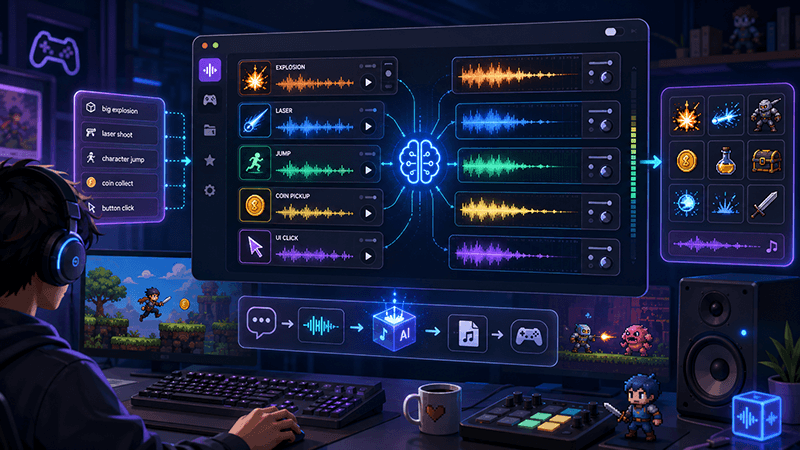
AI Game SFX Generator: A Practical Guide for Indie Game Developers
Learn how an AI game SFX generator helps indie developers create fast, usable sound effects for UI, coins, weapons, magic, horror, retro games, and rapid prototypes.
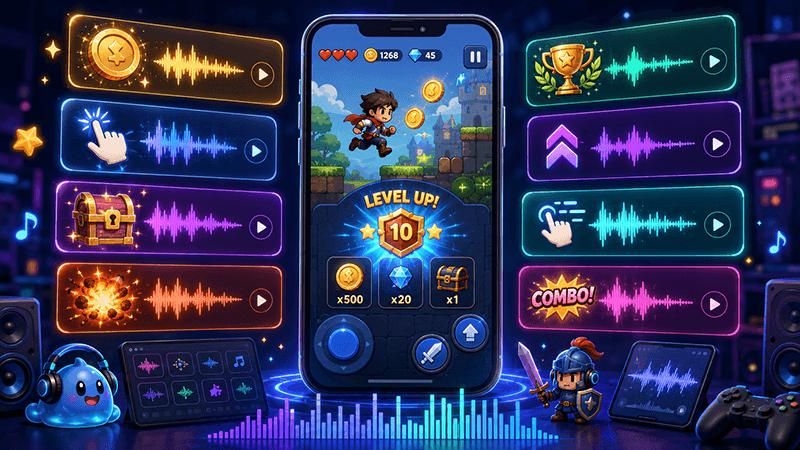
AI SFX Generator vs Sound Library: Which Is Better for Game Audio?
Compare AI SFX generators and traditional sound libraries for indie game audio. Learn when to generate custom effects, when to use libraries, and how to combine both workflows.
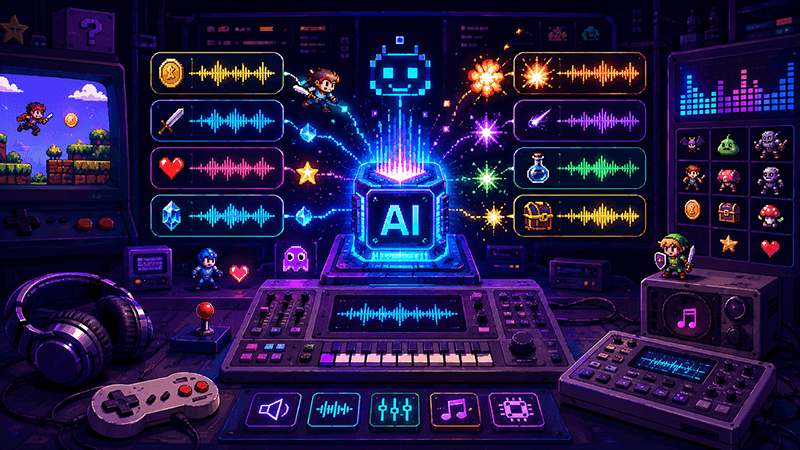
Best Sound Effects to Create First for an Indie Game Prototype
A practical checklist of the most important game sound effects indie developers should create first, including UI clicks, pickups, hits, rewards, errors, transitions, and completion cues.
Ready to try "Stereo SFX Sounds Thin in Mono? Check the Downmix Before Adding Gain"?
Use our online tools to apply this tutorial to your indie game project right away.