
Why Sprite Frame 10 Plays Before Frame 2
Reproduce filename sorting with four frames, then validate zero-padded names and explicit frame order.
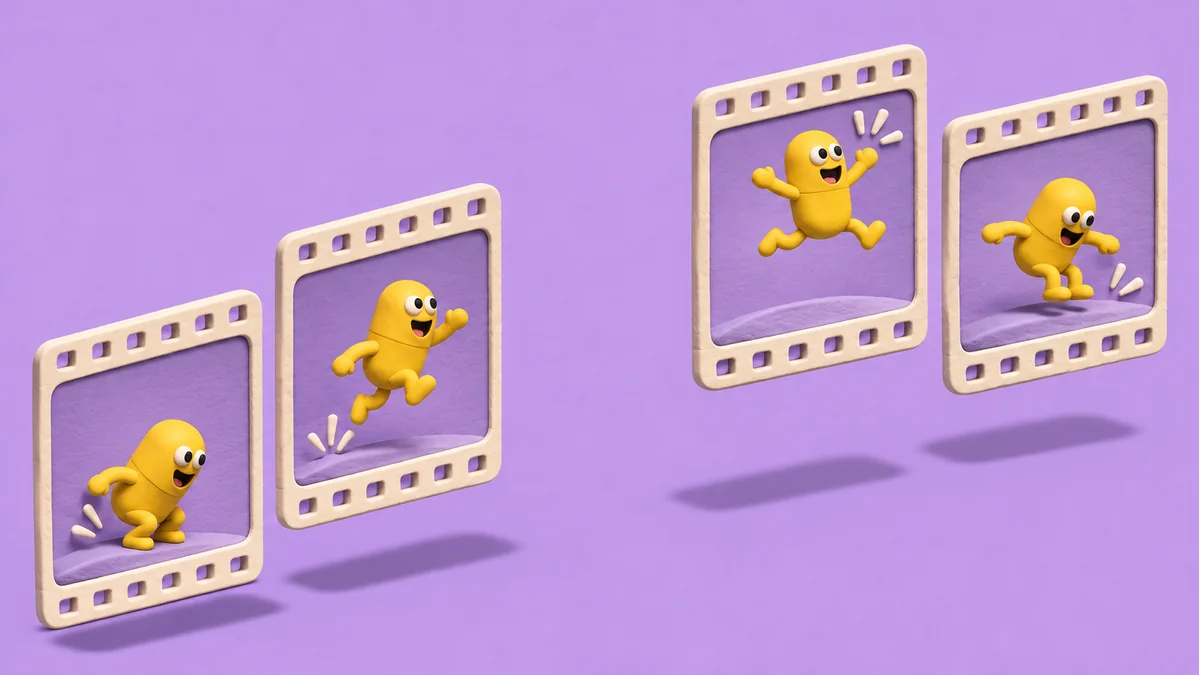
If a jump suddenly reaches its last pose and then goes back to the early poses, check the imported frame order. A four-frame fixture helps separate that problem from timing or pivot alignment.
Reproduce the jump with easily identified frames
Use four PNGs with distinct silhouettes. Name them jump_1, jump_2, jump_9, and jump_10, keeping the extension consistent. Import from an empty folder using your regular pipeline and write down the observed order. A plain string comparison can produce 1, 10, 2, 9. Numeric ordering gives 1, 2, 9, 10.
Make the handoff deterministic
- Choose a fixed width for the sequence: 0001, 0002, 0009, and 0010 are easy to compare even as the project grows.
- Rename into an empty output directory and keep a mapping from each new number to its source file.
- Reimport and inspect the first and last frames, then step across the 9-to-10 boundary. If your importer takes a frame manifest, inspect the order in that manifest too.
Fixed-width numbering helps when the prefix and extension are the same. A gap still deserves a check. It might be intentional sampling, or an export may have missed a frame. Once the order is correct, adjust timing or alignment in a separate pass.
For asset preparation, open the Tooliva tool. Run the acceptance checks in your own working files and target environment.
Recommended tools
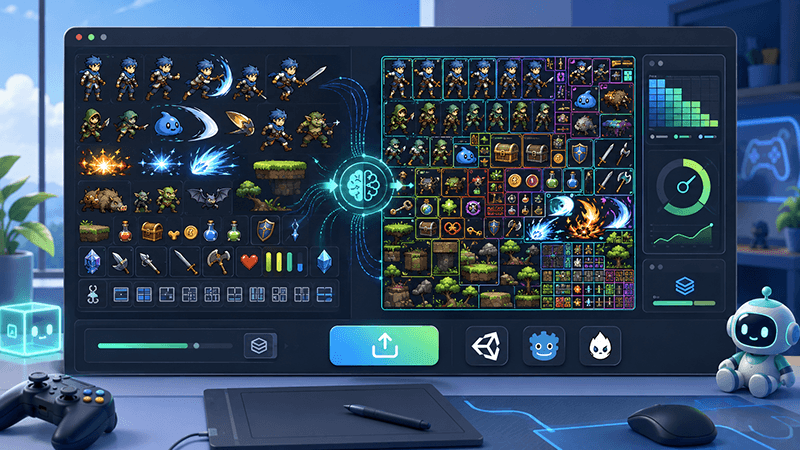
Automatic Sprite Slicing and ZIP Export: A Faster Way to Prepare 2D Game Assets
Learn how automatic sprite slicing and one-click ZIP export can help indie game developers turn character sheets, icon collections, and AI-generated 2D artwork into organized PNG assets faster.
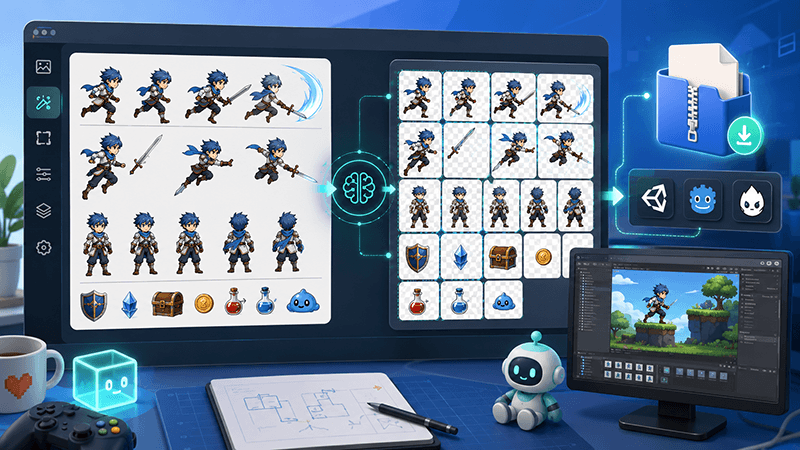
From AI Sprite Cutter to Sprite Sheet Maker: A Complete 2D Asset Workflow
A practical workflow guide for turning raw 2D images into sliced PNG files, downloading them as a ZIP package, and using those files to create sprite sheets for Unity, Cocos, Godot, and custom game engines.
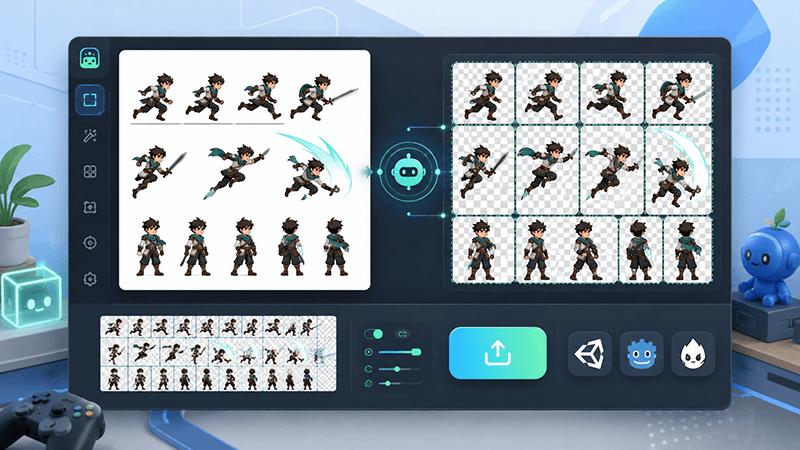
AI Sprite Cutter: How Indie Game Developers Can Split 2D Game Assets Faster
A practical guide for indie game developers, 2D artists, and prototype teams. Learn how an AI sprite cutter can split character sheets, UI icons, white-background assets, and AI-generated artwork into clean PNG files for Unity, Cocos, Godot, and sprite sheet workflows.
Ready to try "Why Sprite Frame 10 Plays Before Frame 2"?
Use our online tools to apply this tutorial to your indie game project right away.