
When to Accept a New Weapon Variant in Spine Workbench
Set practical acceptance criteria for a new weapon appearance, distinguish candidate review from motion validation, and keep a short record of remaining checks.
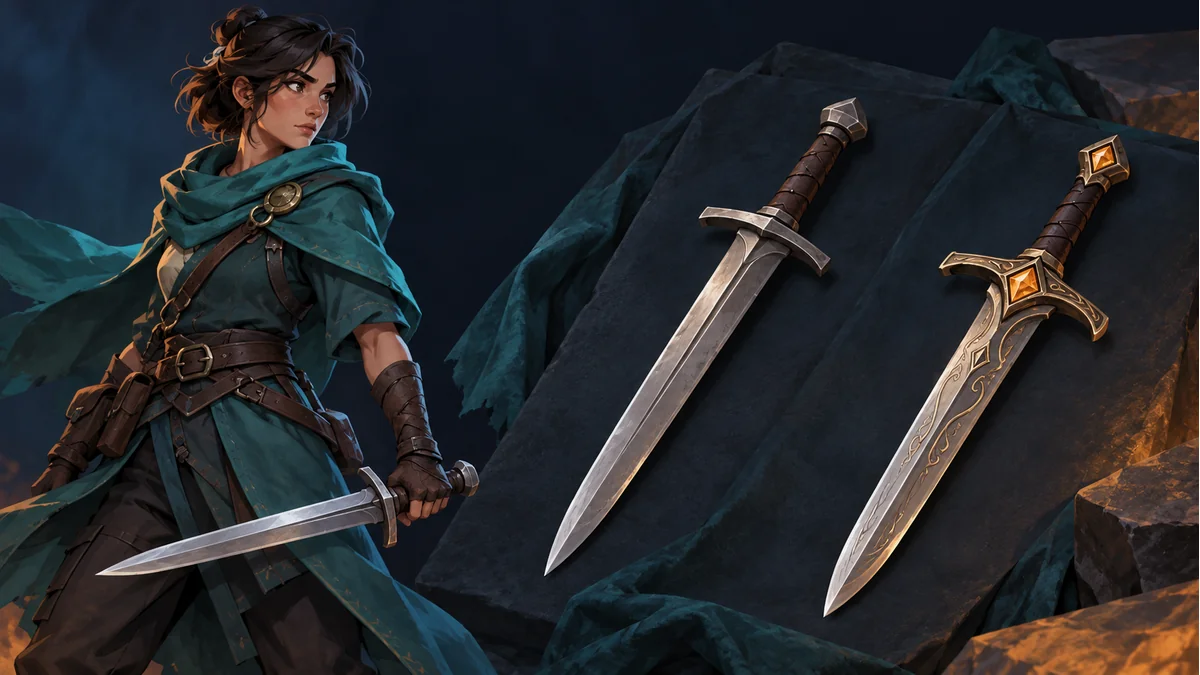
The cover is an AI-generated weapon-design concept, not a screenshot of candidate results or evidence that these weapons fit a particular template.
A more elaborate weapon candidate is not automatically a better fit for the character. A new design can change the grip, guard, and blade silhouette. First decide whether its appearance is worth keeping, make any necessary detail adjustments, and then name and accept it. Acceptance should still be followed by animation checks.
This checklist follows the new-variant workflow in the Spine Workbench guide. Its criteria are a suggested manual review practice, not an additional scoring or approval feature in the product.
State what this variation is supposed to preserve
In Spine Workbench, confirm the target weapon part in the current resource. Describe the intended appearance change in one sentence. For example: “Use a simple copper-colored guard while preserving the basic grip direction and the character’s visual style.” Replace those details with your actual requirements and references; the example is not a preset for every character.
Check the current generation requirements and cost before proceeding. A request for a weapon appearance should not quietly become a promise to add an attack animation. Candidate artwork and the animations supplied by the template are separate decisions.
Use three appearance gates before accepting a candidate
- Object and silhouette: the result is the intended weapon, its major structure is readable, and ornament does not completely obscure the grip area.
- Character fit: material, color, and detail suit the actual character brief. Fine rendering does not compensate for a conflicting style.
- Inspectable connection: the grip end, blade direction, and hand-contact area can be identified. A small thumbnail alone is insufficient when those regions are unclear.
Suppose two blades meet the brief, but one candidate has a much larger guard. Keep its effect near the hand and during motion as a pending check rather than declaring it more animation-friendly from appearance alone.
When should you hold off?
- The weapon type or a required visual feature is wrong: identify the difference before deciding whether to generate another candidate.
- The artwork is complete but orientation or placement needs inspection: make the documented detail adjustments where appropriate, then review it again.
- The selected outline is unsuitable: inspect the source selection and boundary rather than using an accepted status to conceal the issue.
- The project needs an action the template does not provide: revisit the template or project plan. This is not an appearance score for the candidate.
Any further generation should use the costs and available operations shown by the current interface. This article does not assume automatic undo, free retries, or a particular candidate-retention period.
Name the difference you will need to recognize later
For a result worth keeping, enter a variant name and accept it as demonstrated in the guide. A name such as “Plain Copper Guard” or “Short Wood-Grain Grip” can communicate the actual design difference. These are naming examples, not a required software format. Labels such as “Final” or “Better” explain very little when several variants exist.
Keep remaining checks in your own project notes. Naming a candidate “All Actions Passed” or “Works Everywhere” does not establish either claim.
Inspect motion after acceptance
Return to an action that the template actually offers. Inspect the grip relative to the hand, then the weapon direction and its relationship to the body. Check other available actions intended for the project. A previous variant’s successful review does not automatically transfer to a different silhouette.
Maintain two outcomes: why the appearance was accepted, and which actions were actually inspected or remain pending. For the adjustment sequence itself, use the weapon grip calibration guide. This article is about the decision to keep a candidate and the evidence for that decision, rather than repeating the full transform workflow.
Keep a small acceptance record
- Resource and target weapon: identify the object.
- Appearance brief: changes required and features to preserve.
- Candidate observation: what meets the brief and what remains questionable.
- Variant name: describe the actual visual difference.
- Post-acceptance review: actions inspected, observations, and pending checks.
The note only needs enough detail to explain why the candidate was kept. After the workbench review, validate the exported resource in the target project. Accepting an appearance variant is not an engine-compatibility test.
Ready to try "When to Accept a New Weapon Variant in Spine Workbench"?
Use our online tools to apply this tutorial to your indie game project right away.