
A Larger Spine Cape: Does It Change the Hit Region?
Record the region source and intended gameplay meaning, then compare actual geometry at the same animation time.
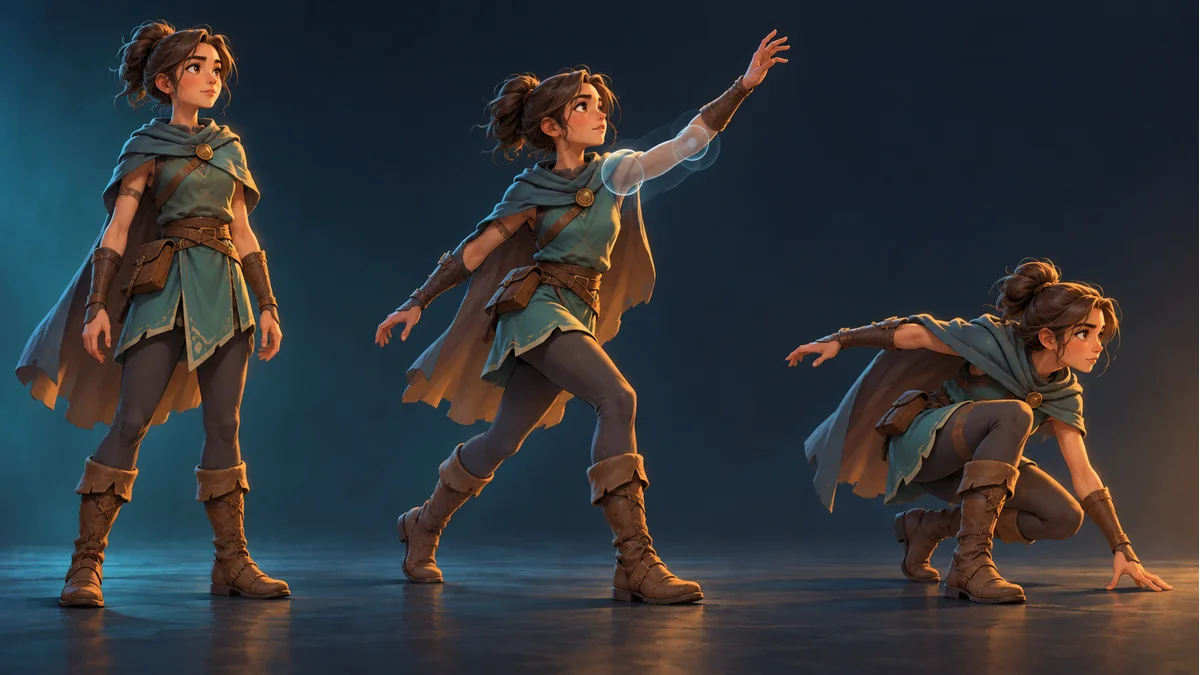
The AI-generated cover illustrates character poses. It is not a collider, hit-detection result, or physics-debug screenshot.
A new appearance has a longer cape. Does that make the character easier to hit? Identify the region the game actually tests. A larger visual silhouette alone cannot answer the question, and the design must first decide whether that decoration should be hittable.
Separate three objects of observation
- Rendered content: the body, cape, weapon, and effects visible in the current pose.
- Spine data: whether the intended bounding attachment exists, with its actual name and deformation source.
- Receiving project: the region really used for hit queries or physical collision.
The game may use its own configured collider or build a region from exported data. Ask the integrator which path is implemented rather than assuming that a shape in a file is already connected to the physics system.
A Spine bounding box can be a polygon
The official Spine Bounding Boxes guide describes polygon attachments usable at runtime for hit detection, physics bodies, and other purposes. They are not necessarily rectangles enclosing the full image, and their vertices can be affected by weights or animation deformation.
That describes a data capability, not a guarantee that a particular export includes it or that an engine automatically creates a collider. A rectangle in a debug view may instead be rendering bounds; identify whether it is the actual query shape.
Agree on the intended gameplay meaning
A purely decorative cape may leave the intended body hit region unchanged. A shield intended to receive separate hits needs an explicit requirement. Do not enlarge every hurt region simply to make a debug outline match the art.
Record the region purpose, real name, and expected behavior. The examples do not establish a cape collider, shield feature, or naming convention in Tooliva templates.
Compare real shapes at the same animation time
Keep the package, appearance, animation, and observation time fixed. Where the real debugging setup permits, have the project owner overlay the shape actually queried. Record artwork and geometry separately rather than substituting a still illustration for the full animation.
If their relationship differs from the design, inspect the source, current pose, and coordinate space. Local versus world coordinates, object scale, and display transforms require project-specific confirmation, not a universal corrective offset.
This is a proposed method, not a physics experiment performed for this article. No exported package's collision accuracy was measured or certified here.
Accept geometry and event handling separately
An attack notification does not establish correct geometry, and an existing shape does not establish damage-rule execution. The separate event-to-gameplay checklist can help the same integrator trace the other stage.
Locate resources and available animations in Spine Workbench using its guide. Visual preview supports artwork checks; hit regions still require the actual data and receiving project. This does not imply a workbench collision editor.
Ready to try "A Larger Spine Cape: Does It Change the Hit Region?"?
Use our online tools to apply this tutorial to your indie game project right away.