
An Old Weapon Remains After a Spine Skin Switch? Check Attachment State
Compare initialization and switching under the same conditions to separate resource contents from runtime history.
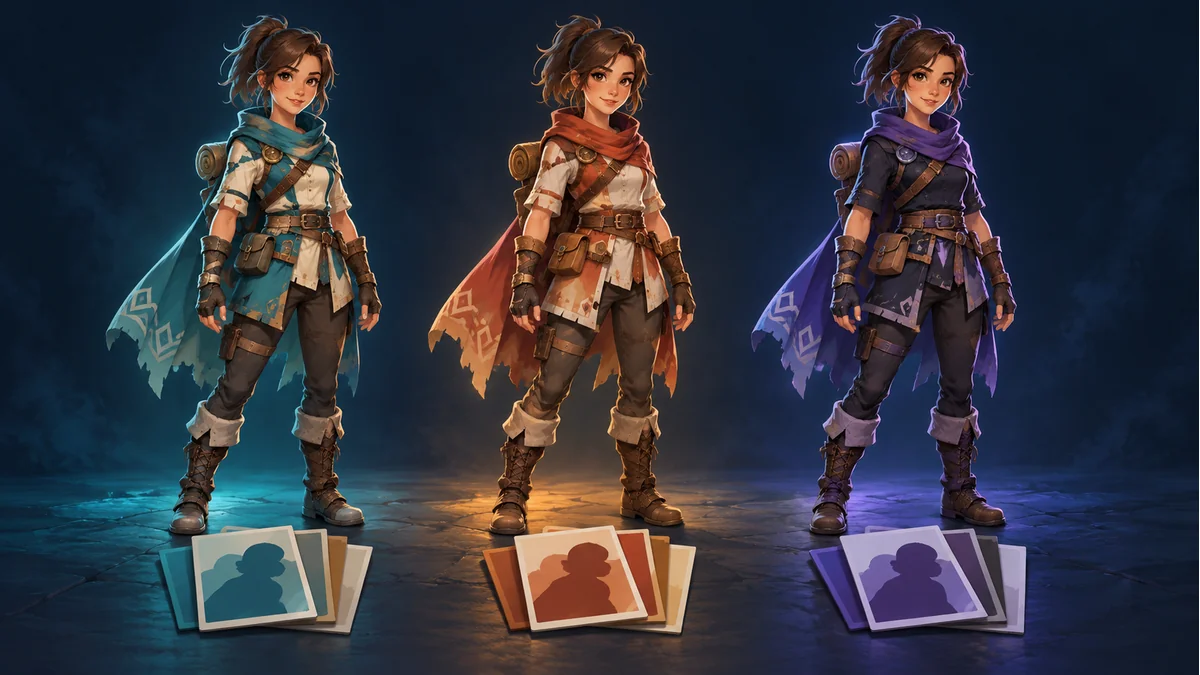
The AI-generated cover shows three conceptual variants. It is not a skin-switch recording, actual exported set, or repair comparison.
The integrator confirms that skin B exists, but A's weapon remains after switching. Do not immediately redraw B or keep changing a name that already resolves. Skin selection, current slot attachments, and subsequent animation application need separate observations.
Confirm lookup is no longer the problem
This checklist assumes real project evidence shows that B was found and selected. Otherwise, check the package and full skin name first. A character merely resembling B is not proof of the selected object.
Selecting a skin is not an unconditional slot reset
The current official runtime reference describes changes in relation to the previous skin and currently attached objects. It also discusses restoring setup-pose slots and applying the current animation before rendering. Do not assume that selecting B clears every visible attachment.
Verify method names, order, and wrappers against the runtime actually used. This article supplies no untested cross-engine snippet and does not recommend resetting every frame. Resetting can affect other slot state and draw order; it is not a side-effect-free cleanup toggle.
Compare two paths with other conditions fixed
- Create an independent instance and select B through the project's actual initialization flow.
- In another instance, select A and then switch to B through the real switching flow.
- Compare the same package, B skin, animation, and observation time.
This is a proposed diagnostic experiment, not an engine test performed for this article. If only A-to-B fails, runtime history or switching deserves attention, but that does not identify a faulty line. If both fail, investigate B's contents and the shared loading conditions too.
Observe before and after animation application
Where actual debugging permits, record attachments immediately after switching and after the current animation is applied again. Attachment keys can change the visible result. An initially correct switch that changes during playback differs from one that never changes at all.
Record the real slot, previous attachment, expected attachment, and observed attachment. The expected result may be empty. Do not assume every skin contains a same-named weapon, or merge missing mappings, intentional hiding, and leftover state into one diagnosis. Confirm default-skin fallback and attachment selection in the actual runtime.
Accept both directions and planned animations
- Preserve the package revision and exact full skin names.
- Check A-to-B and B-to-A where required, beyond first load.
- Inspect planned animations, especially attachment show/hide stages.
- Keep unconfirmed reset and animation-application behavior marked as pending.
Use Spine Workbench and the guide to locate source resources and the actual multi-skin export. A correct source preview is a baseline, not proof that the game's switching logic is configured correctly.
Ready to try "An Old Weapon Remains After a Spine Skin Switch? Check Attachment State"?
Use our online tools to apply this tutorial to your indie game project right away.