
A Spine Character Imports Too Large? Separate Loader Scale, Root Scale and PNG Pixels
Loading scale changes data units; a root transform and image resampling act elsewhere. Record the unit contract before shrinking an Atlas image to fit the screen.
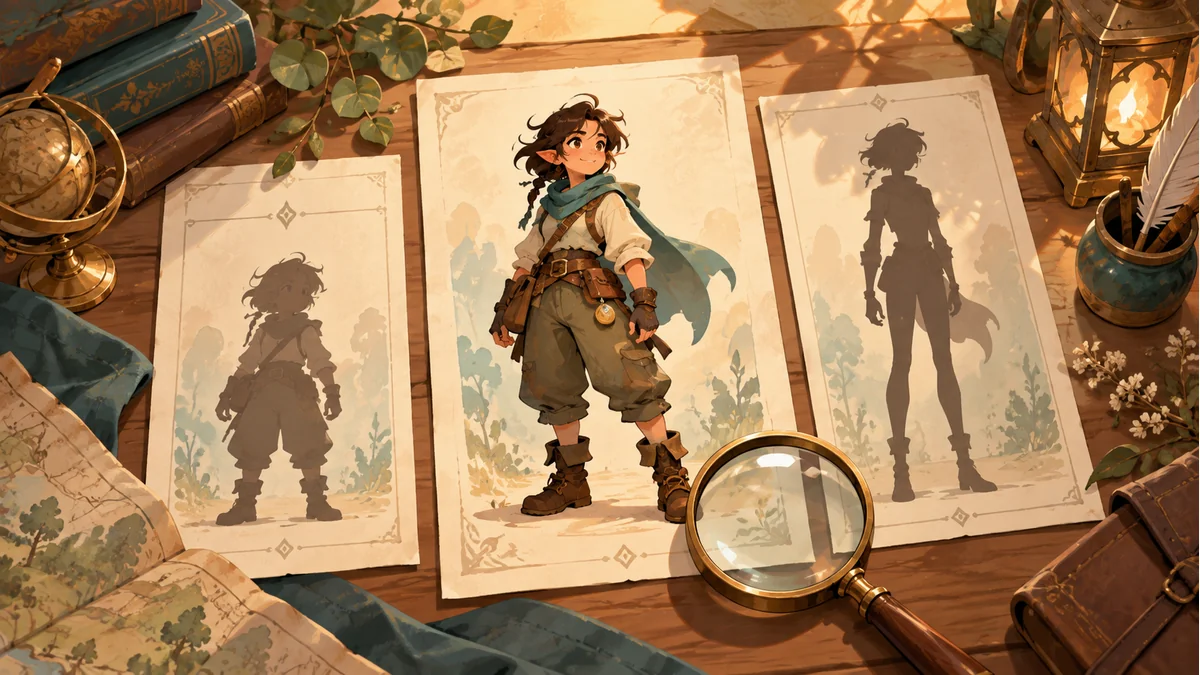
A Spine bundle previews at a reasonable size but fills the screen after integration. Record the units used during loading and the later display transforms before resampling an Atlas PNG just to make the character smaller.
Three operations change different objects
The official loading and scaling guide explains that SkeletonJson or SkeletonBinary can scale bone positions, image sizes and translations while loading. This changes the units in loaded data. Root-bone scaling instead affects the world-transform result without changing those local values in the same way.
PNG pixel dimensions belong to the resource file. Changing loading or display scale does not establish that the PNG was re-encoded. Uniform scaling also does not redesign body proportions; the cover silhouettes are not a scale-factor comparison.
Use one local value to locate the operation
Suppose the handoff explicitly defines 100 source units as one receiving unit. A factor of 0.01 follows from that contract, not a universal engine default. Under simplified conditions without other transforms, source local position (40,25) can become (0.4,0.25) in data loaded with scale 0.01.
With loading scale 1 and root scale 0.01, the child's local values can remain (40,25) while its displayed result changes during world-transform computation. These are unit and transform examples, not universally runnable engine code or measurements of every bone's behavior.
Equal screen size does not prove equal units
A host component, scene node, camera or UI layout may contribute another transform. Two integrations can look equally large while gameplay positions or collision-related inputs use different units. Record each scale owner and one known local point instead of compensating at both loading and display layers.
The guide also notes that bones with scale inheritance disabled may make root scaling behave differently than intended. Use the installed version's interfaces and accept the relevant motions and constraints. Do not modify shared data merely to resize one character instance.
Keep unit changes separate from Atlas changes
Resizing only a PNG can break existing Atlas-region mapping; see the original-image versus thumbnail checklist. If another texture resolution is required, deliver consistent packing data, page images and an established loading flow.
- Retain export and runtime revisions.
- Specify source units, loading scale and host display scale.
- Compare a known local point and displayed size, then inspect motions, constraints and related gameplay positions.
- Keep source files traceable and record whether data or a transform changed.
Keep assets and an export baseline in Spine Workbench using the guide. The receiving project owns unit-contract acceptance. No engine import experiment or external-runtime unit configuration feature in Workbench is claimed.
Ready to try "A Spine Character Imports Too Large? Separate Loader Scale, Root Scale and PNG Pixels"?
Use our online tools to apply this tutorial to your indie game project right away.