
Received Spine JSON but No .spine Project? Clarify the Handoff
A handoff checklist distinguishes successful playback, usable image assets, and the editing information a teammate actually needs.
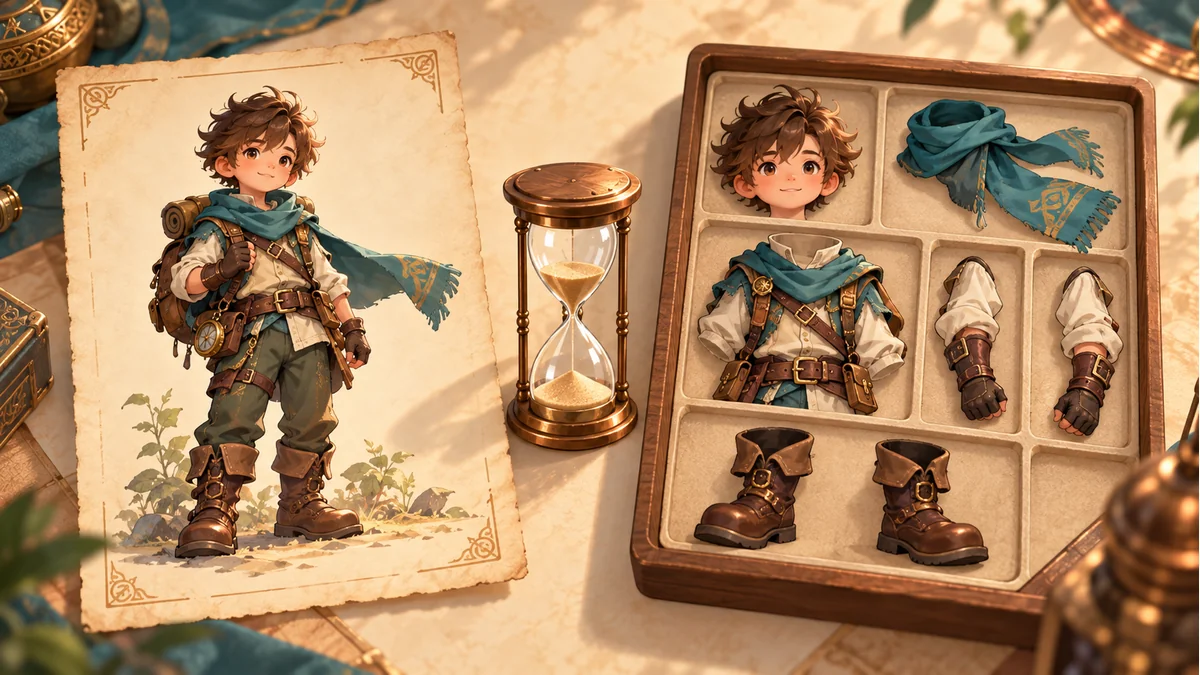
The reused AI cover illustrates a character and parts. It is not an export listing, editor screenshot, or demonstrated project recovery.
A teammate asks for “the Spine file.” You provide JSON, an atlas, and PNG images, but the teammate intends to continue editing the original project. Clarify that purpose before renaming JSON to .spine or assuming a download failed because a project extension is absent.
The Tooliva Workbench guide demonstrates a multi-skin package containing shared JSON, an atlas, and skin PNGs. This describes the demonstrated resource handoff. It does not establish that every download includes an original editable project. Inspect the current output itself.
Describe the next task as an action
- Load and play an animation in a game: confirm the matching data, image references, and target integration requirements.
- Revise artwork or a workbench part: retain a way to locate the real workbench resource and its export baseline.
- Continue editing in the Spine editor: establish the available project or data-import route and the editing information required.
“Send a Spine file” does not distinguish these requests. Identify who will edit or integrate it, which tool they will use, and what they intend to change before declaring a particular file missing.
Inventory the content rather than guessing from an extension
Extract this package into its own directory. Record actual filenames, purposes, image references, and the export batch. JSON is a common data suffix, not proof that every JSON file follows an interchangeable structure. A PNG carries image content, not necessarily an editable animation project.
Do not change an extension merely to pass a file-picker filter. A new name does not demonstrate a content conversion. When sender and recipient use different terms, compare the inventory first instead of repeatedly trying the wrong input.
Importable data is not a complete-project guarantee
The official Spine import documentation supports importing exported JSON or binary data and warns that some information may be lost if Nonessential data was omitted. Therefore, “import succeeded” should not be reported as “the complete original project was restored.”
If the team uses this route, test a copy. Define acceptance around the intended editing task: can the relevant skeleton, planned actions, attachments, and image references actually be located? Record what was inspected. Successfully opening something is only the beginning of an editing check.
Accept runtime delivery and editing materials separately
For example, a programmer may only need one appearance to play, while an animator needs to revise a specific action. The programmer's successful load does not show that the animator has the necessary editing materials. It is reasonable to record “runtime delivery checked” and “editing materials unconfirmed” as separate outcomes.
When returning to Spine Workbench, keep the actual resource reference. Working web playback should not be interpreted as evidence that an unverified project format has been exported.
Keep two traceable records
- The handoff: original package, actual files, export batch, and intended use.
- The editing attempt: receiving tool, real open/import route, inspected results, and missing information.
Preserve originals separately from working copies so that a recovery attempt does not replace the only baseline. For runtime multi-skin delivery, use the multi-skin export checklist to check names and references. This article does not promise lossless reconstruction or substitute for real licensing and compatibility requirements.
Ready to try "Received Spine JSON but No .spine Project? Clarify the Handoff"?
Use our online tools to apply this tutorial to your indie game project right away.