
Spine Weapon Hidden by the Torso: Position Problem or Draw Order?
Record contact and occlusion separately so a large position change does not hide a layering problem while breaking the grip.
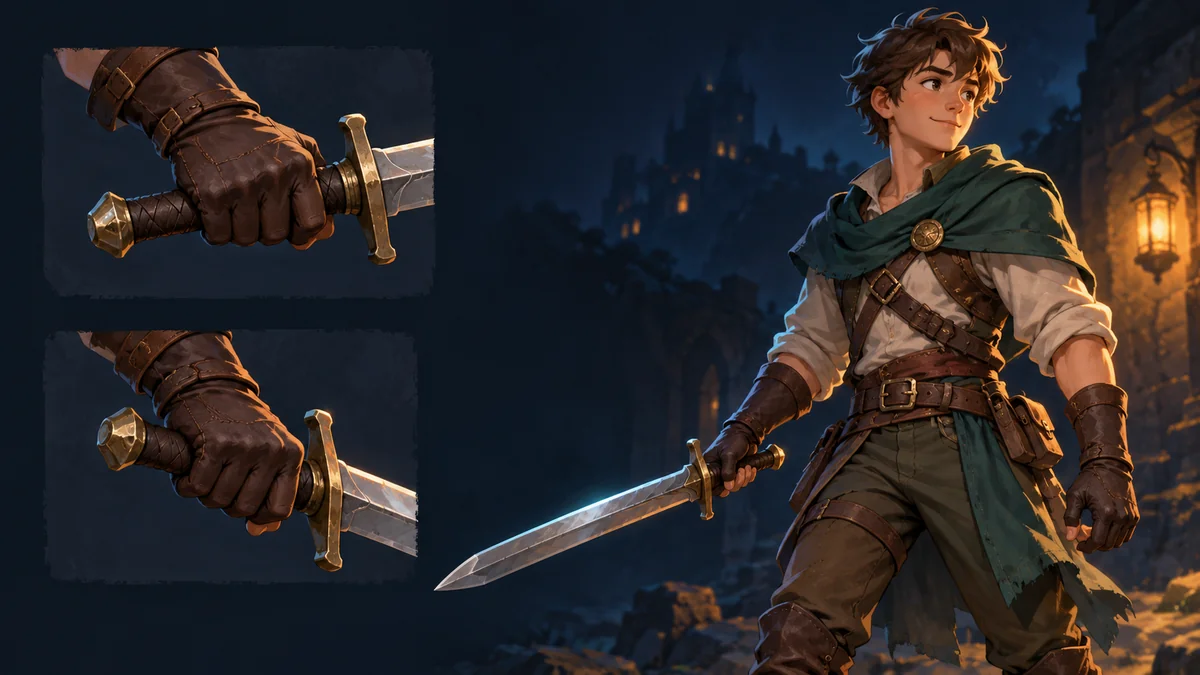
The cover is AI-generated character and grip artwork, not a skeleton view, layer-order screenshot, or before-and-after repair.
Imagine a sword whose grip stays near the palm while its middle disappears behind the torso. Moving the whole sword outward makes more of the blade visible, but also pulls the grip out of the hand. This hypothetical case is a reason to record contact and occlusion separately before changing the artwork.
Ask two questions at the same animation stage
Fix the resource, weapon variant, available animation, and stage being observed. First, is the grip where the hand should contact it? Second, which parts appear in front of which others? Avoid using one label such as clipping for both observations.
A useful note might read: during the middle of the swing, the grip remains near the right hand, but the torso covers the middle of the blade; the intended blade is in front at this stage. Match every object name to the actual resource. This is a note-taking example, not a universal requirement for weapon animation.
Bone hierarchy is not the drawing order
The official Spine Slots guide explains that slot draw order organizes which attachments are drawn over others. A bone's place in the hierarchy is not sufficient evidence that its artwork should appear in front.
Occlusion alone does not prove that draw order is wrong. Transparent areas, part dimensions, and the actual motion can also change what is visible. Do not edit exported JSON just to test an unconfirmed diagnosis.
Separate workbench calibration from project configuration
In Spine Workbench, compare the template and current resource using the same animation, following the illustrated guide. If the grip itself leaves the hand, check the documented transform, mirror, and detail-adjustment workflow.
If contact looks reasonable and the concern is front-to-back visibility, record whether the template shows the same result at that stage. The public guide does not establish a general slot-order or draw-order keyframe editor in the workbench. A skeleton-project or runtime configuration question belongs with the person who owns that environment.
Prepare three comparable observations
- Template preview: contact and overlap at the chosen animation stage.
- Current resource preview: the specific difference under matching conditions.
- Target project: the same file batch and animation, noting where the result first differs.
When only the target project differs, confirm that it loads the intended batch before investigating its playback and display configuration. If the workbench differs too, keep the exact part and reference relationship in the report. Neither observation automatically means the weapon needs repainting.
Check the grip again after any change
Change one confirmed condition at a time. Revisit the original stage, then the full animation and other planned actions. Exposing the blade in one pose is not an acceptable trade if the hand loses its grip elsewhere. For project-side changes, keep the actual configuration difference and observed result rather than promising a universal layer fix.
For the geometry branch, use the weapon alignment checklist. The deliverable here is a reproducible occlusion record, not a claim that all engines have been validated.
Ready to try "Spine Weapon Hidden by the Torso: Position Problem or Draw Order?"?
Use our online tools to apply this tutorial to your indie game project right away.