
Several PNGs in a Spine Package? Check Atlas Pages Before Counting Skins
A two-page hypothetical example separates package completeness, image references, and skin selection without claiming to test a particular engine.
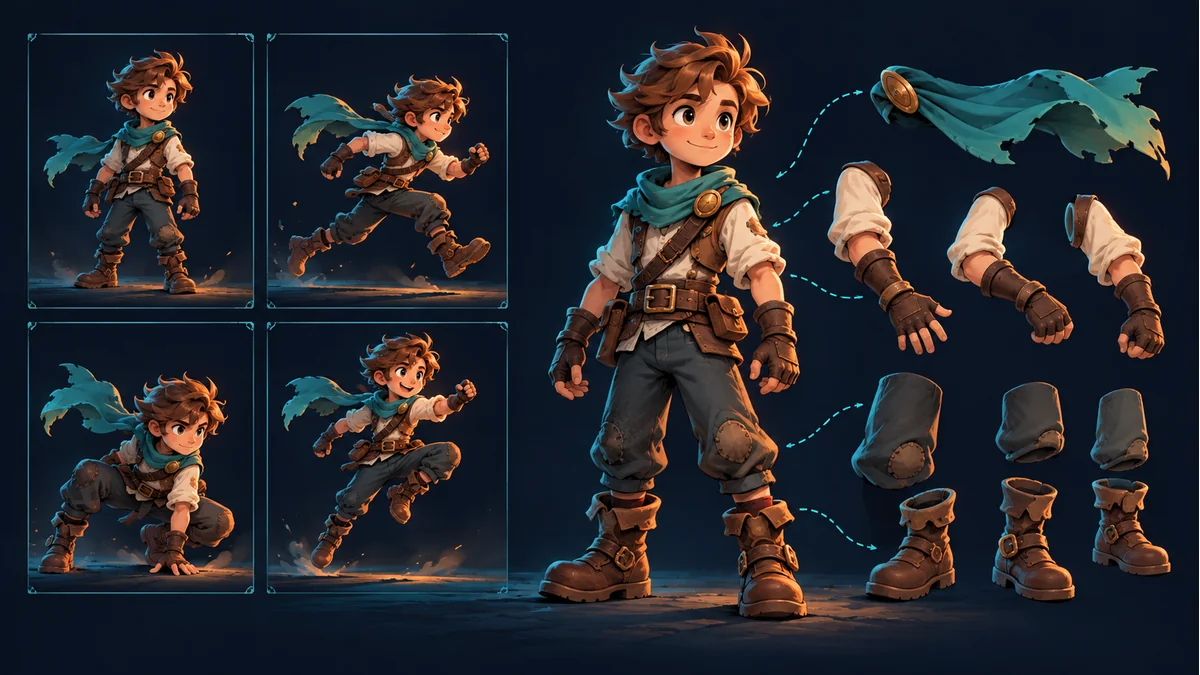
The reused AI cover shows character parts and poses. It is not an actual atlas page, export listing, or multi-page loading test.
Several PNGs arrive in a Spine resource package. Do they represent the same number of skins? File count alone cannot answer that. Inspect the page images actually referenced by this atlas before deciding what the package contains or what is missing.
The official Spine atlas format describes one or more page entries containing region entries. A page identifies its image, while a region describes an area within that page. The page image and an individual part region are different levels of the resource.
Build the image inventory from real references
Keep the original archive and extract a working copy into its own directory. Inspect its page entries and record the image names, presence, relative locations, and export batch. Follow the documented format rather than interpreting every standalone name as another PNG.
For example, suppose a package references hero_a.png and hero_b.png. Those names are illustrative, not required filenames. Do not rename real output to fit them, and do not assume an identically named image from an older directory belongs to this batch.
What if a two-page example includes only the first image?
If a required region belongs to the second page but the delivery copy contains only the first image, investigate page files and loading paths before requesting new artwork. This hypothetical explains an inspection order; it does not diagnose your actual package as missing a second page.
The opposite shortcut is also unsafe: all images being present does not prove the target project is loading the right ones. Directory, batch, and naming differences remain separate checks.
Keep skin records separate from page records
Confirm intended skins using the real export notes and data names, rather than PNG order. The page inventory asks whether rendering image references are complete. The skin inventory asks which appearances should be selected. These records may relate, but one should not replace the other.
The Tooliva illustrated guide demonstrates multi-skin export from completed resources sharing a template. The actual page count and package layout still need inspection. This article does not imply every workbench export has multiple pages or that arbitrary files can be merged.
Do not conceal a missing reference by joining images manually
Combining PNGs into one large image does not establish that the atlas coordinates and page relationships were updated with them. Replacing the originals merely to reduce file count can create a new mismatch that should not be confused with an artwork-generation issue.
If repacking is required, use a workflow confirmed to support the resource and keep the original and revised packages distinct. Without that capability and validation, report the actual missing item instead of writing a simplified loader to bypass format requirements.
Validate the batch, not only the default appearance
- Match each actual atlas page-image name and location.
- Confirm the target project loads this export batch.
- Inspect intended skins, available actions, and visible part results.
- Keep the real error, affected object, and confirmed file information.
If preparation is incomplete, return to Spine Workbench to identify the export. The multi-skin handoff checklist covers the broader delivery process. A complete inventory is not certification for every engine.
Ready to try "Several PNGs in a Spine Package? Check Atlas Pages Before Counting Skins"?
Use our online tools to apply this tutorial to your indie game project right away.