
Spine Animations Look Fine Alone but Pop on Transition? Check Mixing
Compare each animation in isolation with the directed transition between them before moving artwork. Capture mix settings, tracks and actual state calls.
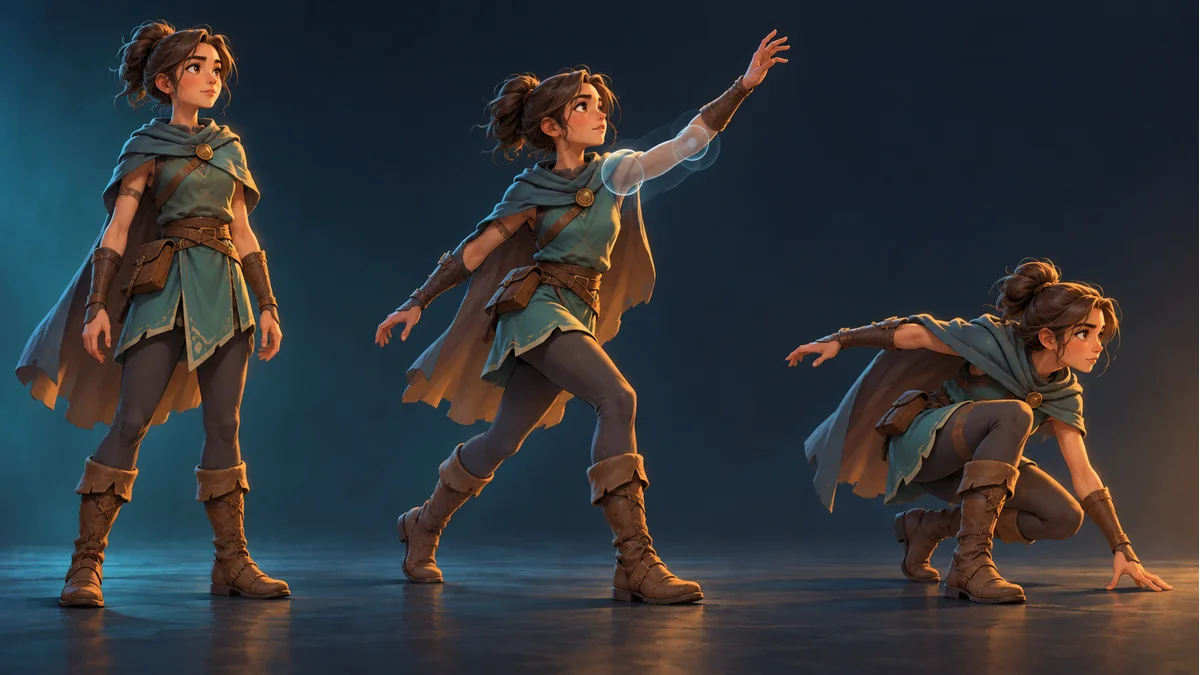
Walk looks correct alone. Attack also looks correct alone. The arm snaps only when the game changes from walk to attack. Repainting the sleeve is not the first experiment: isolate the transition before editing the artwork.
Capture three comparable cases
Using the same export batch and display conditions, record A alone, B alone and A changing to B. A fault already visible throughout B belongs to a different branch from a fault confined to the blend interval. The comparison narrows the investigation; it does not identify a faulty parameter by itself.
Use Spine Workbench with the public guide to check the source template and animation. That preview is a baseline, not a substitute for transitions in the receiving game.
Mix duration belongs to a directed transition
The official Applying Animations guide describes crossfading through AnimationStateData, with a default duration, per-animation-pair settings and TrackEntry mixDuration overrides. Record A-to-B separately from B-to-A; their intended timing may differ.
Example durations in documentation are not a measured recommendation for your character. An immediate switch can be intentional. A zero-duration comparison in a test copy may help isolate blending, but zero is not inherently a defect and a longer mix is not automatically better.
Ask for state evidence, not just an animation name
- The exact source and destination names, direction and trigger time.
- The effective duration and whether it comes from a default, pair setting or entry override.
- The participating track indices and any upper-track keys affecting the arm.
- Whether setAnimation is called once for the change or repeatedly during updates.
- Whether the pop ends with the transition or remains during B.
The guide states that setAnimation replaces the current animation and queued animations on that track. Inspect the actual calls; a correct destination name alone does not establish correct state handling. This article does not claim that every repeated call produces one universal symptom.
Separate transition blending from layered tracks and constraints
A higher track can override properties it keys on lower tracks. That layering, animation-to-animation mixing and an IK constraint's influence are different controls. Similar words such as mix and alpha do not make them interchangeable.
In a test copy, have the integration owner identify the actual participants and vary one confirmed condition at a time. Disabling upper-body animation or constraints can conceal one pose problem while breaking aiming, shooting or ground contact elsewhere.
Retest the return path and interaction rules
Check A-to-B, B-to-A, rapid repeated input and the required one-shot or looping completion behavior. Record the intended response. If the project offers pausing or slow playback, note those altered test conditions; no such control is assumed to exist in the workbench.
Use image-part calibration when the reference pose matches but the artwork connection still does not. Route state-driven pops to the runtime owner. The public tutorial does not establish a general AnimationState mix-table editor in the workbench, and no target-engine transition test was performed for this article.
Ready to try "Spine Animations Look Fine Alone but Pop on Transition? Check Mixing"?
Use our online tools to apply this tutorial to your indie game project right away.