
Check for Hidden PSD Layers in a Game Asset Delivery
Use a three-layer fixture and a clean output folder to catch obsolete art and review backdrops before import.
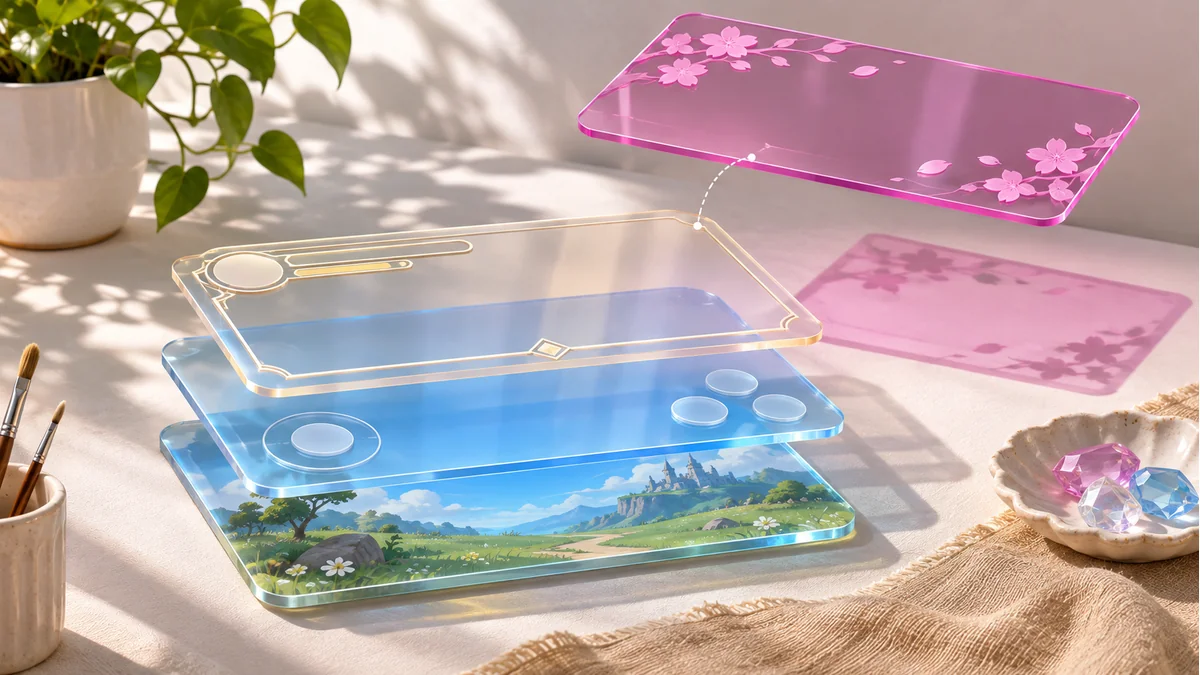
A PSD can contain an approved button, an earlier candidate, and a solid backdrop used for reviews. If your engine imports everything from an output folder, an old asset can slip into a build even when the Photoshop canvas looks correct.
Make a small fixture before exporting the artwork
Work in a copy. Add a visible green button called button-ready and a hidden backup called button-old. Put a vivid backdrop inside a hidden parent group while leaving the child's own visibility enabled. Use unmistakable shapes and colors. Start each test in an empty output directory so files from an earlier run cannot confuse the comparison.
Write the expected file list before running the exporter. Adobe documents a Visible Layers Only option for Photoshop's Layers to Files command. When using another exporter, check how it handles both a hidden child and a hidden parent with this fixture.
Check the output at three levels
- Compare filenames with your delivery list. Unexpected files point to export scope or stale output.
- Open the approved PNG on a checkerboard and inspect corners and translucent edges. If the review color fills the image, check whether a backdrop was included in the export.
- Run the same checks on one real button group before exporting the rest. If approval and visibility differ, mark the approved layers in a working copy first.
Keep the expected file list with the artwork handoff. The receiving developer can check the exact file names, the count, and the transparency without opening the master PSD.
For asset preparation, open the Tooliva tool. Run the acceptance checks in your own working files and target environment.
Recommended tools
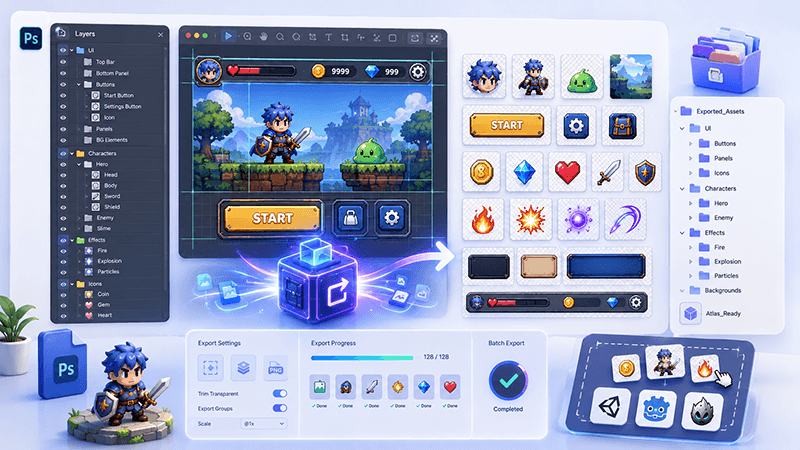
PSD Layer Exporter Guide: Export Game UI Assets from Photoshop Files
Learn how a PSD layer exporter helps game developers extract buttons, panels, icons, characters, and UI elements from Photoshop files faster.
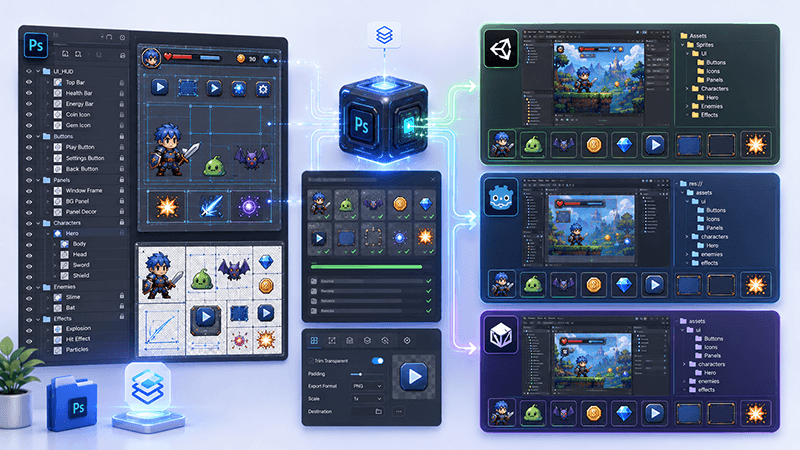
PSD to Game Engine Workflow: Prepare UI Assets for Unity, Cocos, and Godot
Learn how to convert PSD design files into clean game engine assets for Unity, Cocos, and Godot with better naming, folders, PNG export, and QA checks.
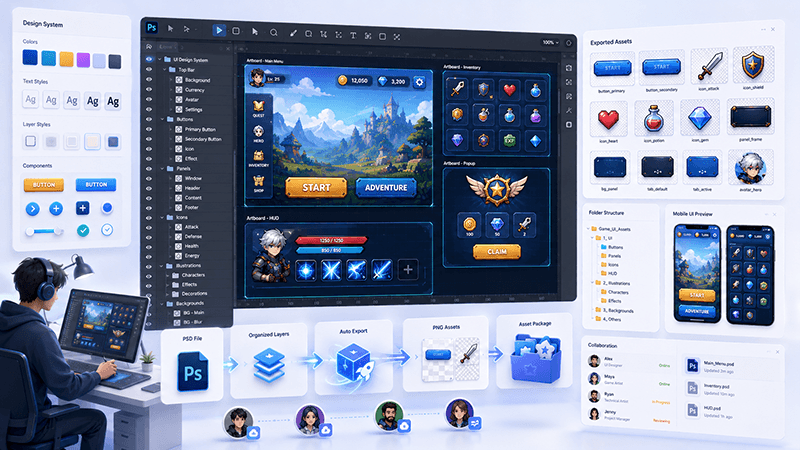
How to Batch Export PSD Layers to PNG for Game Development
A practical workflow for batch exporting PSD layers to transparent PNG assets for mobile games, UI screens, icons, and 2D production pipelines.
Ready to try "Check for Hidden PSD Layers in a Game Asset Delivery"?
Use our online tools to apply this tutorial to your indie game project right away.