
Does a PSD Group Adjustment Affect the Background Outside It?
Switch just the group blend mode and sample the same background pixel to diagnose an export mismatch.
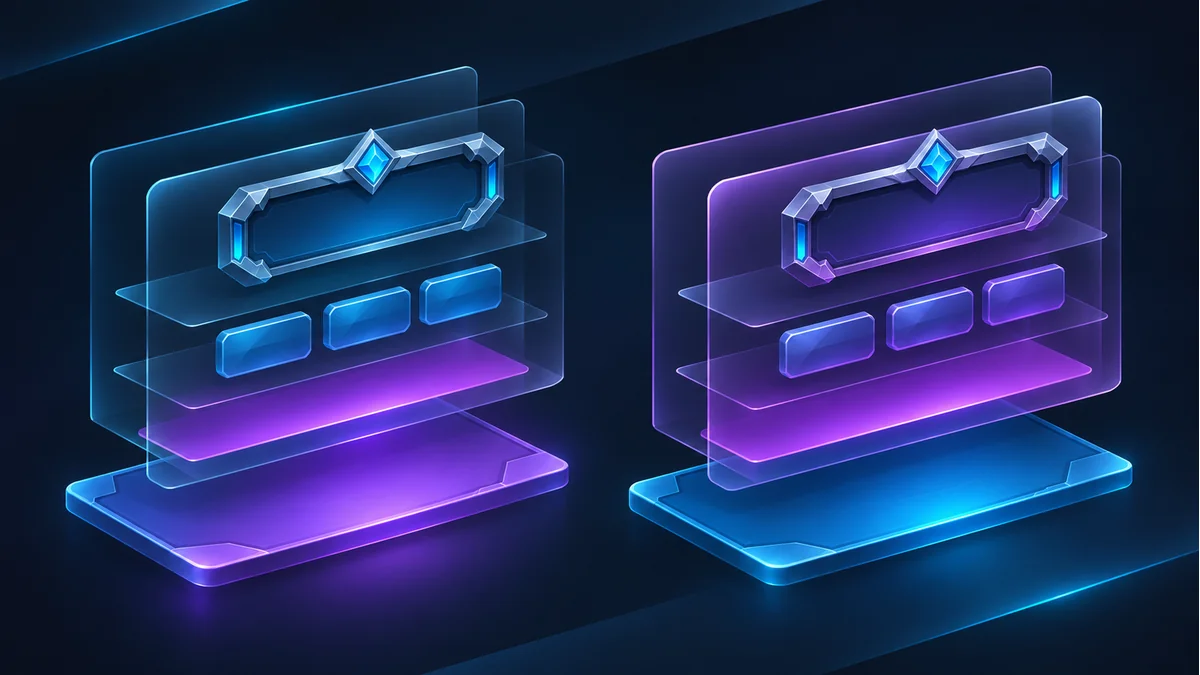
An exported UI group looks right on its own, but the complete Photoshop mockup has a different background color. First check whether an adjustment in the group reaches artwork outside it. This comparison assumes an unclipped adjustment with no masking at the sample points.
Build a two-part fixture
Keep an opaque blue plate below and outside the group. Inside, place a colored button on the left half of the canvas and add a Hue/Saturation adjustment above it. Leave the adjustment unclipped with a white mask. Duplicate the document. Set the group to Pass Through in one copy and Normal in the other. Leave opacity, layer order and color settings alone.
Sample the uncovered plate and the button
Export a complete reference from each document. The uncovered plate can change under Pass Through because the adjustment can reach layers below the group. In Normal, the group is composited first and the uncovered plate should retain its color. The button itself can change in both copies. If neither sample moves, check masking, clipping and whether the adjustment shifts the chosen color enough.
Deliver the right boundary
Use the PSD layer exporter to prepare the layers, then compare them with the full reference on the target background. For fixed art, deliver a composite with clear bounds and keep the editable source. If the background changes at runtime, deliver a self-contained button and document any adjustment the game must reproduce. A layer PNG alone cannot establish which outside pixels the original group affected.
Recommended tools
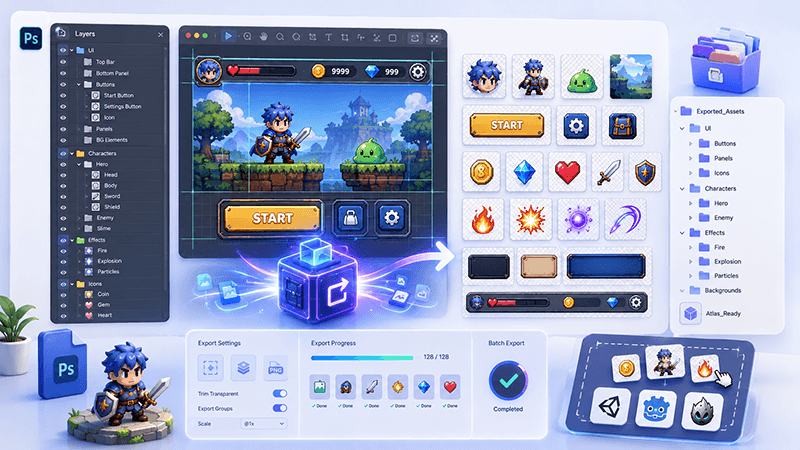
PSD Layer Exporter Guide: Export Game UI Assets from Photoshop Files
Learn how a PSD layer exporter helps game developers extract buttons, panels, icons, characters, and UI elements from Photoshop files faster.
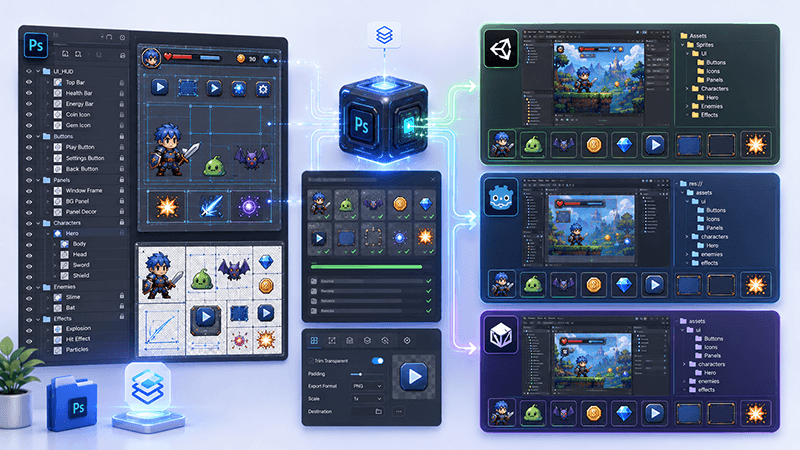
PSD to Game Engine Workflow: Prepare UI Assets for Unity, Cocos, and Godot
Learn how to convert PSD design files into clean game engine assets for Unity, Cocos, and Godot with better naming, folders, PNG export, and QA checks.
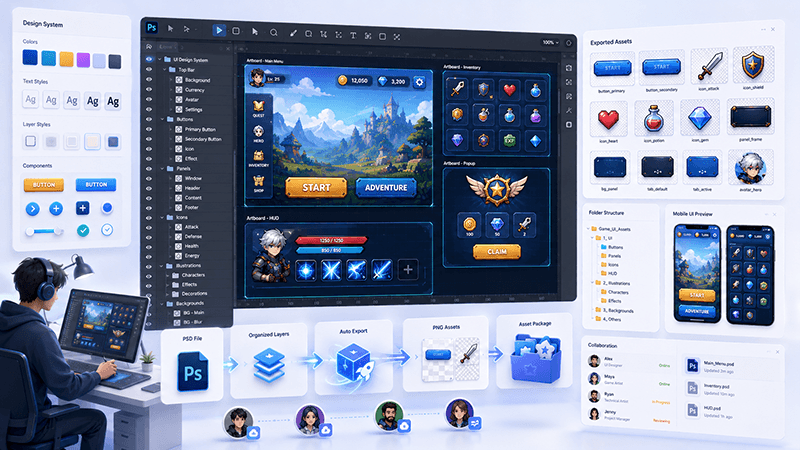
How to Batch Export PSD Layers to PNG for Game Development
A practical workflow for batch exporting PSD layers to transparent PNG assets for mobile games, UI screens, icons, and 2D production pipelines.
Ready to try "Does a PSD Group Adjustment Affect the Background Outside It?"?
Use our online tools to apply this tutorial to your indie game project right away.