
Check PSD Fill Opacity Before Exporting a Styled Game Button
Compare two stroked buttons to find where a transparent center or visible outline changes during export.
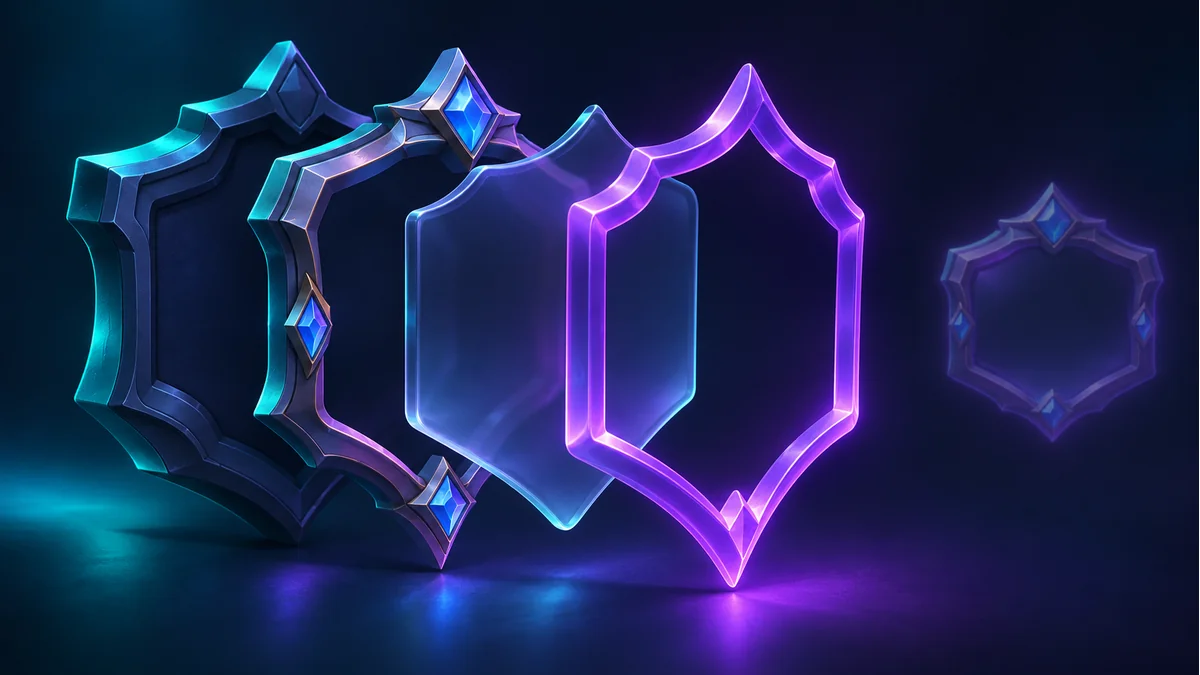
A button has a clear center and a glowing edge in the PSD. After export, the outline vanishes or the center comes back solid. Use a small fixture to check the two opacity controls and see how the export handles the layer style.
Duplicate a single stroked shape
Place a solid shape on a transparent canvas and add an outside stroke in Normal mode. Leave room around it. In copy A, set Fill to 0% and overall opacity to 100%. In copy B, leave Fill at 100% and set overall opacity to 0%. In Photoshop, A should retain its stroke and B should disappear. Save a reference PNG of A with the intended appearance.
Check the center and the stroke separately
- Sample the center. It should remain transparent in A.
- Sample the outside stroke and inspect the canvas edge. If only the outermost pixels disappear, check the crop or canvas bounds as well.
- Compare the output against the reference over both light and dark backgrounds. If the exporter drops the style, composite the individual button in a working copy and keep the editable PSD.
For a runtime tint or outline change, deliver editable pieces or reproduce the effect in the receiving project. Use the same reference to check size, alignment and transparency.
Prepare a sample with the Tooliva tool, then run the checks in the target environment.
Recommended tools
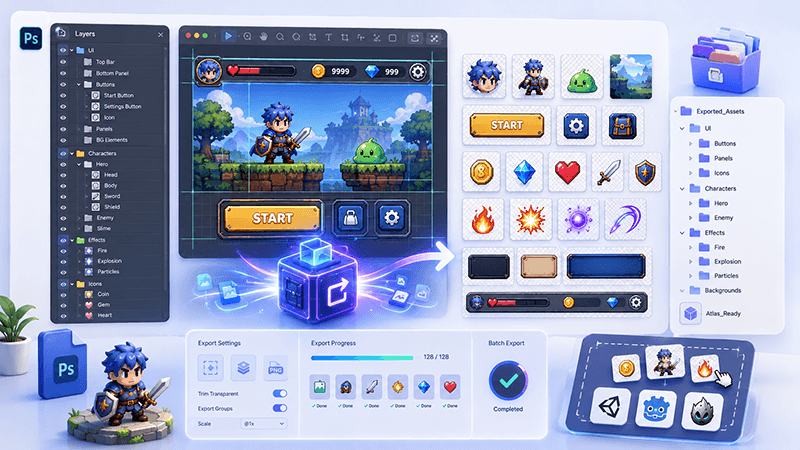
PSD Layer Exporter Guide: Export Game UI Assets from Photoshop Files
Learn how a PSD layer exporter helps game developers extract buttons, panels, icons, characters, and UI elements from Photoshop files faster.
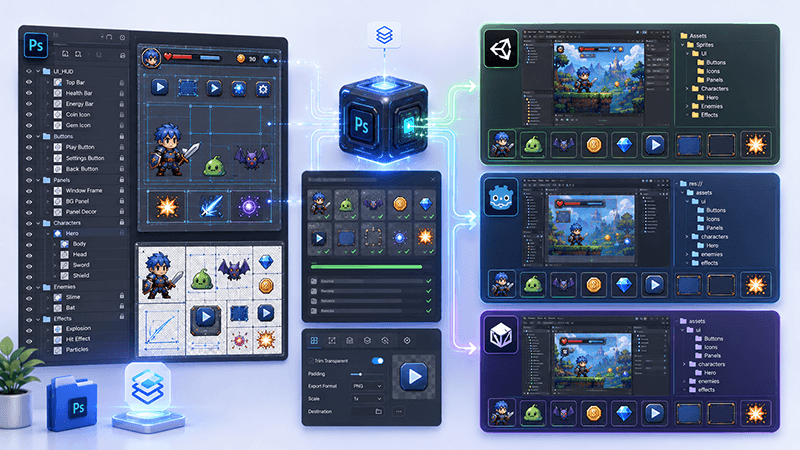
PSD to Game Engine Workflow: Prepare UI Assets for Unity, Cocos, and Godot
Learn how to convert PSD design files into clean game engine assets for Unity, Cocos, and Godot with better naming, folders, PNG export, and QA checks.
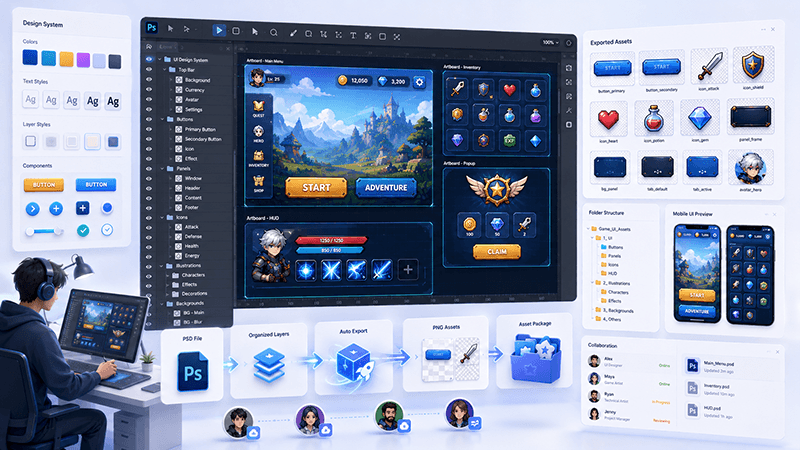
How to Batch Export PSD Layers to PNG for Game Development
A practical workflow for batch exporting PSD layers to transparent PNG assets for mobile games, UI screens, icons, and 2D production pipelines.
Ready to try "Check PSD Fill Opacity Before Exporting a Styled Game Button"?
Use our online tools to apply this tutorial to your indie game project right away.