
A Small Atlas PNG Still Fails to Load? Check Texture Dimensions
Separate encoded file bytes from the texture dimensions accepted by the receiving renderer.

The AI-generated cover illustrates an image file and a pixel grid. It is not a GPU capability query, atlas upload or loading-error capture.
A small PNG atlas opens in an asset tool but fails in a web game on one device. Before compressing the file again, record its pixel dimensions and the receiving renderer's texture limits. Download bytes and acceptable texture dimensions measure different things.
Identify the failing stage
- Network read: did the project receive the correct resource and content type?
- Image decoding: can this environment decode the file?
- Texture creation or upload: does the renderer accept its dimensions and format?
- Atlas use: do the image and coordinate metadata belong to the same export?
Displaying a PNG in a browser demonstrates one image-display path. It does not validate texture creation in the target game. A missing sprite also does not prove a texture-size violation: retain the real error and the stage where it occurs.
Query the actual WebGL context
MDN's getParameter reference lists MAX_TEXTURE_SIZE. Have the integrator read gl.getParameter(gl.MAX_TEXTURE_SIZE) from the context actually used by the target project, then compare the 2D texture's width and height separately. Do not compare this value with the PNG's kilobytes.
MDN's WebGL best practices warn that development-system limits can differ from client limits. A large texture working on a desktop is not a compatibility promise for every mobile device.
The expression illustrates a query; this article has not run it on your device. WebGL results also do not establish the limits of a native engine or another graphics backend. Use the receiving environment's own capability checks.
Equal pixel area does not imply equal dimensional compatibility
Suppose the reported limit is 4096 and, for this example, only the dimensions of a 2D texture are considered. Both 4096×1024 and 8192×512 contain 4,194,304 pixels. The latter still has an 8192-pixel width, exceeding the assumed limit. A compact file or a modest total area does not satisfy a per-dimension condition.
4096 is an input to this example, not a measured device result or a universal platform limit. Passing the dimension check is also insufficient by itself: format support, available memory and context state can still affect creation.
Choose between file compression, resizing and regrouping
Compressing a PNG again at the same dimensions changes the encoded delivery size; fewer file bytes do not automatically reduce texture width. Resizing affects visual quality. Splitting asset groups changes references and loading arrangements. Choose according to the real use case rather than shrinking every source asset.
Use the Tooliva texture packer to prepare a delivery copy with the dimensions, padding and groups available in the current interface. Its public description covers atlas-size adjustment and PNG plus coordinate JSON export. It does not establish automatic GPU checks for every target device, arbitrary dimensions or an automatic multipage option.
Deliver new coordinates with a repacked atlas
Resizing or splitting an atlas can move its regions. Keep each texture with the coordinate data and names from the same export. Have the receiving project validate the references again rather than replacing the PNG while retaining old rectangles.
Record the actual width, height and file bytes, target device and backend, reported limit, real error, export batch and rendering result. For a fixed RGBA buffer model, see file size versus pixel-buffer size. That calculation is separate from a texture-dimension condition and actual target-environment testing.
Recommended tools
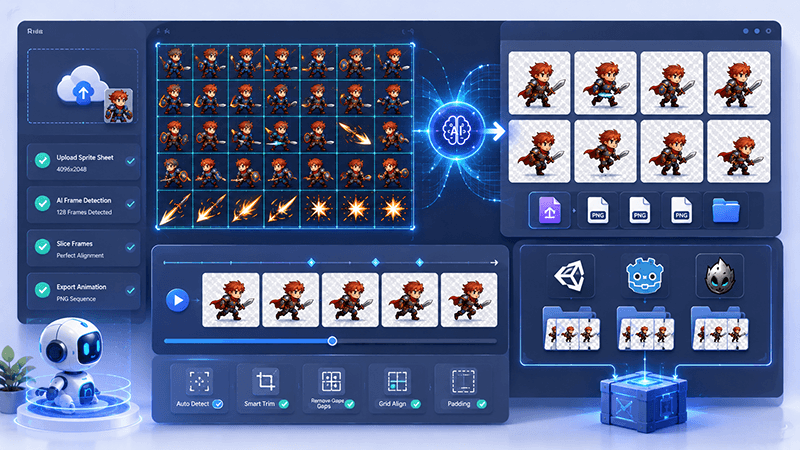
Sprite Sheet Splitter Guide: Extract Animation Frames for 2D Games
Learn how a sprite sheet splitter extracts clean animation frames from character sheets, VFX sheets, tiles, UI sprites, and AI-generated game assets.
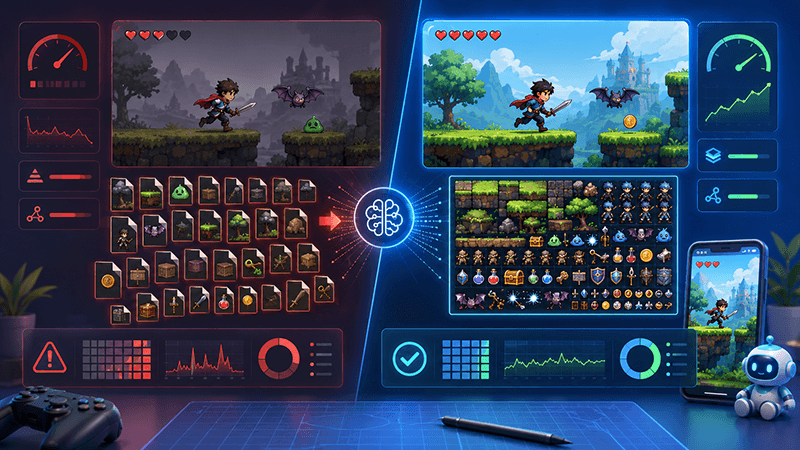
Best Sprite Sheet Packer Settings for Indie Game Assets
A practical SEO-friendly guide to sprite sheet packer settings, including atlas size, padding, trimming, extrude, rotation, metadata, and recommended export settings for 2D game assets.
Smart Sprite Sheet Packer: A Practical Guide for 2D Game Developers
Learn how a smart sprite sheet packer helps indie game developers combine PNG assets into clean texture atlases with metadata for Unity, Cocos, Godot, and custom 2D game engines.
Ready to try "A Small Atlas PNG Still Fails to Load? Check Texture Dimensions"?
Use our online tools to apply this tutorial to your indie game project right away.