
Atlas Color Bleeding: Is Empty Padding Enough?
Distinguish neighbor sampling from alpha-edge issues, and avoid changing a packed PNG while retaining old coordinates.
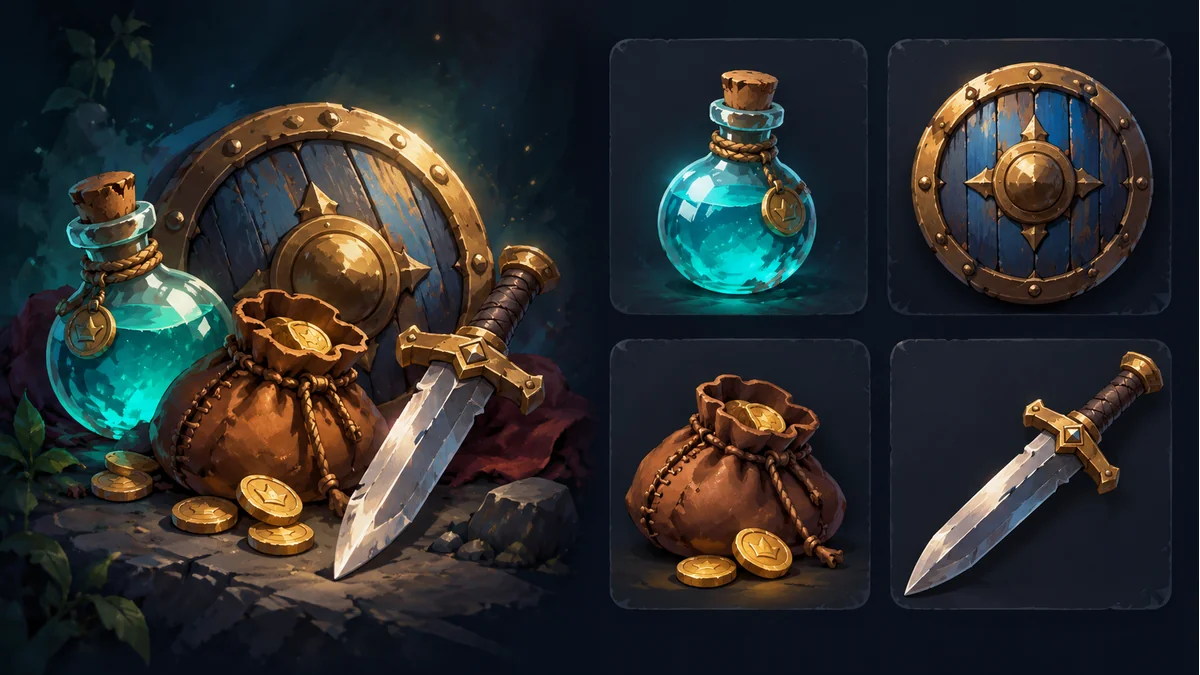
The AI-generated cover shows separate props and resource cards. It is not an actual atlas layout, extrusion result, or bleeding repair comparison.
A sprite looks correct alone but picks up a neighboring icon's color in an atlas. More transparent space may change the result, yet spacing and the colors sampled during filtering are different questions. Preserve the same source set and baseline before changing settings.
Identify what each operation actually changes
The official Spine Texture Packer guide distinguishes region padding, duplicate padding, and bleed. Their roles differ, and that does not establish same-named controls in another tool.
- Padding: spacing between packed regions; confirm whether a value describes a gap or an individual edge.
- Copied edge pixels: extending nearby region colors into padding to address seams when filtering samples those pixels.
- Bleed: handling RGB in transparent pixels, rather than simply increasing spacing or replacing a consistent alpha workflow.
Tool terminology and parameter definitions vary. Before transferring a value of 2, confirm what it means; do not assume every tool means two pixels on each side. This article does not measure a particular Tooliva export.
A recommendation is not a universal guarantee
The Spine guide recommends two pixels for its region padding. That is not a guarantee for every filtering, scaling, mipmap, or texture-compression setup. It also does not prove that duplicate padding is enabled in the current package, or establish another packer's defaults.
Record the receiving project's real display scale, filtering, and texture processing. Change one identified condition at a time rather than replacing artwork, compression, and material settings together and declaring a unique cause.
Make the comparison reproducible
- Keep a small, distinguishable source set and its matching metadata.
- Record current spacing, edge-copy behavior, and unknown settings.
- Compare baseline and processed copy under the same background, display size, and target rendering conditions.
- Check reduced display sizes or other conditions actually required by the project.
This is a proposed diagnostic method, not an engine experiment performed here. If a tool exposes only spacing, record that capability rather than presenting external documentation settings as existing Tooliva buttons.
Deliver a matching package after repacking
Changing spacing can change layout. Supply the new texture with region coordinates and other data from the same export, and verify that the project loads that revision. Do not manually move artwork inside a PNG and retain the old coordinates.
Prepare a copy in the atlas packing tool and inspect its actual settings and output. This article does not claim that arbitrary coordinate JSON can replace a Spine Atlas; confirm the receiving format contract.
Keep dark fringes separate from neighbor-color bleeding
If the symptom is a dark fringe across backgrounds rather than a neighboring color, inspect source edges, filtering, and the PMA versus straight-alpha workflow. Do not label every edge issue as padding or repeatedly premultiply images instead of checking references and materials.
Recommended tools
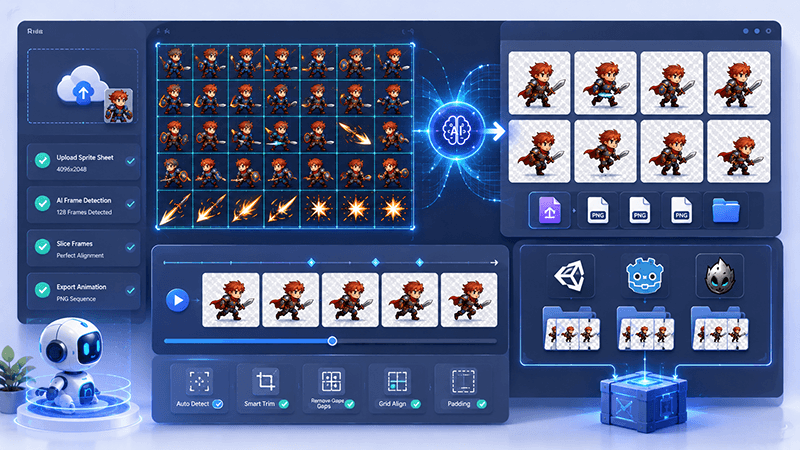
Sprite Sheet Splitter Guide: Extract Animation Frames for 2D Games
Learn how a sprite sheet splitter extracts clean animation frames from character sheets, VFX sheets, tiles, UI sprites, and AI-generated game assets.
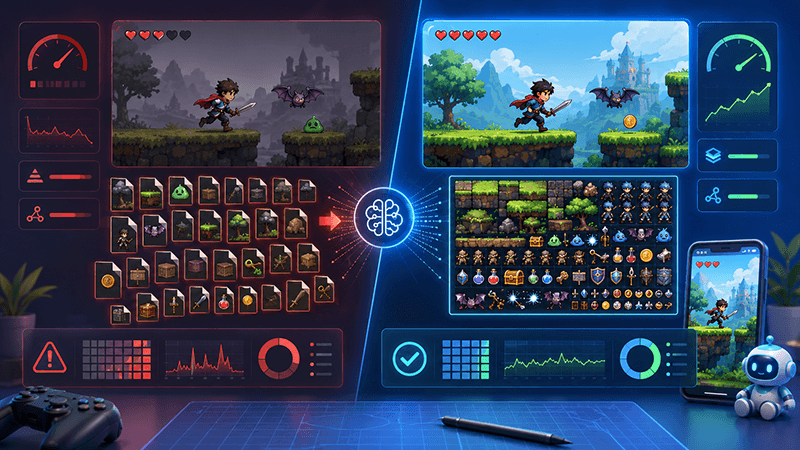
Best Sprite Sheet Packer Settings for Indie Game Assets
A practical SEO-friendly guide to sprite sheet packer settings, including atlas size, padding, trimming, extrude, rotation, metadata, and recommended export settings for 2D game assets.
Smart Sprite Sheet Packer: A Practical Guide for 2D Game Developers
Learn how a smart sprite sheet packer helps indie game developers combine PNG assets into clean texture atlases with metadata for Unity, Cocos, Godot, and custom 2D game engines.
Ready to try "Atlas Color Bleeding: Is Empty Padding Enough?"?
Use our online tools to apply this tutorial to your indie game project right away.